Record movement button on edit screen is not displayed
Answer
Please take the following measures.
1. Review SwitchTargetsLimit in General.json
1. Narrow the number of target records on the list screen so that it is less than SwitchTargetsLimit
Overview
Normally, record navigation buttons such as "Previous" and "Next" are displayed in the upper right corner of the editing screen.
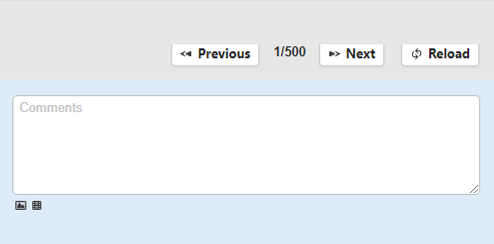
However, if there are more records than the number of records set in SwitchTargetsLimit in General.json (the default is 500), the record navigation buttons will not be displayed and only the reload button will be displayed.
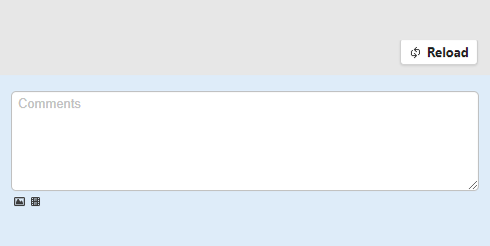
If you want to display the record navigation button when the total number of records in the table exceeds the number set in SwitchTargetsLimit, set a filter on the list screen to narrow down the number of target records to less than the set number, or increase the SwitchTargetsLimit setting.