Skip to content

I want to perform my own input validation and display a message based on the results

Answer

Please use "Script".


Overview

If you want to perform your input validation in "Script", please implement your input validation and result message display process in $p.events.before_validate of the event firing script.

Operation Procedure

  1. Please enable the NumA column from the Editor tab.
  2. Create a new "Script", write the script's contents below, and check "Edit" for the output destination to update.
  3. Create a new record, enter a blank or a value other than 100 in NumA on the editing screen, and press the "Update" button.

Execution Result

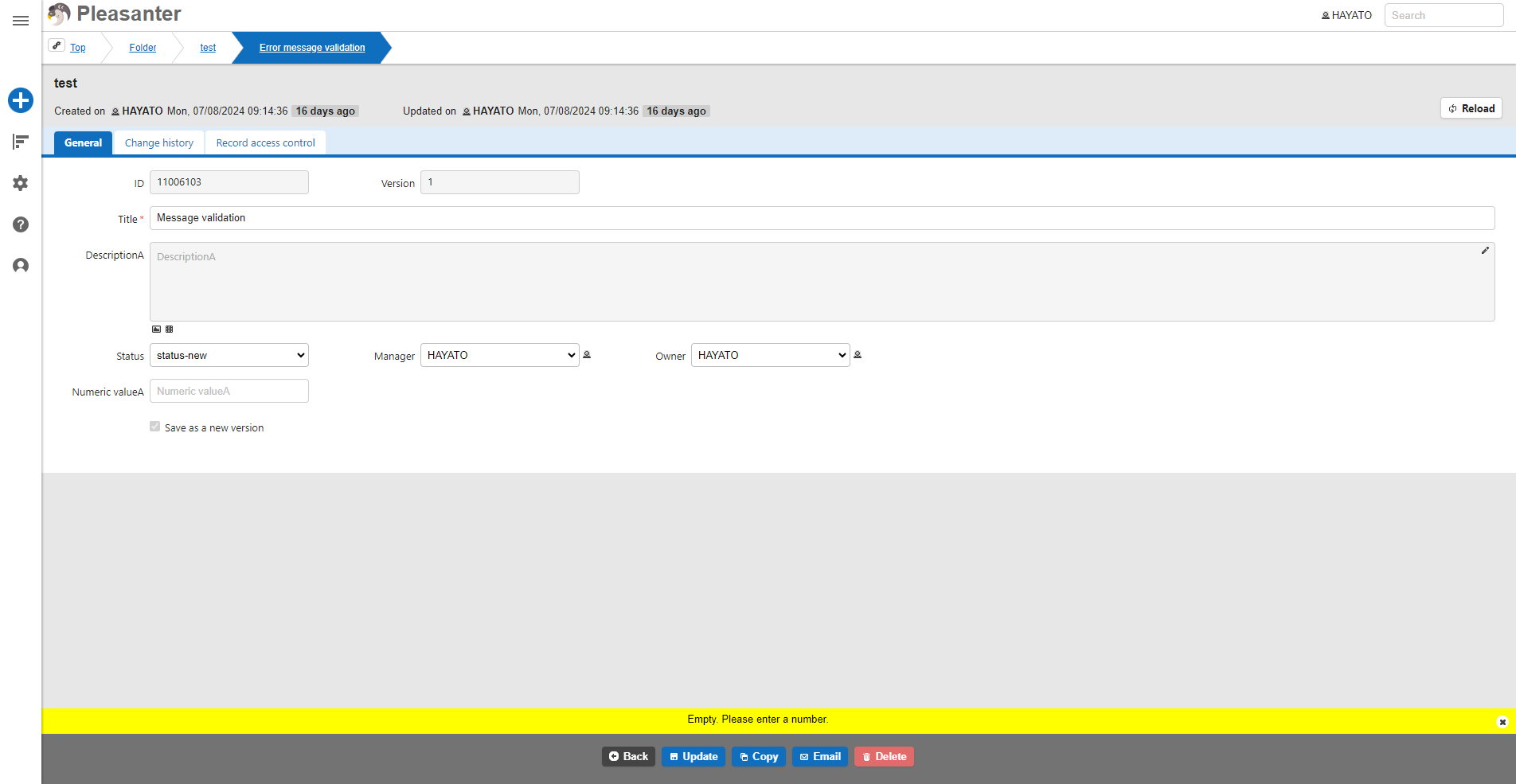
Warning message shown when NumA is left blank
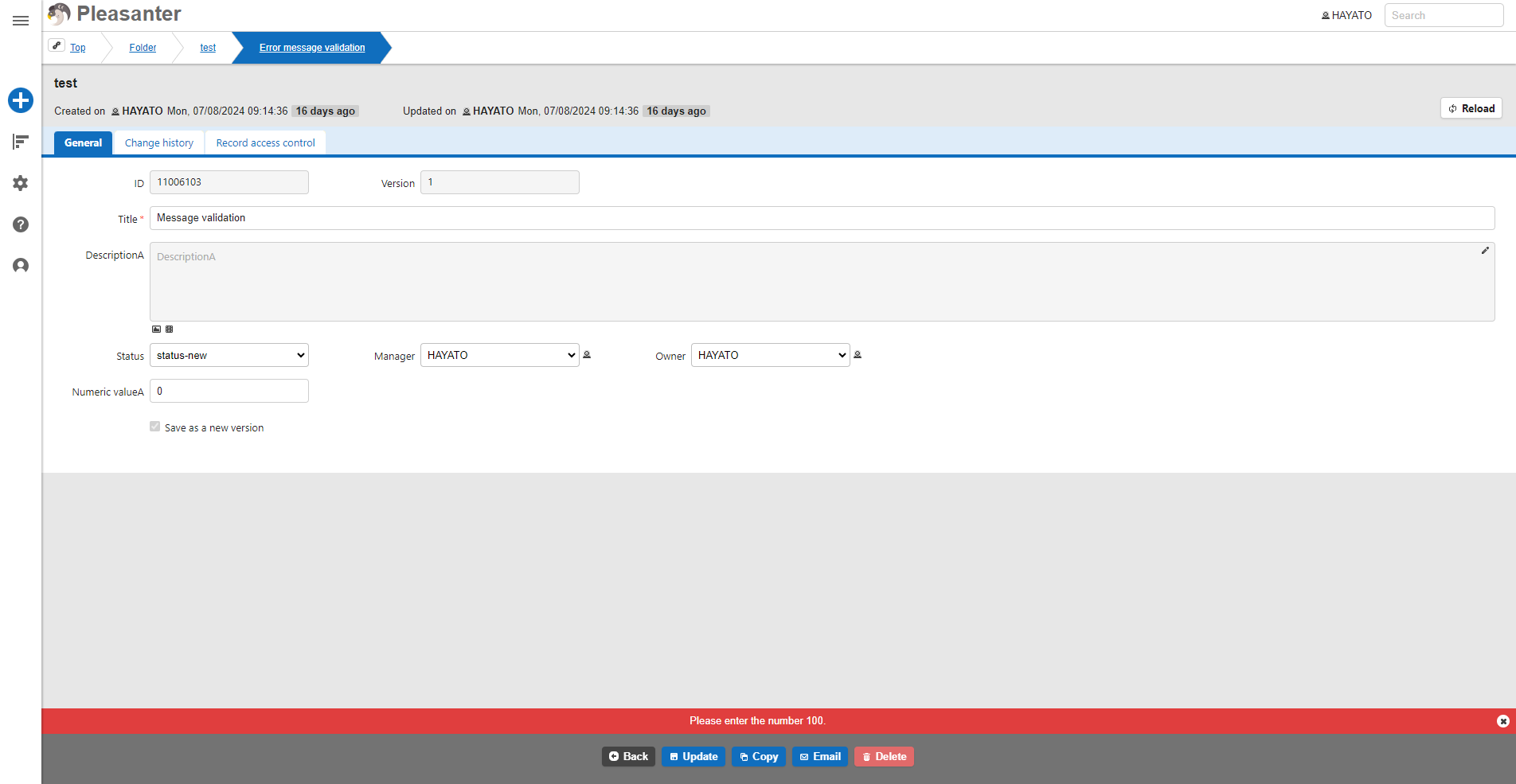
Error message shown when a value other than 100 is entered in NumA

Sample Code

JavaScript

$p.events.before_validate_Update = function (args) { var myNumA = $p.getControl('NumA').val() if (myNumA == "") { $p.clearMessage(); $p.setMessage('#Message', JSON.stringify({ Css: 'alert-warning', Text: 'No value entered. Please enter a numerical value.' })); return false; //If false, processing stops and no update occurs } else if (myNumA != 100) { $p.clearMessage(); $p.setMessage('#Message', JSON.stringify({ Css: 'alert-error', Text: 'Please enter the numerical value 100.' })); return false; //If false, processing stops and the value is not updated } else { return true; //If true, the value is updated } }