I want to download attachments in a batch process
Answer
Use the "Attachment Retrieval API".
Overview
If you want to download attachments in a batch process, use the "Attachment Retrieval API".
Use PowerShell to download attachments for any record.
Operation Procedure
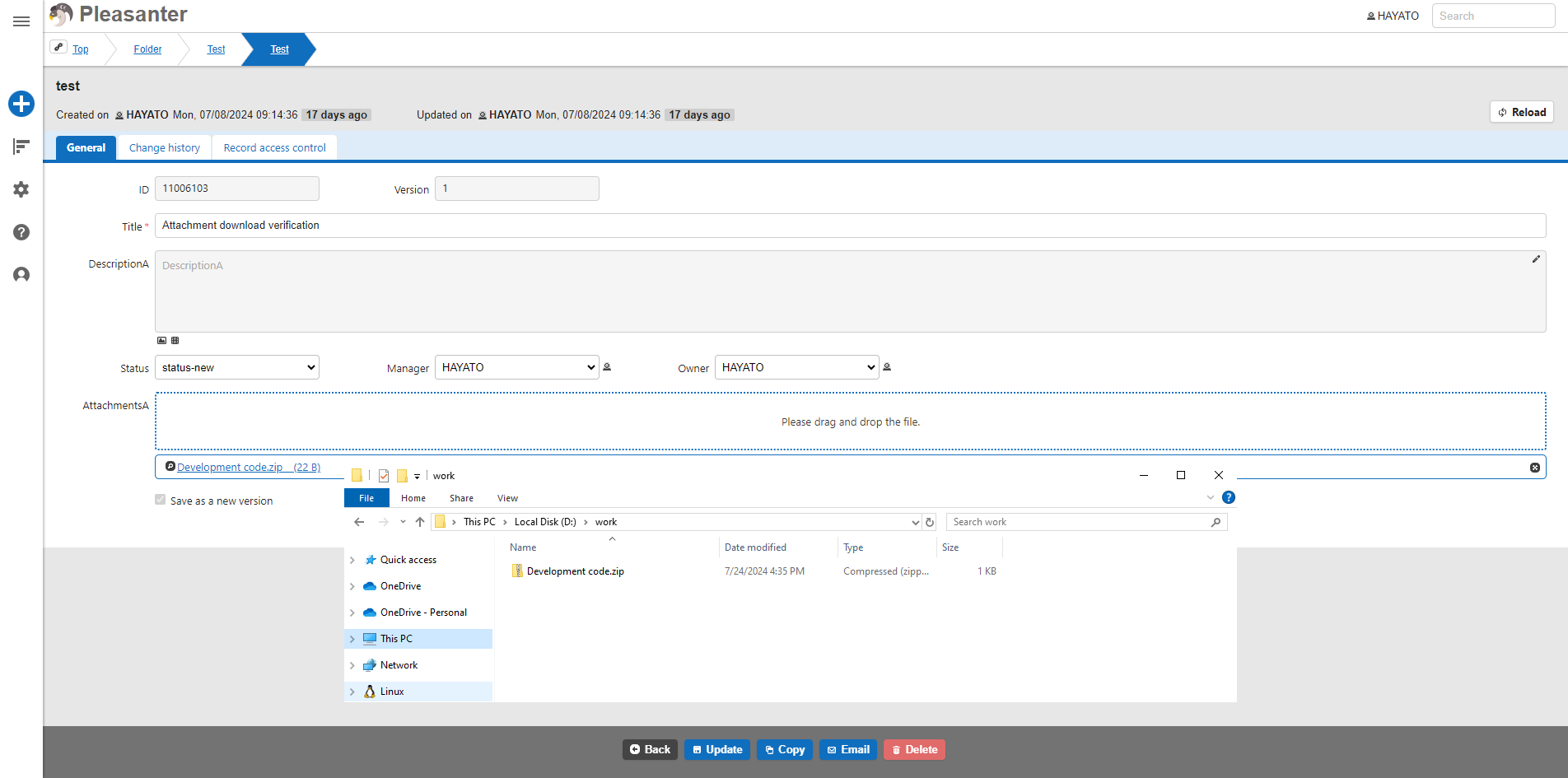
- Create a table and attach a file to the record.
- Open Windows PowerShell and write the following script content.
- Change the values of [servername], $requestUrl, and $apiKey to suit your environment.
To get the Guid of a record, follow the link below.
API Function: Retrieve Single Record
Execution Result
The attachments will be downloaded to C:Works.
Code Samples
PowerShell
Add-Type -AssemblyName "System.Web"
$error.Clear()
$requestUrl = "http://[servername]/api/binaries/XXXXXXXXXXXXXXXXXXXXXXXXXXXXXXXX/get"
$apiKey = "XXXXXXXX..."
$path = "C:\Works"
trap [Net.WebException] { continue; }
try{
    $json = @{
        ApiKey = $apiKey
    }
    $requestBody = $json | ConvertTo-Json -Depth 3
    $res = Invoke-RestMethod -Uri $requestUrl -ContentType "application/json" -Method POST -Body ${requestBody}
    Write-Output $res
    $byte = [System.Convert]::FromBase64String($res.Response.Base64)
    [System.IO.File]::WriteAllBytes($path + "\" + $res.Response.FileName, $byte)
}
catch {
    Write-Output $_.Exception
}
if ($error.Count -gt 0)
{
    Write-Output $error[0].ErrorDetails.Message | ConvertFrom-Json
}