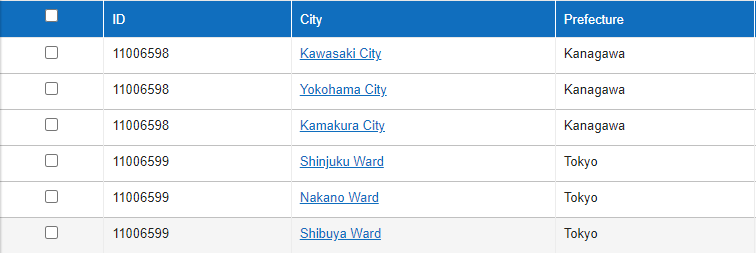
Checkboxes are not displayed in index view, so bulk update and bulk delete cannot be used
Answer
This is because the child table columns are displayed on the "Screen Index".
Overview
When a parent-child table is linked using the table link function, if the child table columns are displayed in the parent table, the checkboxes in the left column are not displayed, so "Bulk Update" and "Bulk Delete" cannot be performed.
This is to prevent erroneous operations such as accidentally deleting records.
Normally, checkboxes are displayed in the left column of the index display.

If the child table columns are enabled in the parent table index as shown below, the checkboxes are not displayed in the index display.
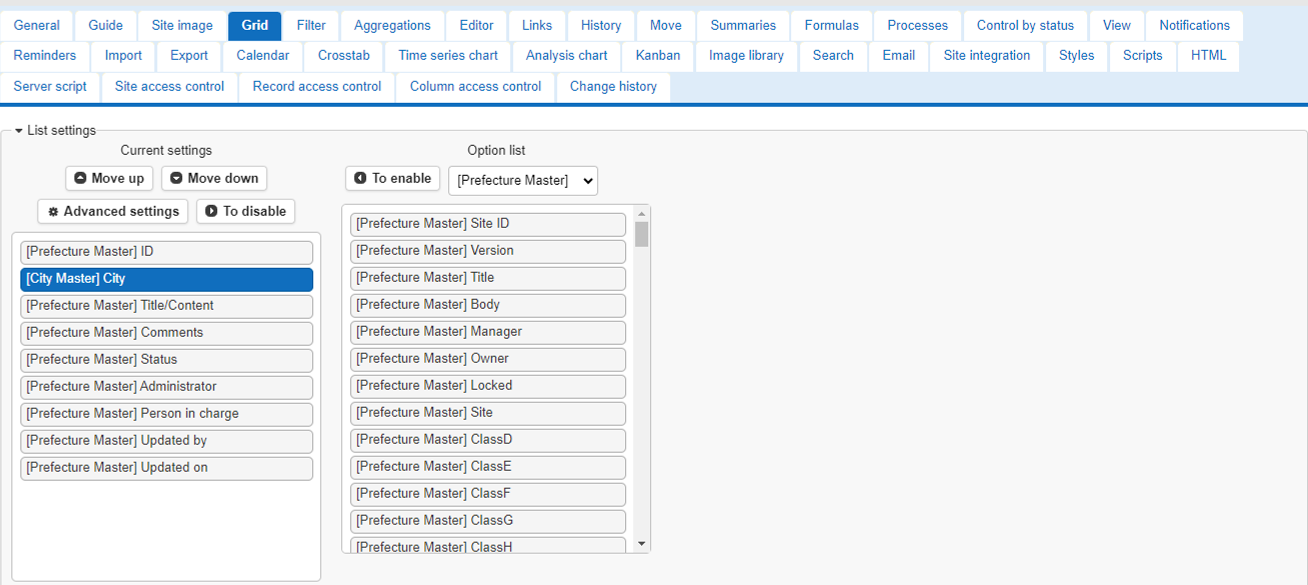
This is to prevent erroneous operations, as multiple rows of parent table records are displayed.