How to highlight locked records in list view
Answer
Use "Style".
Overview
If you want to highlight records that are locked by the "Lock Record" function on the list screen, set "Style".
Preparations
- Open Manage table.
- Open the Style tab.
- Click New, enter a title, and enter the following CSS.
- Set the output destination to List, and click the Add button.
- Click the Update button.
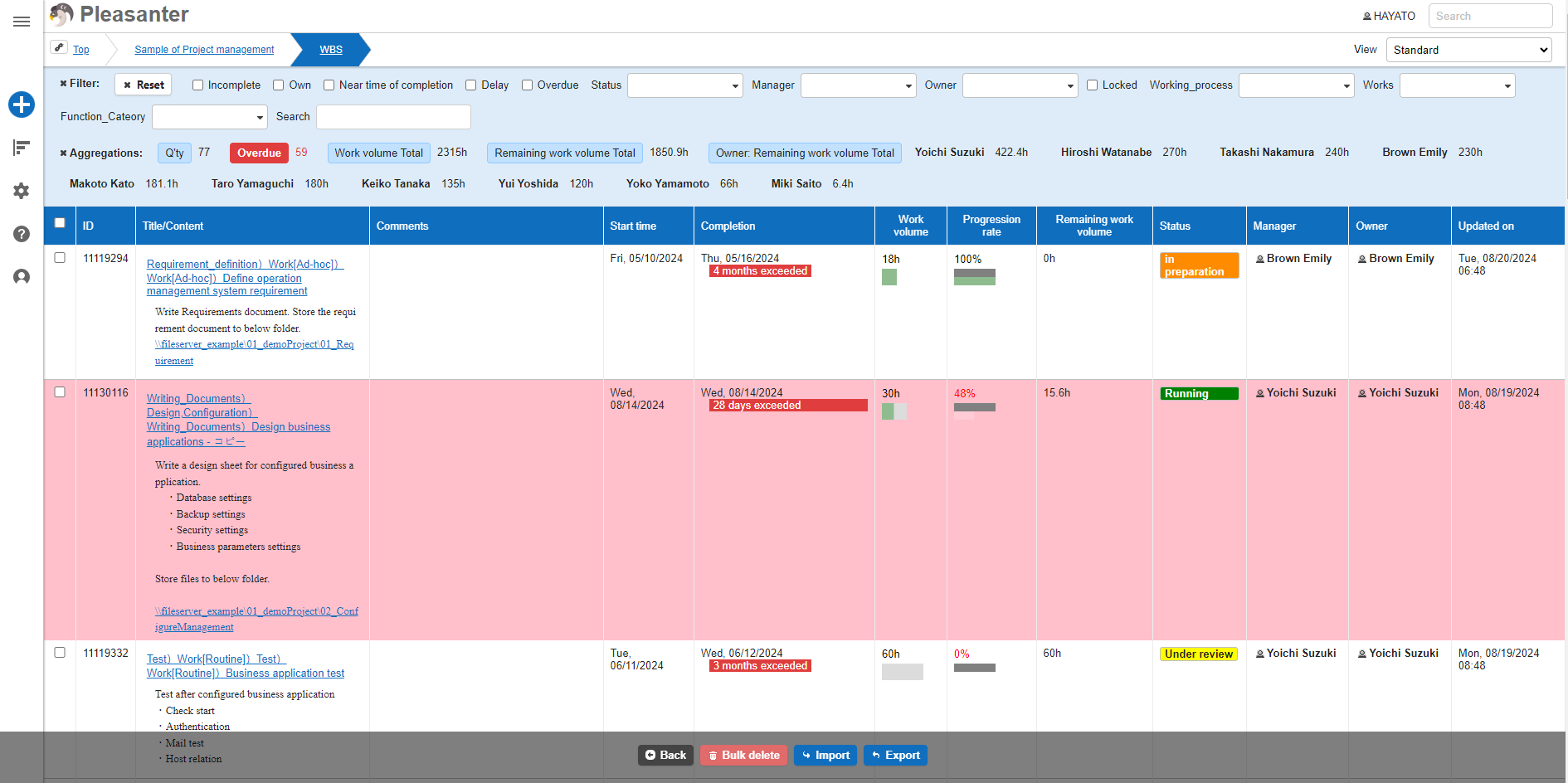
- Confirm that the record is highlighted on the list screen.
Code Samples
The method for specifying elements differs between versions prior to 1.4.20.0 and later versions.