I have performed a filter by selection, but records other than the selected item are displayed in the search results
Answer
In "Manage Table" - "Filter", set the "Filter Search Type" of the relevant column to "Exact Match".
Overview
When filtering by column options in the filter on the screen index for class columns with other tables, departments, or users set as options, records other than the selected column may be displayed in the search results.
Example
-
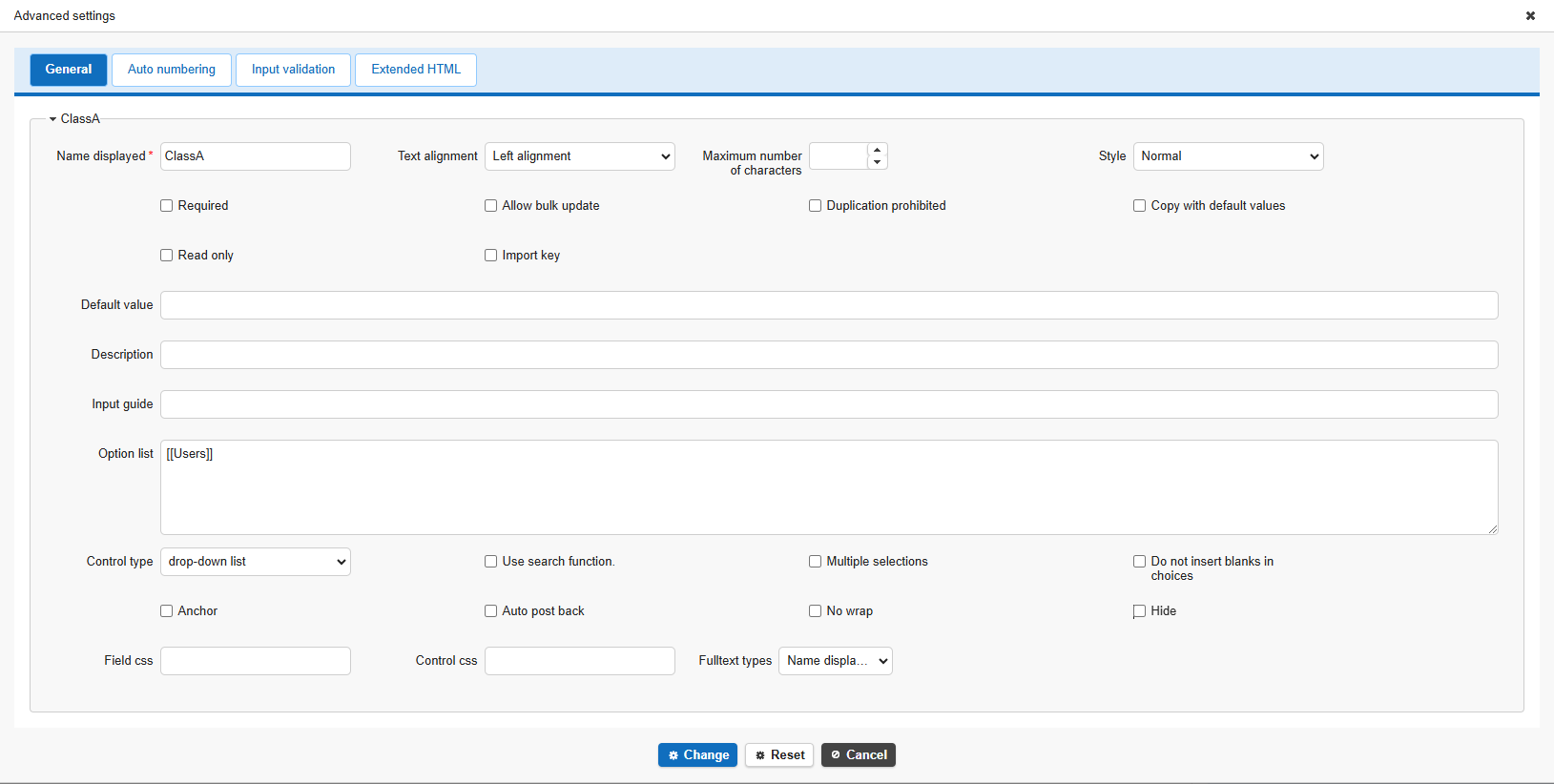
Specify user master in the options for ClassA ([[Users]])
-
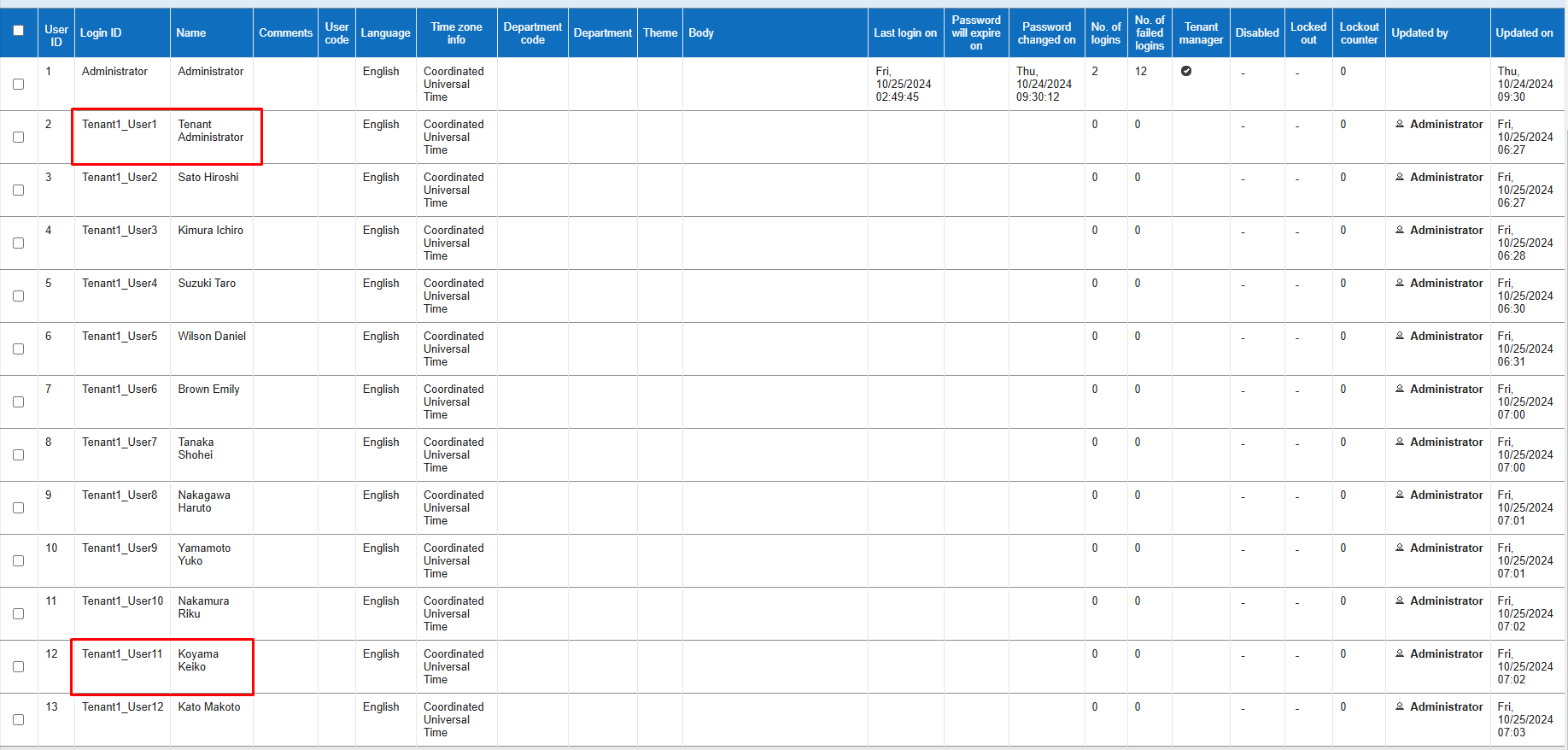
Register user master with the following details
Register "Tenant Administrator" with ID 2 and "Koyama Keiko" with ID 12.
-
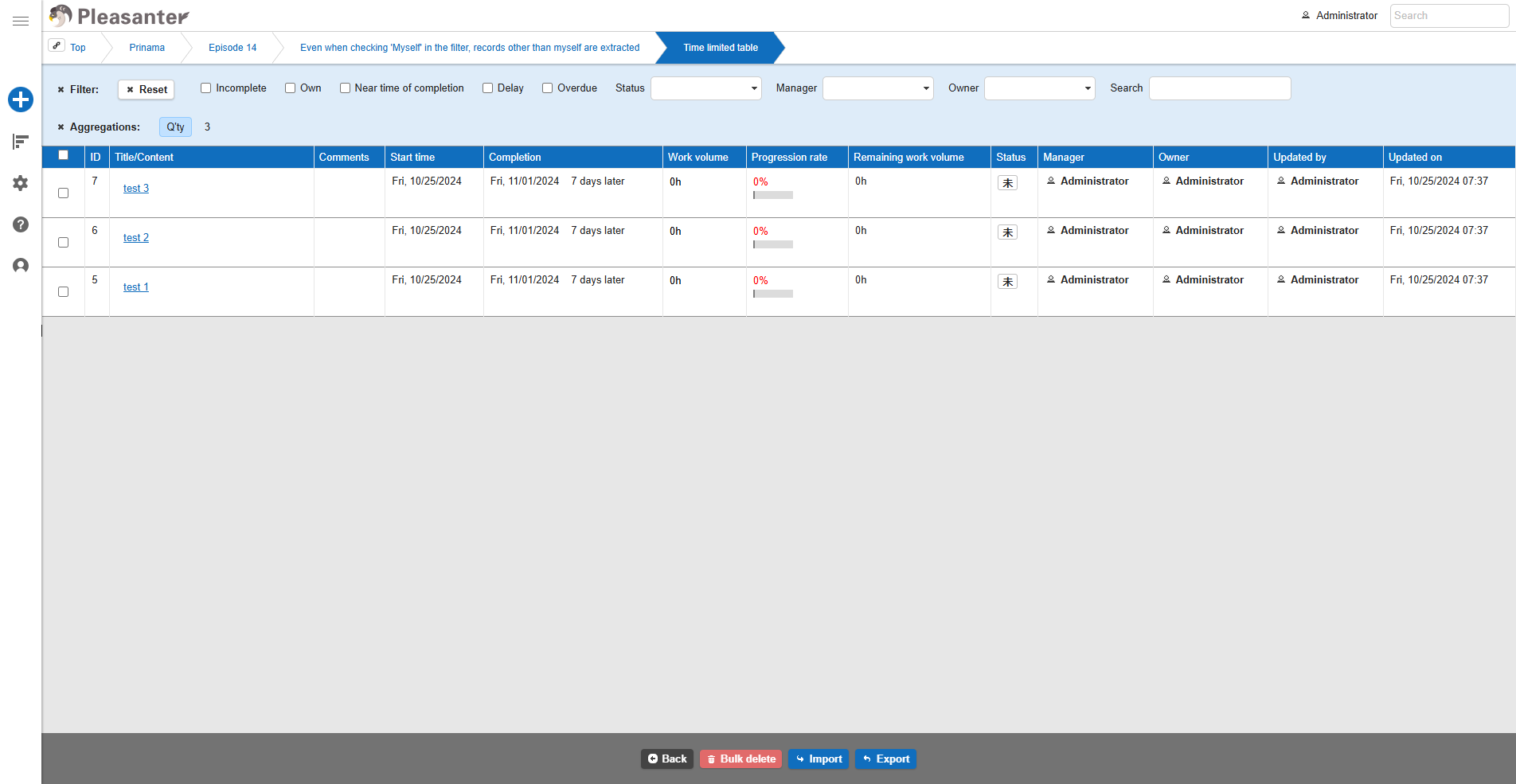
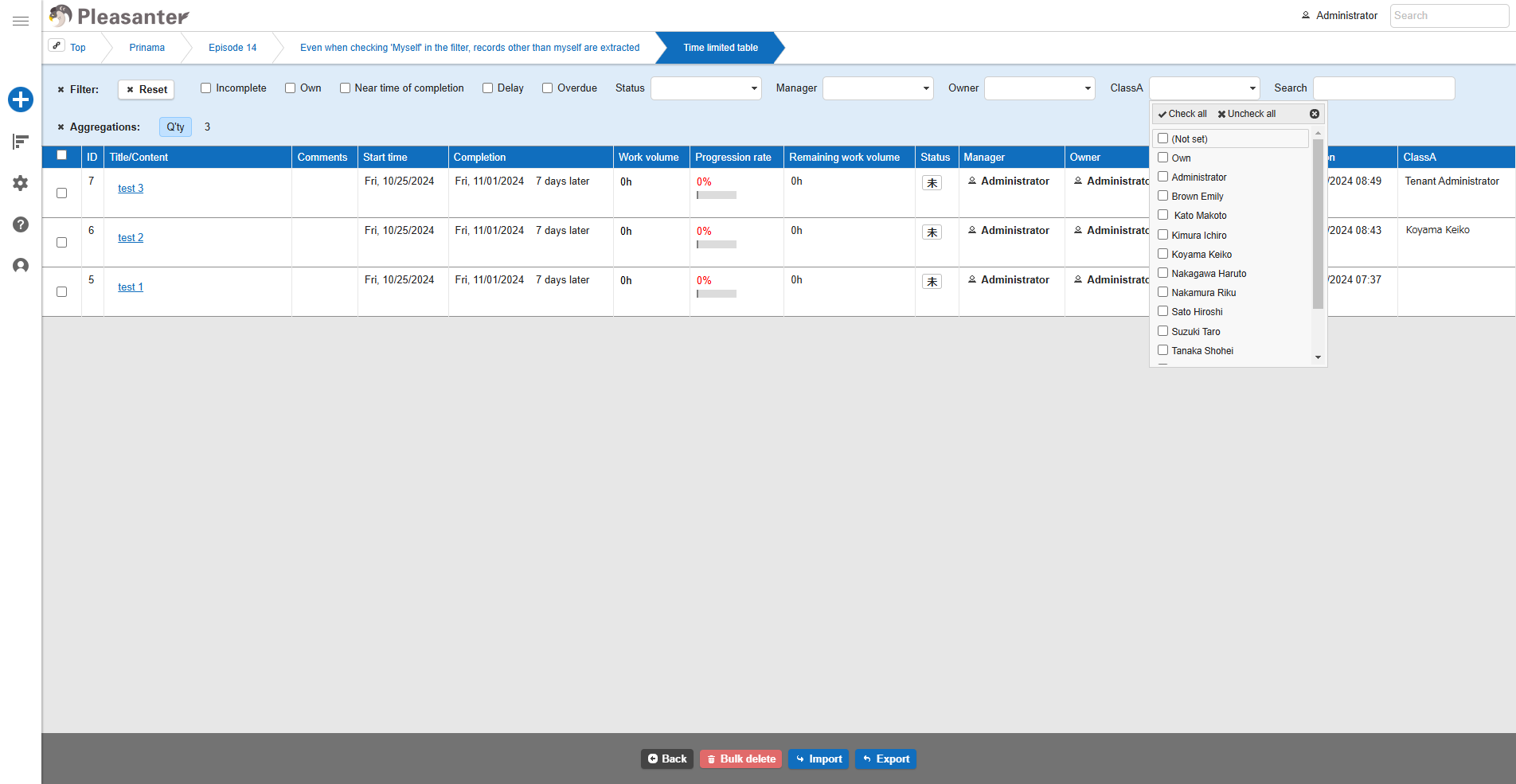
If no filter is set, 3 records are displayed.
-
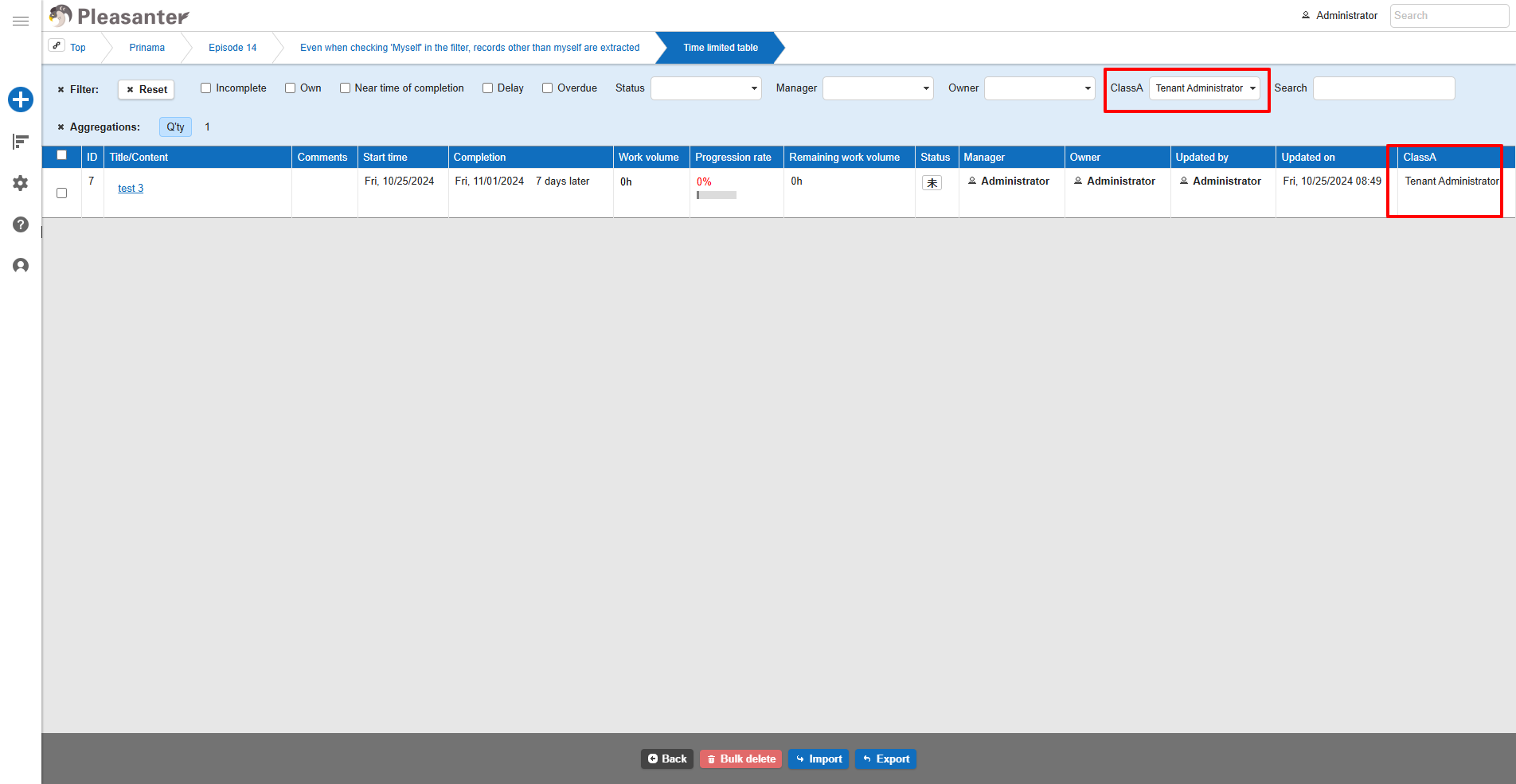
Select "Tenant Administrator" in ClassA using the filter.
-
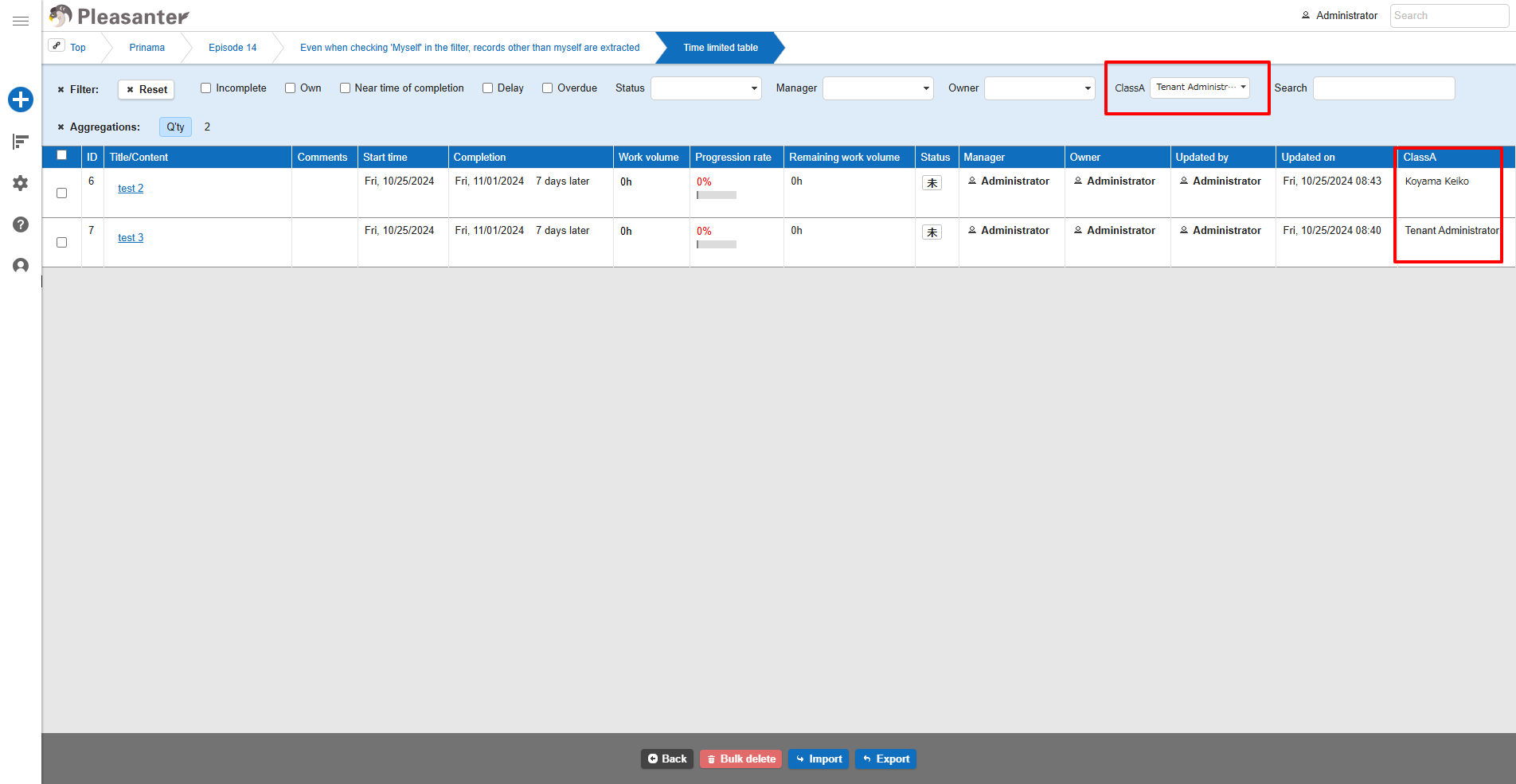
The search results include "Koyama Keiko" in addition to "Tenant Administrator".
-
In "Manage Table" - "Filter", the "Filter Search Type" for ClassA is set to "Partial Match".
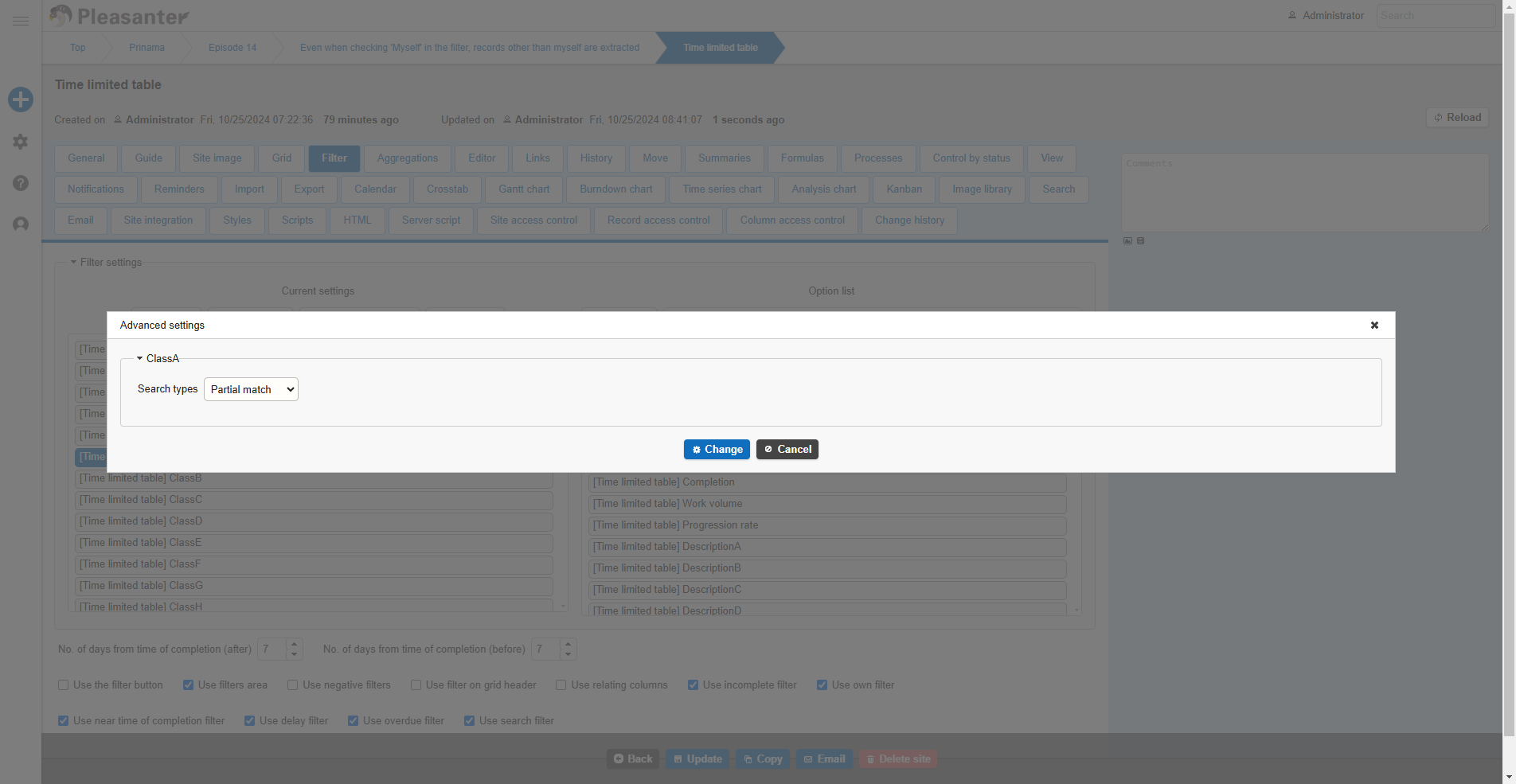
This is because when other tables, depts/dept/department, or users are set as options, the display selects by record title, depts/dept/department name, or user name, but the data is searched by record ID (depts/dept/department ID, user ID). In the above example, a record is searched for the user ID "2" of the selected "tenant administrator", but since the search type is "partial match", records with "2" in the user ID are searched for, and in addition to "tenant administrator", "Koyama Keiko" is also displayed as a search result.
Solutions
By setting the "Filter Search Type" of the corresponding column in "Manage Table" - "Filter" to "Exact Match", only the checked options will be displayed as search results.
1. Set "Filter Search Type" to "Exact Match"
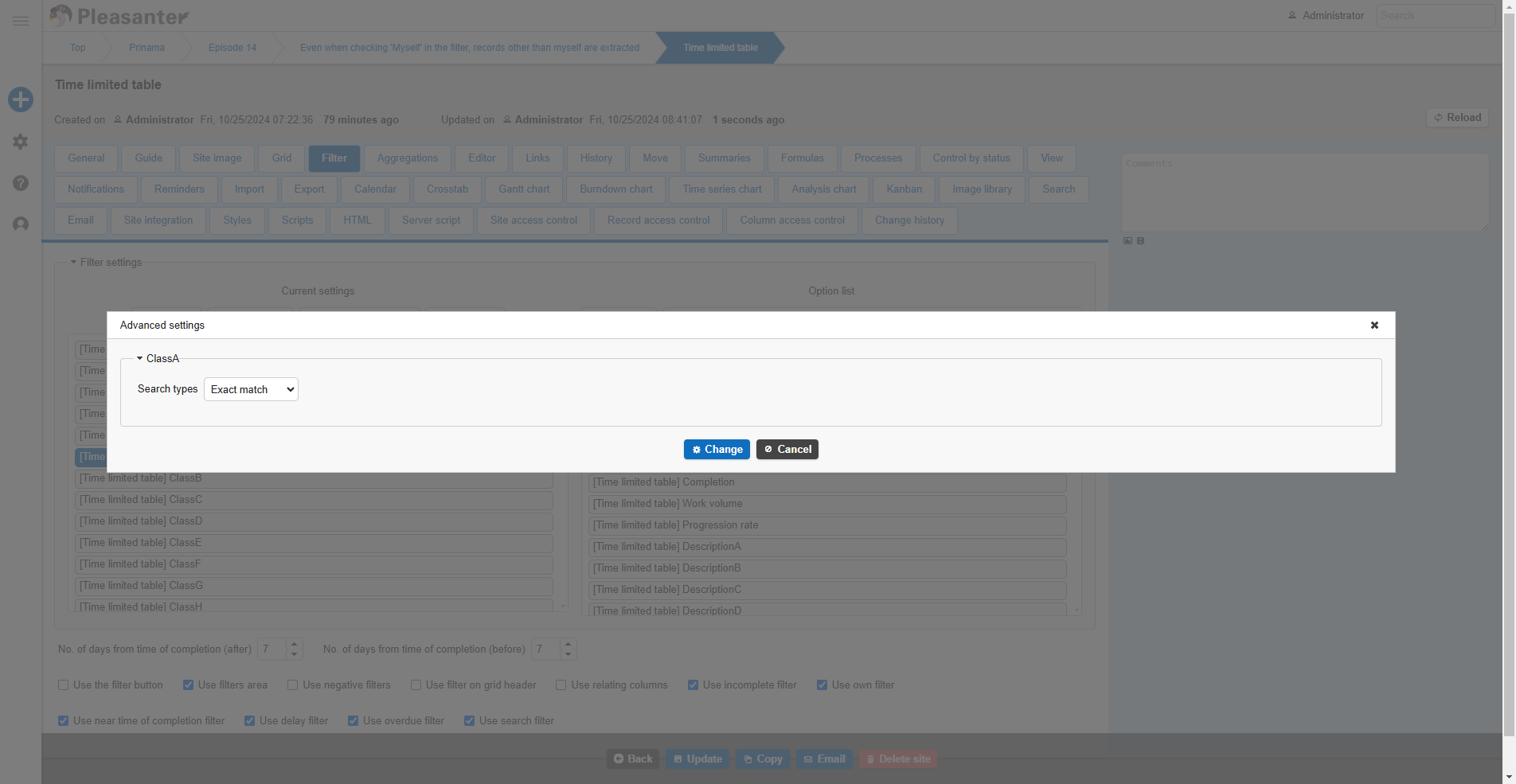
- Only checked options are displayed in search results