How to change the credit card registered with Pleasanter.net
Operation Procedure
-
Access Pleasanter.net and click "Login" in the upper right corner to open the login screen.
-
Enter your ID and password to log in.

-
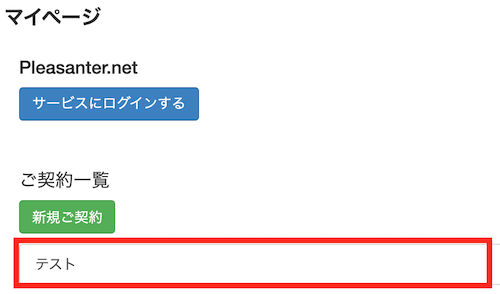
Display My Page and click the relevant contract from the contract list.
-
Click the Change Contract button.

-
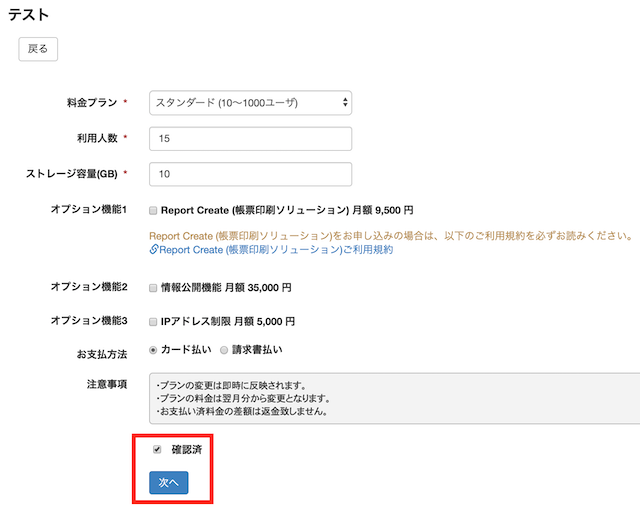
Do not change the contents, check the "Confirmed" box and click the "Next" button.
-
Click the Pay by Card button.

-
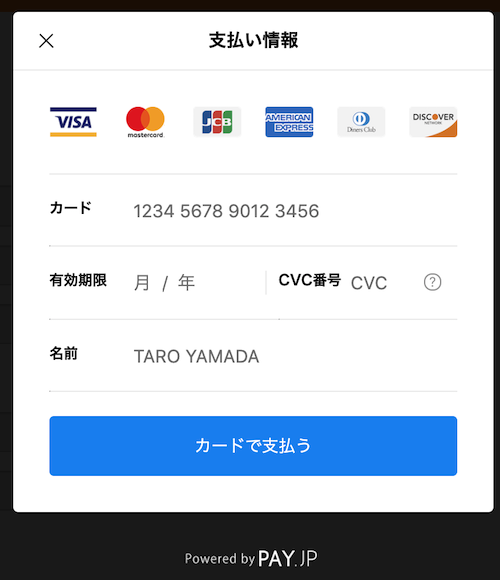
Enter your card information and click the Pay by Card button.
Your card information will now be updated.