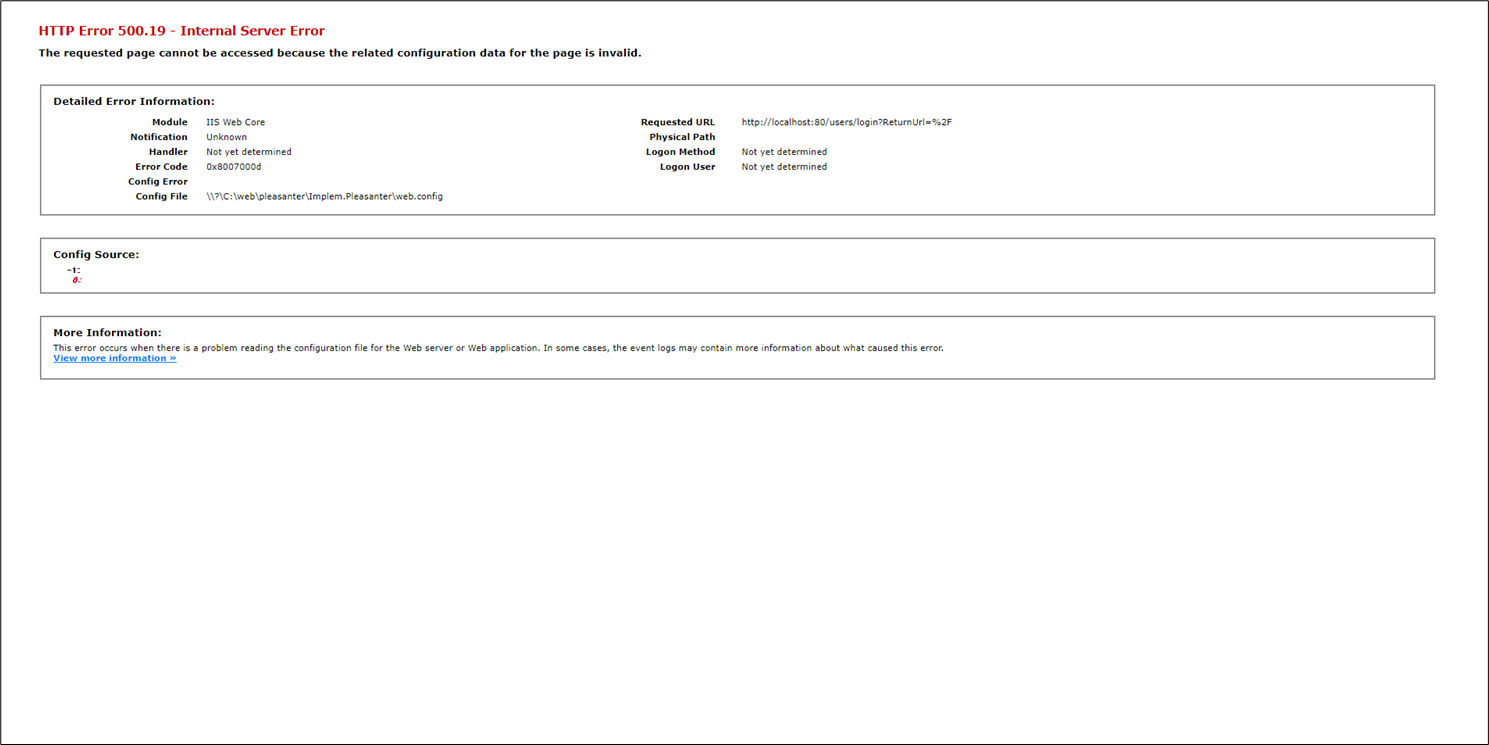
After installing Pleasanter, when I try to access the login screen, an HTTP500 error occurs and the login screen does not appear.
Answer
Please check that there are no omissions in the installation procedure. In particular, make sure that you have not forgotten to execute "Download and install the Hosting Bundle".
Overview
After installing Pleasanter in a Windows environment according to the"Install Pleasanter"procedure, if you access the login screen in a web browser and receive an HTTP error 500.19 and the login screen does not appear, please check again that there are no omissions in the installation procedure, including the Download and install the Hosting Bundle.