Burndown Chart
Overview
On the "Burndown chart" tab of the "Manage table" screen, you can enable or disable the burndown chart view.
Required Permission
"Site Administration Permission"
Operation Procedure
- Open the target table.
- Click "Admin" in the navigation menu.
-
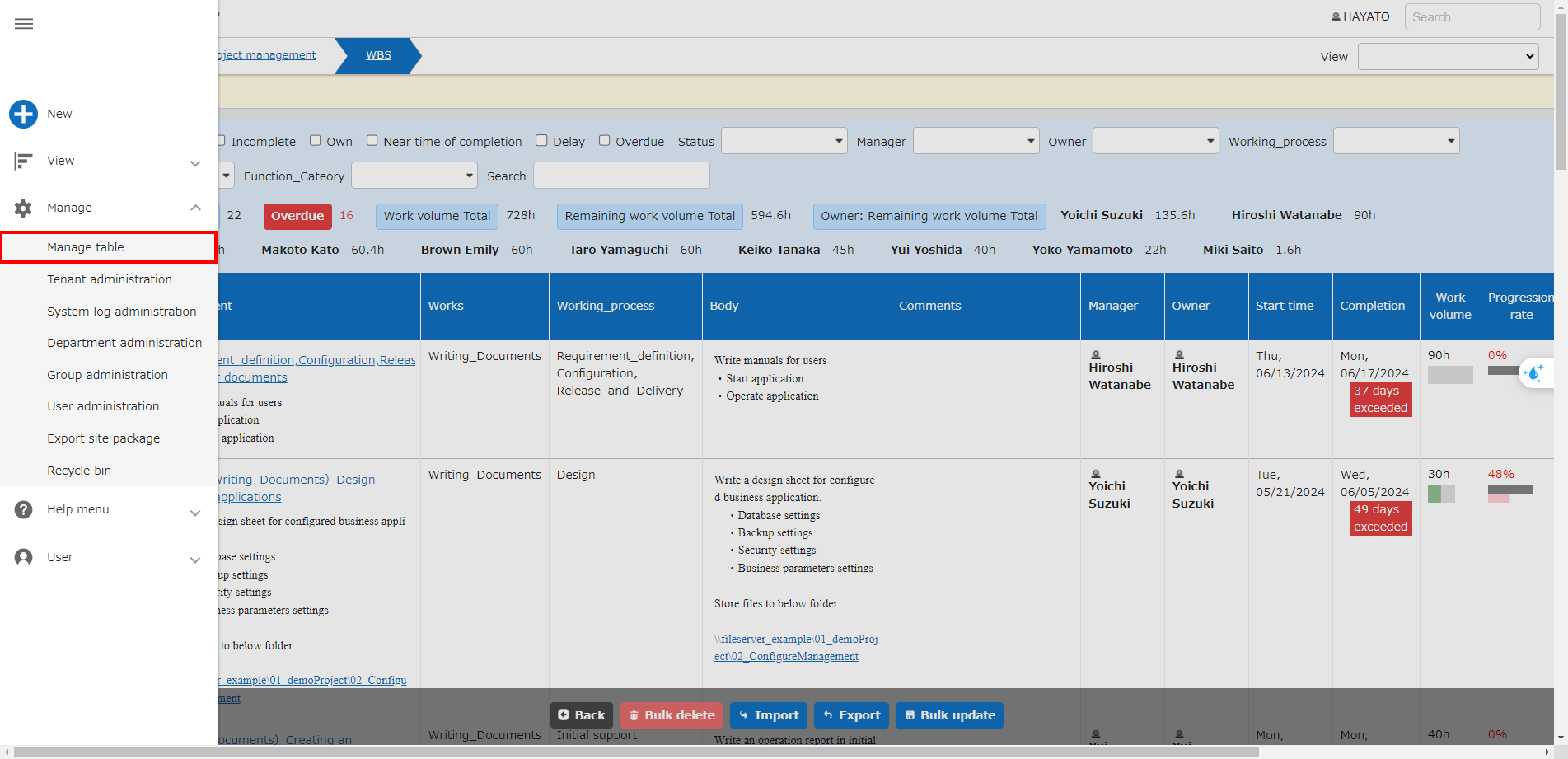
Click "Manage table".
-
Click the "Burndown chart" tab.

Column name Description Setting method Enabled Set to enable/disable the burndown chart Check to enable