Delete Image on Delete
Overview
Set the image not to be deleted when deleting a record.
Limitations
- Since full text is used, if the "Fulltext Types" in the editor settings of the target column is "None", unchecking it will not work.
Prerequisites
- "Site Administration Permission" is required to configure settings.
Operation Procedure
- Open the target "Table".
- Click "Manage Table" from the "Manage" menu.
- Open the "Editor" tab.
- Uncheck the "Delete Image on Delete" checkbox at the bottom of the screen.
- Click the "Update" button at the bottom of the screen.
Operation Image
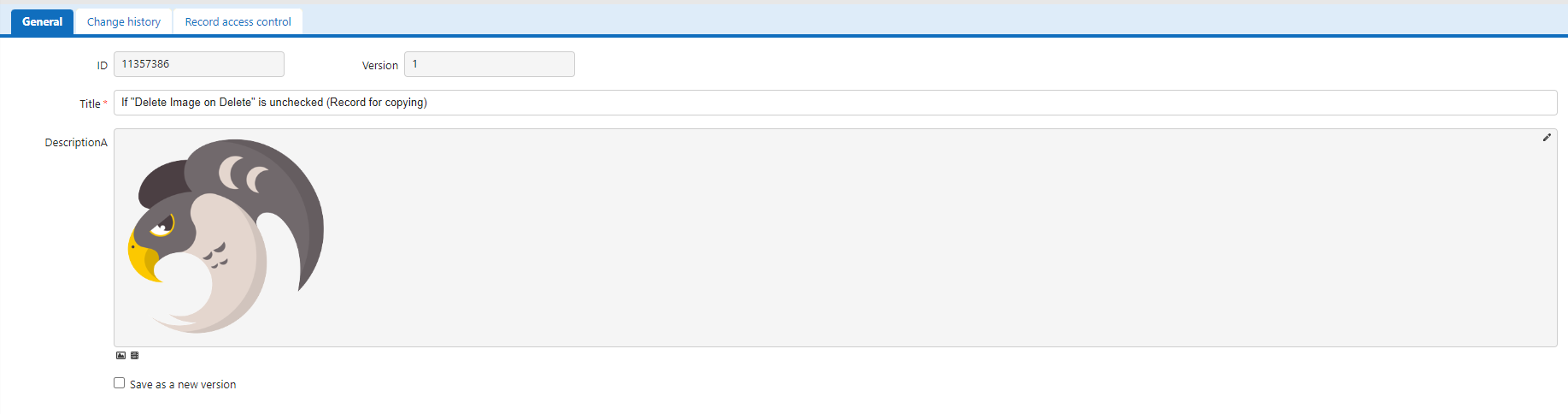
If you copy a record with an image registered in a column and then delete the original record, the display of the copy destination record will be as shown below.
-
If "Delete Image on Delete" is checked

-
If "Delete Image on Delete" is unchecked