Column Advanced Settings: Option List: Department Settings Button
Overview
For columns that have an index of "Departments" set in the "Option List" you can set the department to which the logged-in user belongs when clicking.
Limitations
Cannot be used outside of "Class Column".
Prerequisites
"Site Administration Permission" is required to configure settings.
Usage Examples
For an example, refer to "Departments Option List".
Screen Example
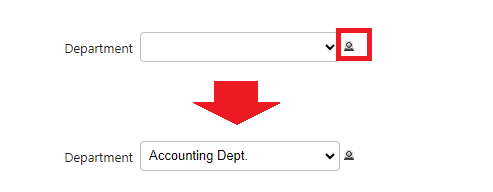
Class column that have [[Depts]] set in the Option list will have an icon next to the input column. Selecting this icon will set the input column to the department to which the logged-in user belongs.