Column Advanced Settings: Control CSS
Overview
Use this to apply CSS to the input elements of columns, excluding the "Name Displayed" label of "Input Column". By specifying a CSS class name, you can specify any class name for each column and apply a "Style".
Limitations
- Cannot be used with "Comment Column".
Prerequisites
- "Site Administration Permission" is required to configure settings.
Operation Image
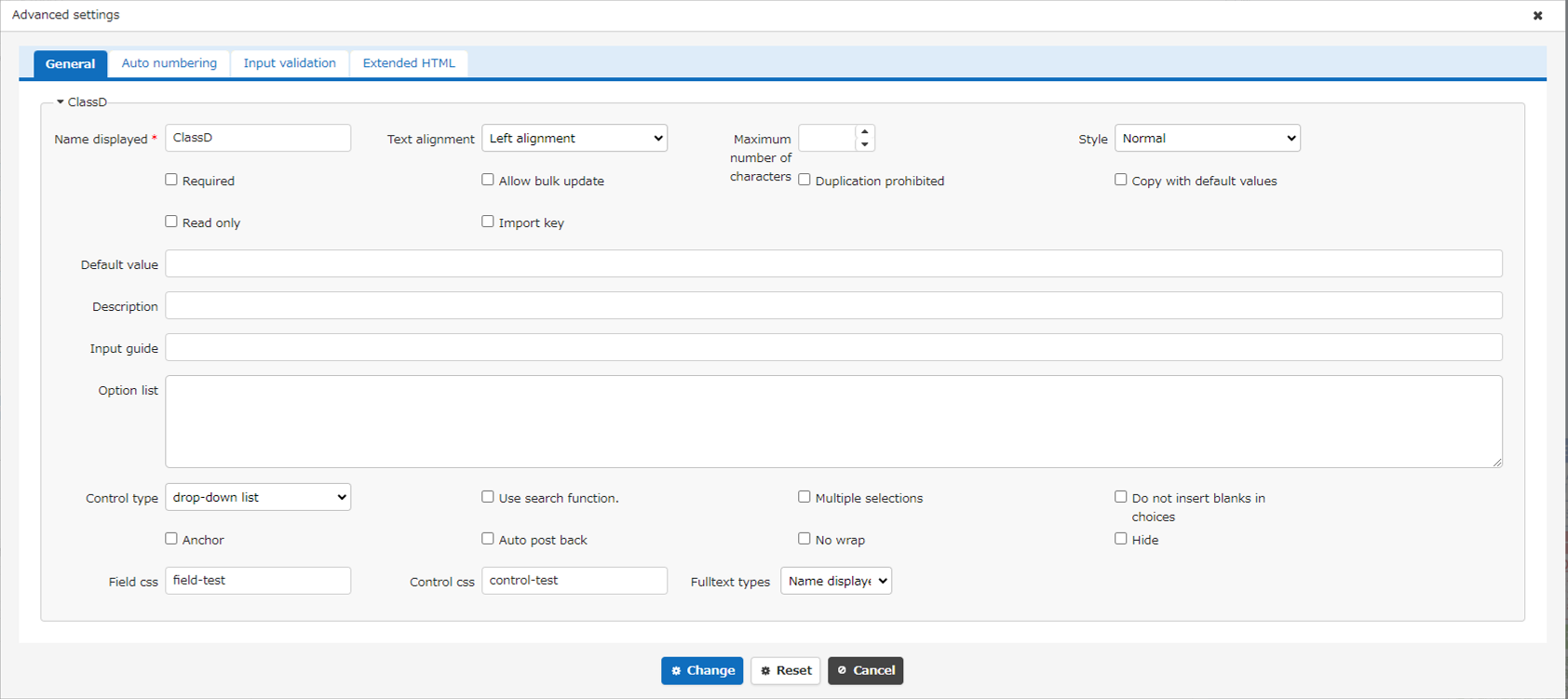
Specify the class names "field-test" for "Field CSS" of "Class Column" and "control-test" for "Control CSS".
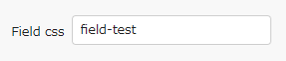

Set the style for the specified class as follows. (Check Create New here)
CSS
Create New and it will be displayed as follows.
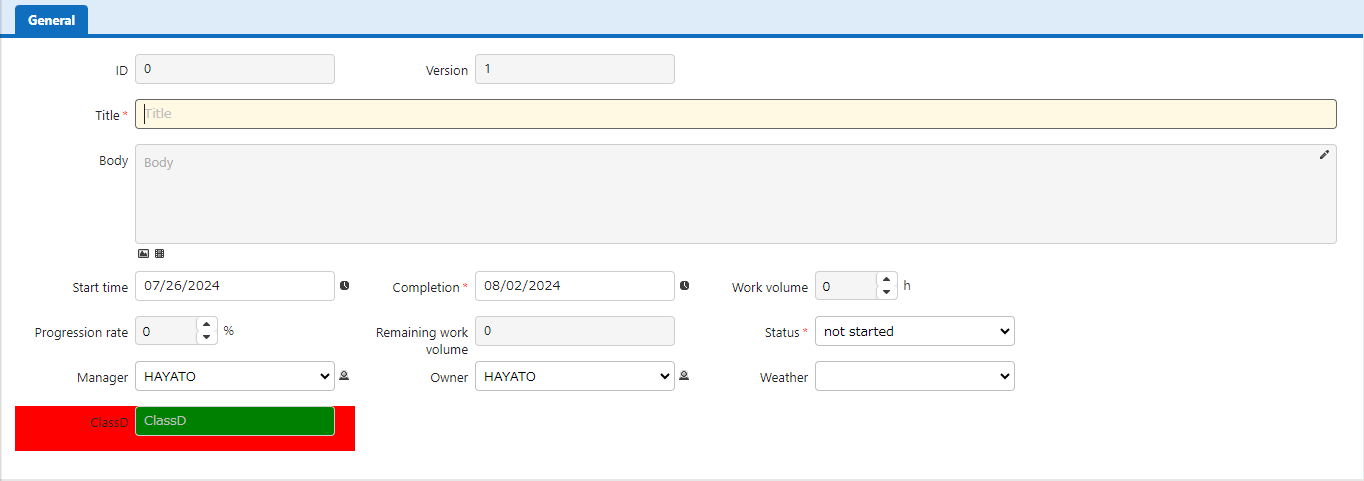

Field CSS can be used to decorate labels, adjust layout, and hide columns, while control CSS can be used to resize input fields and get column values.