Editor: Allow Record Locking
Overview
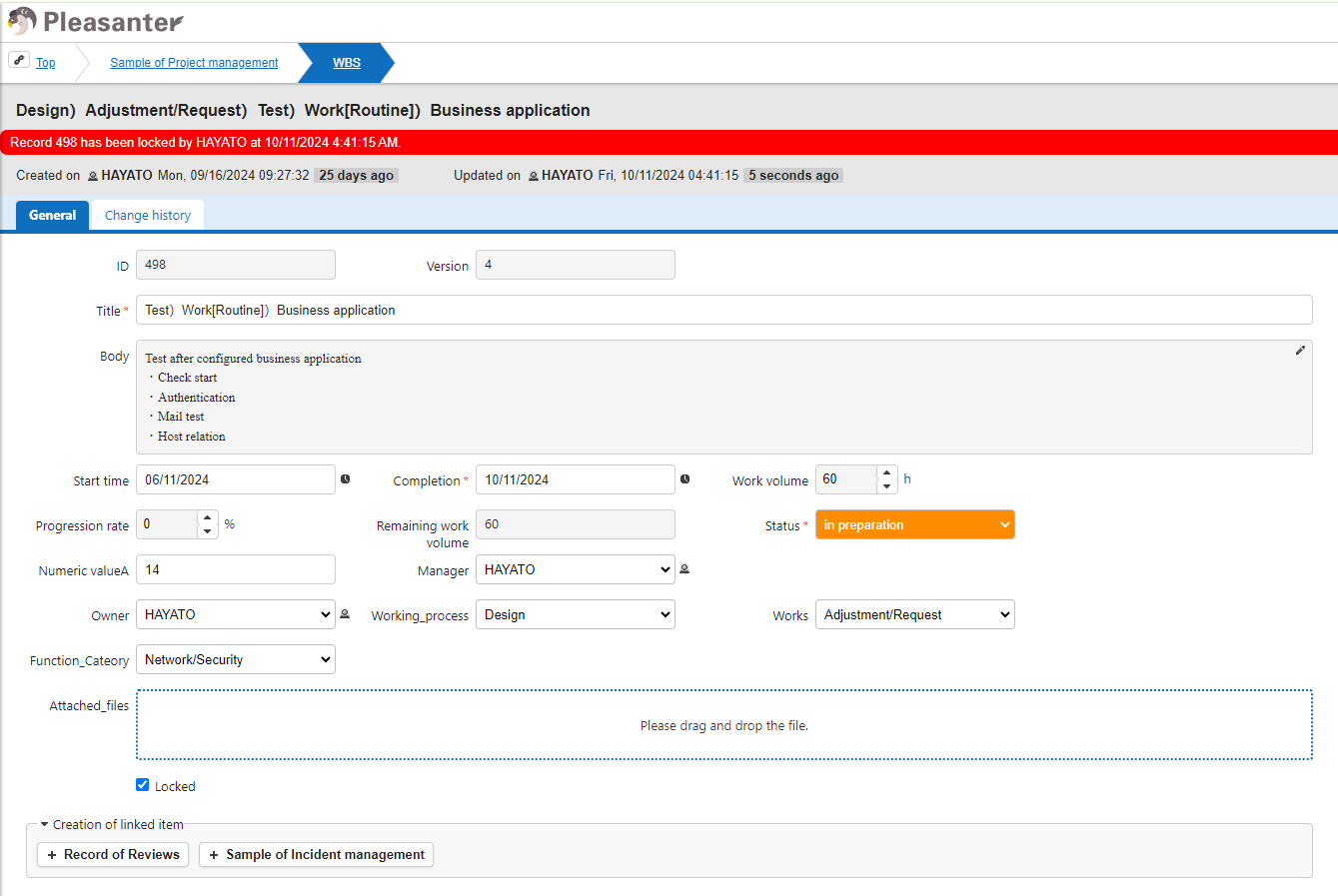
Set this if you want to allow "Lock Record". If you want to allow locking on a "Table" basis, refer to "Allow Table Locking".
Prerequisites
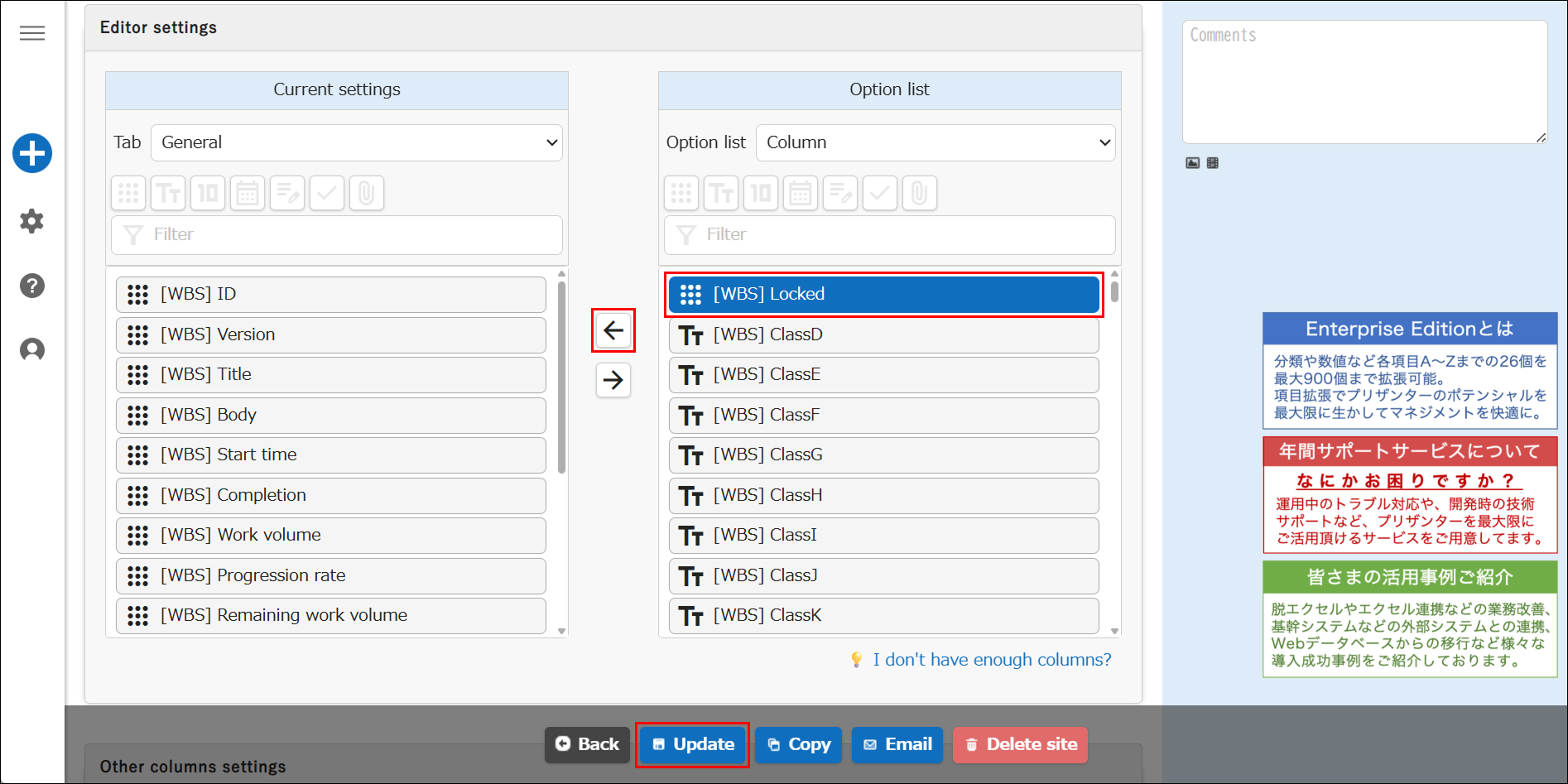
- "Lock Column" must be enabled.
Cautions
- Locks cannot be released on the dialog edit screen.
- Even a "Privileged User" cannot update a locked record.
- It is possible to copy a locked record.
- It is possible to send an email from a locked record.
Operation Procedure
- Select "Locked" item from the "Option list", activate it, and click "Update" button.