Column Advanced Settings: Thumbnail Size
Overview
Specify the size of the thumbnail displayed when you register "Image" in "Body", "Description", or "Comment" in pixels (px).
Prerequisites
- "Site Administration Permission" is required to configure settings.
Operation Image

No Thumbnail Size Specified (displays at full size)
If the image size is larger than the display field, it will be displayed at the size of the display field.

Thumbnail Size: 100
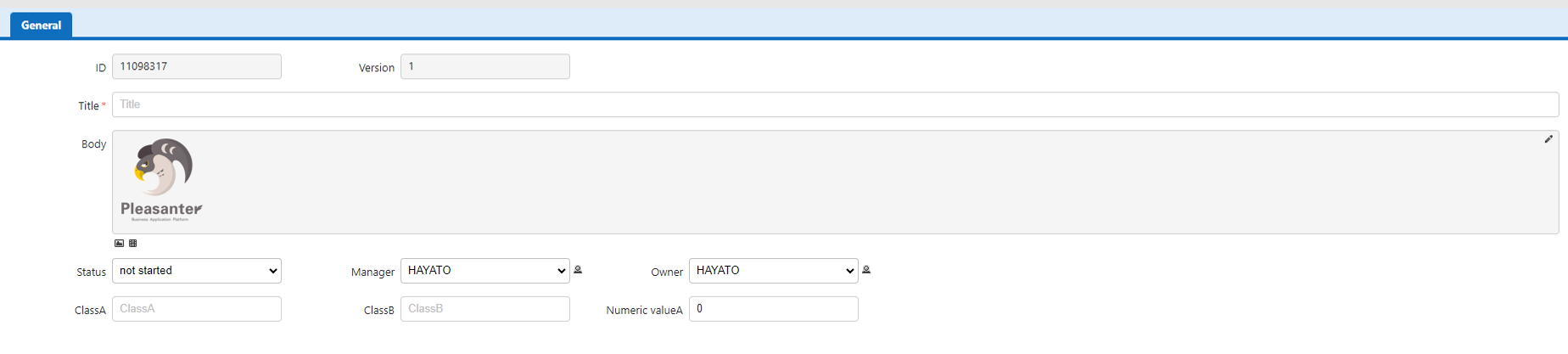
Thumbnail Size: 500

Thumbnails Are Created When Data Is Registered

Thumbnails are registered at the size specified for thumbnail size when the image is registered.
If you want to create thumbnails with new settings, please re-register the images. If you update the data without re-registering the image, the thumbnail size will not change.
Display Image Library
