Work Volume
Overview
This is an input column that stores the "Work Volume" of a record. It is used for the vertical axis of the "Burndown Chart". The standard unit is "h", but it can be changed to other units.
Limitations
- Only available for "Time limited table".
Prerequisites
- "Site Administration Permission" is required to configure settings.
Advanced Settings
For advanced settings, refer to "Input Column Advanced Settings".
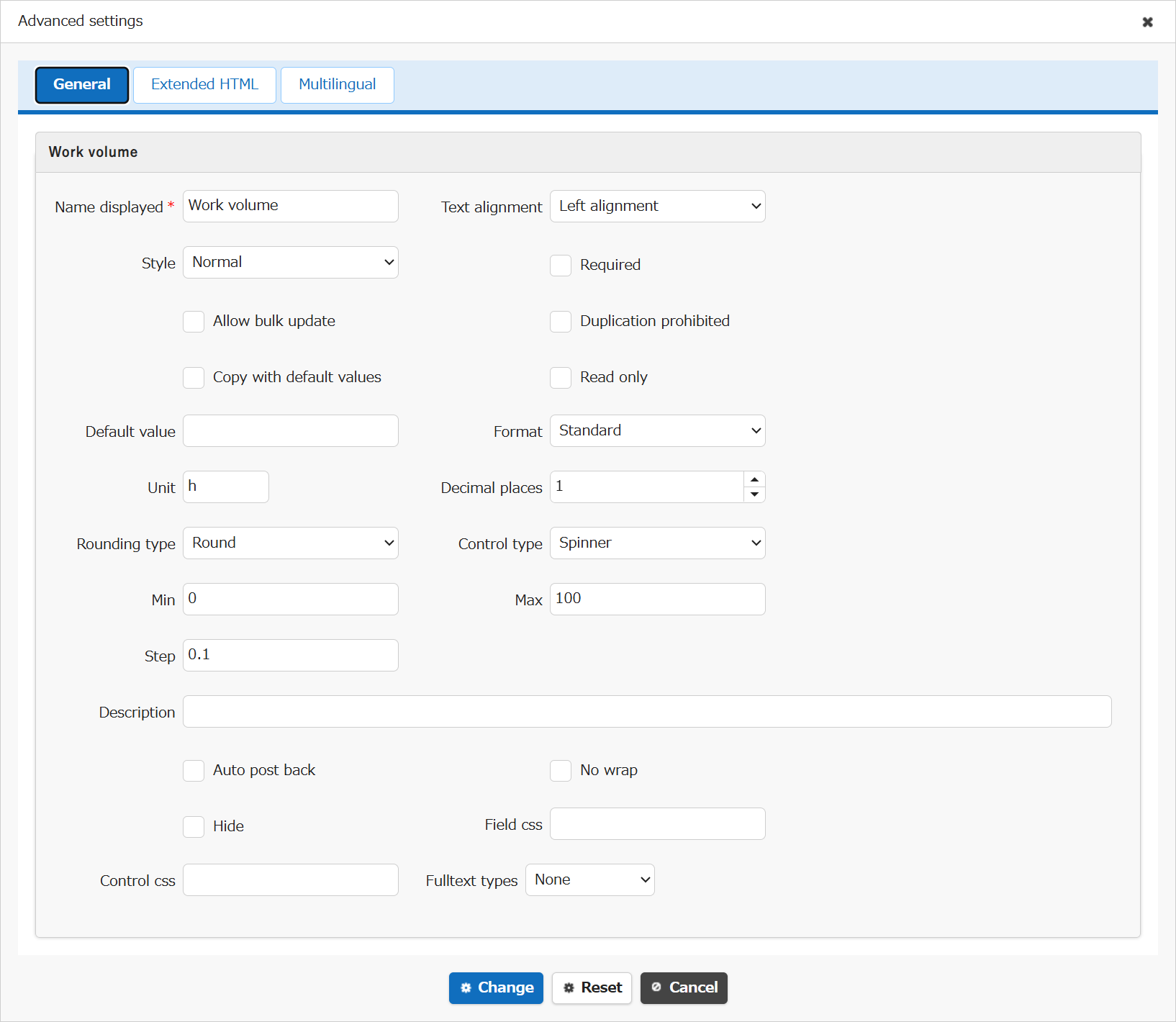
| Setting item name | Default value | Description |
|---|---|---|
| Name displayed | Work volume | "Name Displayed" is read only. It cannot be made editable. |
| Text alignment | Left alignment | Set the "Text Alignment" |
| Style | Normal | Set the "Style" |
| Required | Unchecked | Set the "Required" |
| Allow bulk update | Unchecked | Set the "Allow Bulk Update" |
| Duplication prohibited | Unchecked | Set the "Duplication Prohibited" |
| Copy with default values | Unchecked | Set the "Copy with Default Values" |
| Read only | Unchecked | Set the "Read Only" |
| Default value | (Blank) | Set the "Default Value" |
| Format | Standard | Set the "Format" |
| Unit | h | Set the "Unit" |
| Decimal places | 1 | Set the "Decimal Places" |
| Rounding type | Round | Set the "Rounding type" |
| Control type | Spinner | Set the "Control Type (Numerical Value)" |
| Min | 0 | Set the "Min" |
| Max | 100 | Set the "Max" |
| Step | 0.1 | Set the "Step" |
| Description | (Blank) | Set the string ("Description") to display in the item's "Tooltip". |
| Auto post back | Unchecked | Set the "Auto post back" |
| No wrap | Unchecked | Set the "No Wrap" |
| Hide | Unchecked | Set the "Hide" |
| Field css | (Blank) | Set the "Field CSS" |
| Control css | (Blank) | Set the "Control CSS" |
| Fulltext types | None | Set the "Fulltext Types" |
Related Information
- Table Function: Display Burndown Chart Of Records
- Manage Table: Editor: Column Advanced Settings
- Manage Table: Editor: Column Advanced Settings: Name Displayed
- Manage Table: Editor: Column Advanced Settings: Read-only
- Manage Table: Editor: Column Advanced Settings: Alignment
- Manage Table: Style
- Manage Table: Editor: Column Advanced Settings: Input Required
- Manage Table: Editor: Column Advanced Settings: Allow Bulk Update
- Manage Table: Editor: Column Advanced Settings: Duplication Prohibited
- Manage Table: Editor: Column Advanced Settings: Copy with Default Value
- Manage Table: Editor: Column Advanced Settings: Format
- Manage Table: Editor: Column Advanced Settings: Unit
- Manage Table: Editor: Column Advanced Settings: Decimal Places
- Manage Table: Editor: Column Advanced Settings: Rounding Type
- Manage Table: Editor: Column Advanced Settings: Control Type (Numerical Value)
- Manage Table: Editor: Column Advanced Settings: Min, Max, Step
- Manage Table: Editor: Column Advanced Settings: Description
- Common Function: Tooltip Display When Selecting User Or Group
- Manage Table: Editor: Column Advanced Settings: Auto post back
- Manage Table: Editor: Column Advanced Settings: No Wraparound
- Manage Table: Editor: Column Advanced Settings: Hidden
- Manage Table: Editor: Column Advanced Settings: Field CSS
- Manage Table: Editor: Column Advanced Settings: Control CSS
- Manage Table: Editor: Column Advanced Settings: Fulltext Types