Screen Index: Column Advanced Settings: Wrap text by cell width
Overview
This section explains the "Wrap text by cell width" feature in the "Advanced settings" for items on the "Grid" screen.
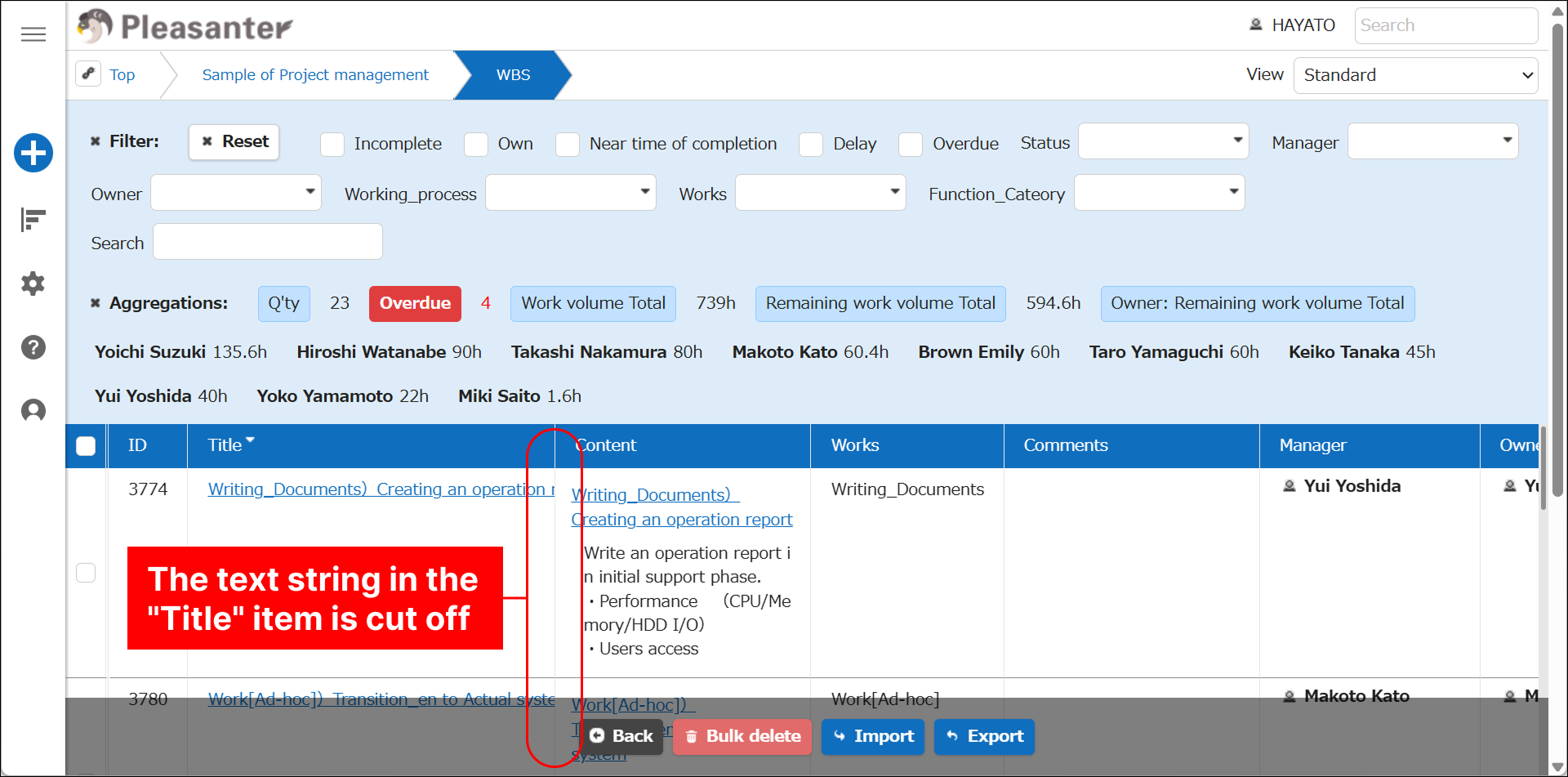
For example, when a long string is entered as data for a "Title Item," it may not fit within the cell width on the "Grid" screen and be cut off.
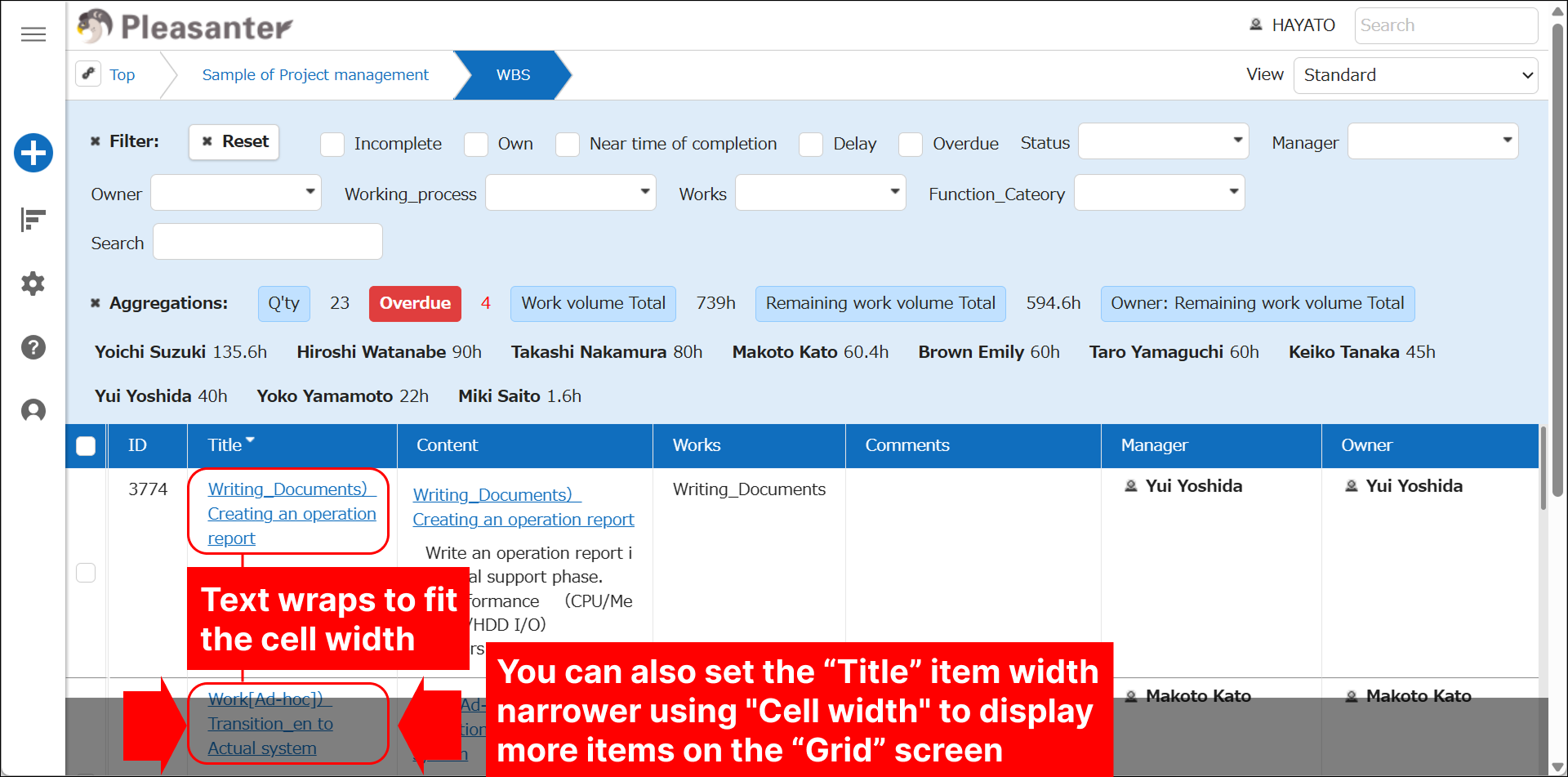
When you turn on "Wrap text by cell width" in the "Advanced settings" on the "Grid" screen, the text wraps at the right edge of the cell, and the entire string is displayed.
When combined with "Cell width," you can display more columns on the "Grid" screen.
Limitations
- This feature is only available when using the Second Generation User Interface.
Prerequisites
- Site management permissions are required to configure settings.
How to Use
- Please refer to "Column Advanced Settings."
Supported Versions
| Supported Version | Content |
|---|---|
| 1.4.22.0 and later | Feature added |