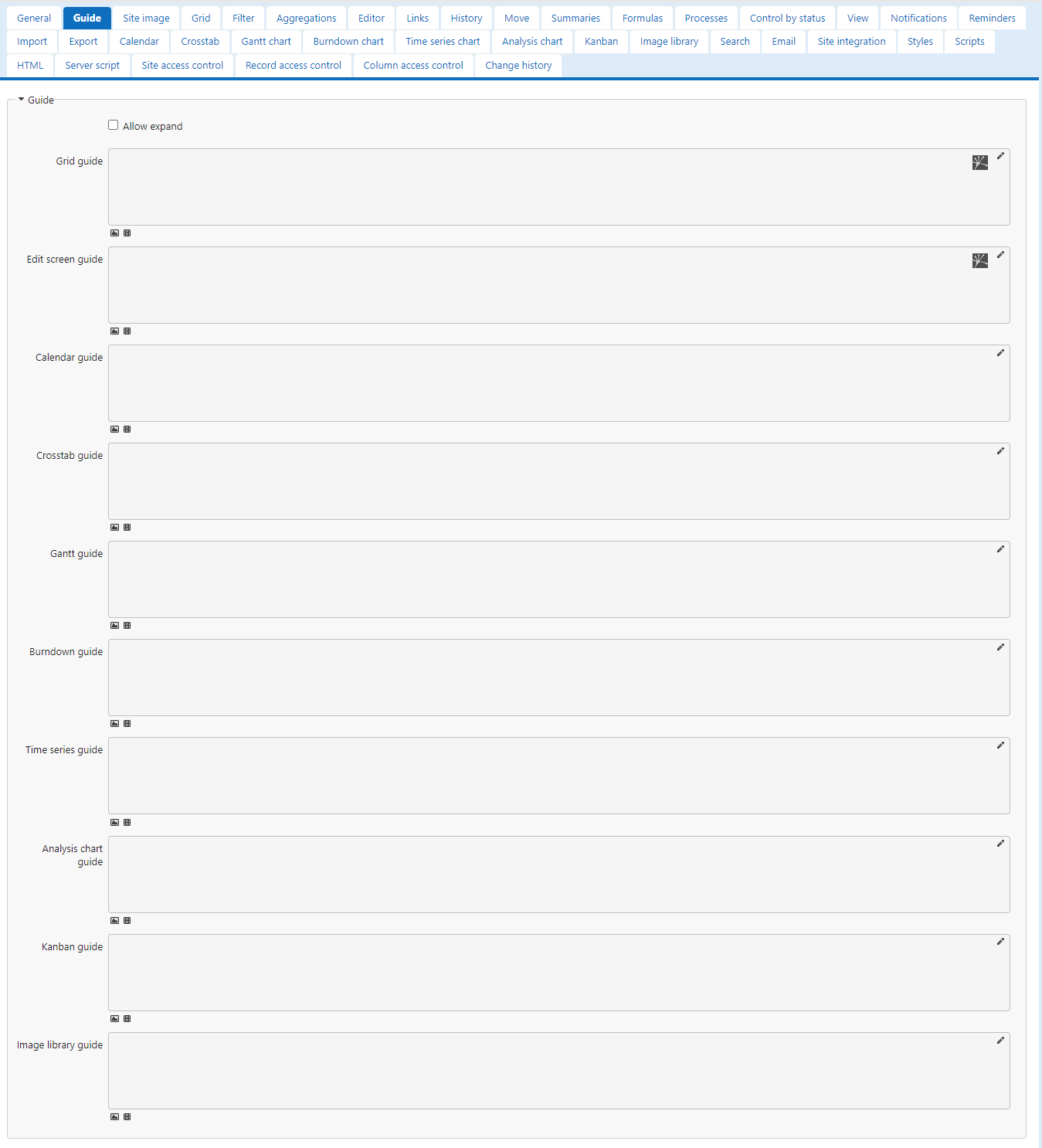
Guide
Overview
Display guides in tables. Different guides can be displayed for each view mode, such as list and calendar. Guides can also be displayed in the "Editor".
Prerequisites
- You need the "Site Administration Permission".
Operation Procedure
- With the target table open, click "Manage Table" from the "Manage" menu in the navigation menu.
- Open the "Guide" tab.
- For detailed operation of the "Guide" tab, refer to "Site Function: Guide Settings".