Access Controls
Overview
Specify who can see the process button. You can specify by user, department, or group.
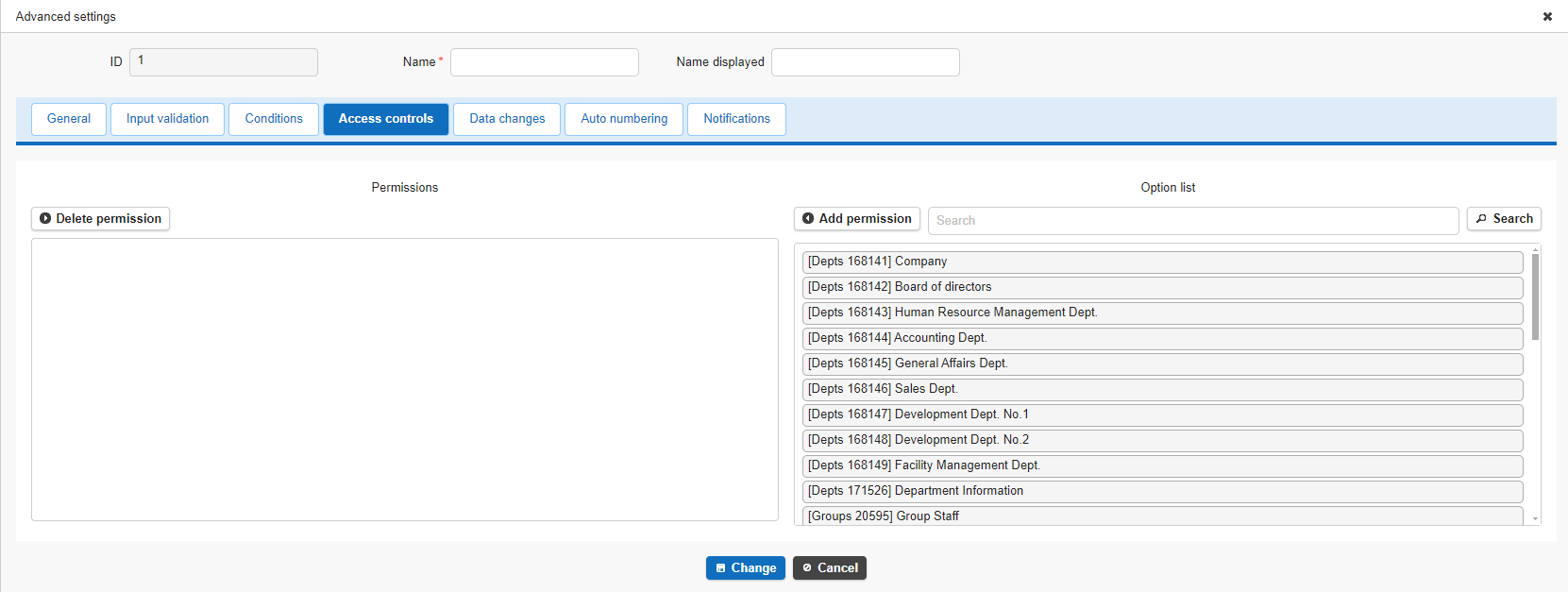
Combining this with conditions lets you control button visibility in more detail.
Configuration example: Show the "Payment" button only to users who belong to the Accounting Department
Operation Procedure
From the list of options, select and add the target users, groups, or departments.
- Click the Access Controls tab.
- Select the users (users, departments, or groups) who should see the process button.
- Click the "Add Permission" button.
- Click the "Change" button on the Access Controls tab.
- Click the "Update" button in Process Management.
Supported Versions
| Supported Version | Details |
|---|---|
| 1.4.10.0 and later | Added "Value Function Operation" to change types Added Cc and Bcc to email notification recipients |
| 1.4.11.0 and later | Added "Added Button / Create or Update" to execution types Added an icon setting to the General tab of common settings |