Advanced Setting: Default Display
Overview
Specifies which view mode is displayed when the "View" is displayed.
Operation Procedure
- Open the target "Table".
- Click "Manage Table" from the Manage menu.
- Open the View tab.
- Click the "Create New" button to create a new view, or the "Advanced Settings" button to change an existing view.
- Select the view mode in the "Default Display" drop-down list.
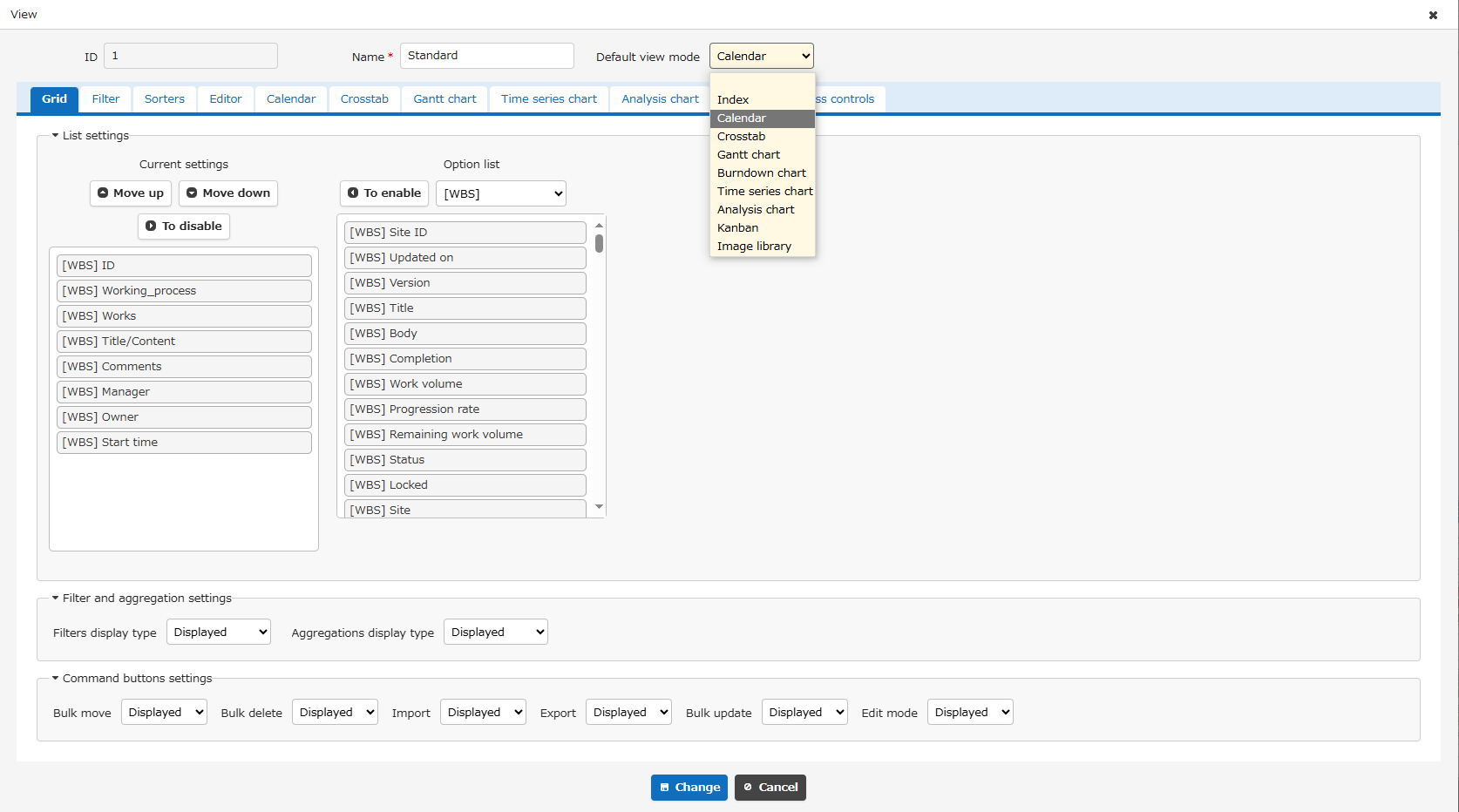
- Click the "Change" button at the bottom of the screen.