Advanced Settings: Filters tab: Setting Filters
Overview
Set the columns to display in the filter of "View".
Operation Procedure
- Open the target "Table".
- Click "Manage Table" from the Manage menu.
- Open the View tab.
- Click the "Create New" button to create a new view, or the "Advanced Settings" button to change an existing view.
- Click the "Filter" tab. In "Filter Settings", select the target column from Option list and enable the filter with the "Enable" button. You can also disable the filter you set with the "Disable" button.
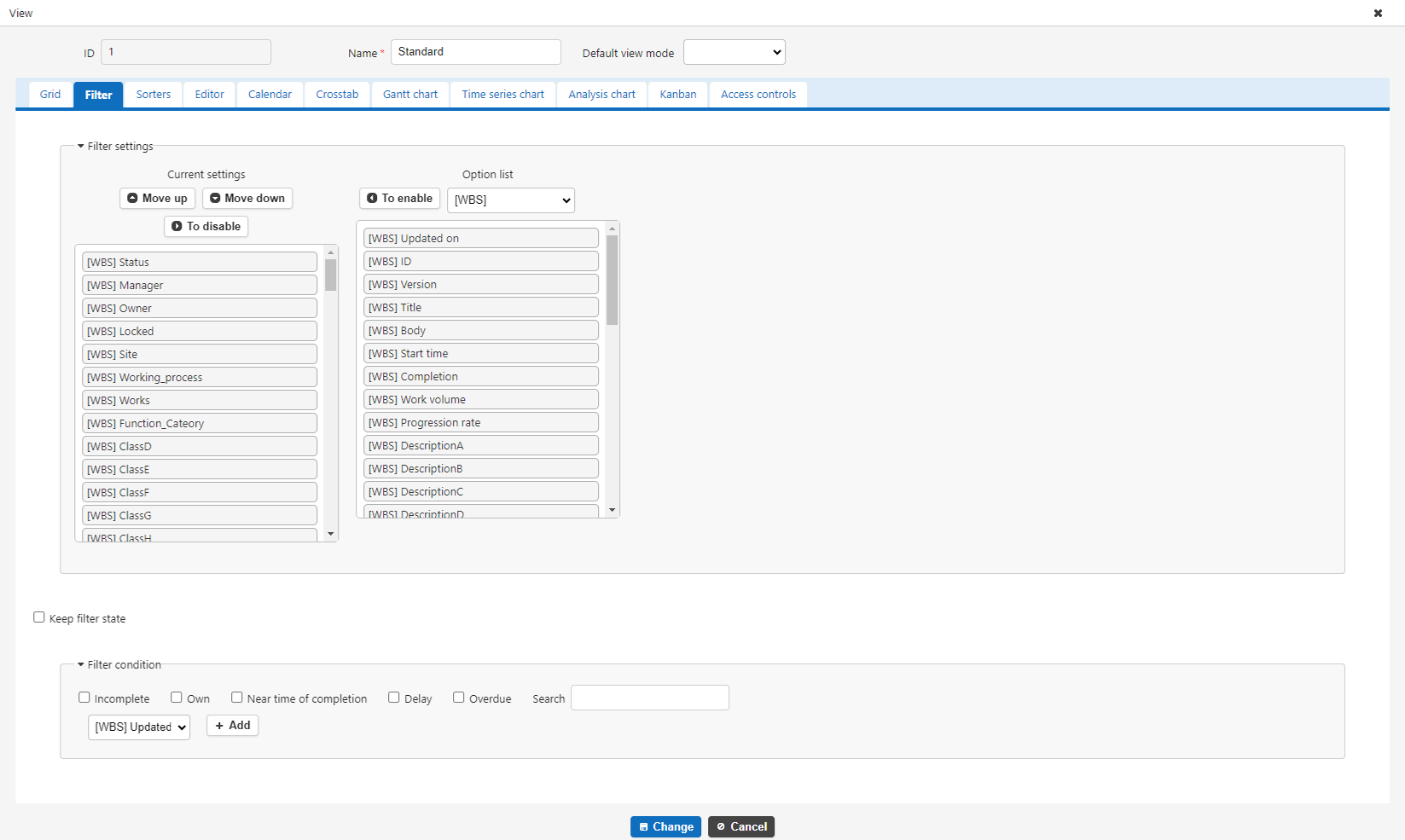
- After setting the required column, click the "Add" or "Change" button at the bottom of the screen.