Advanced Settings: Filters Tab: Keep Filter State
Overview
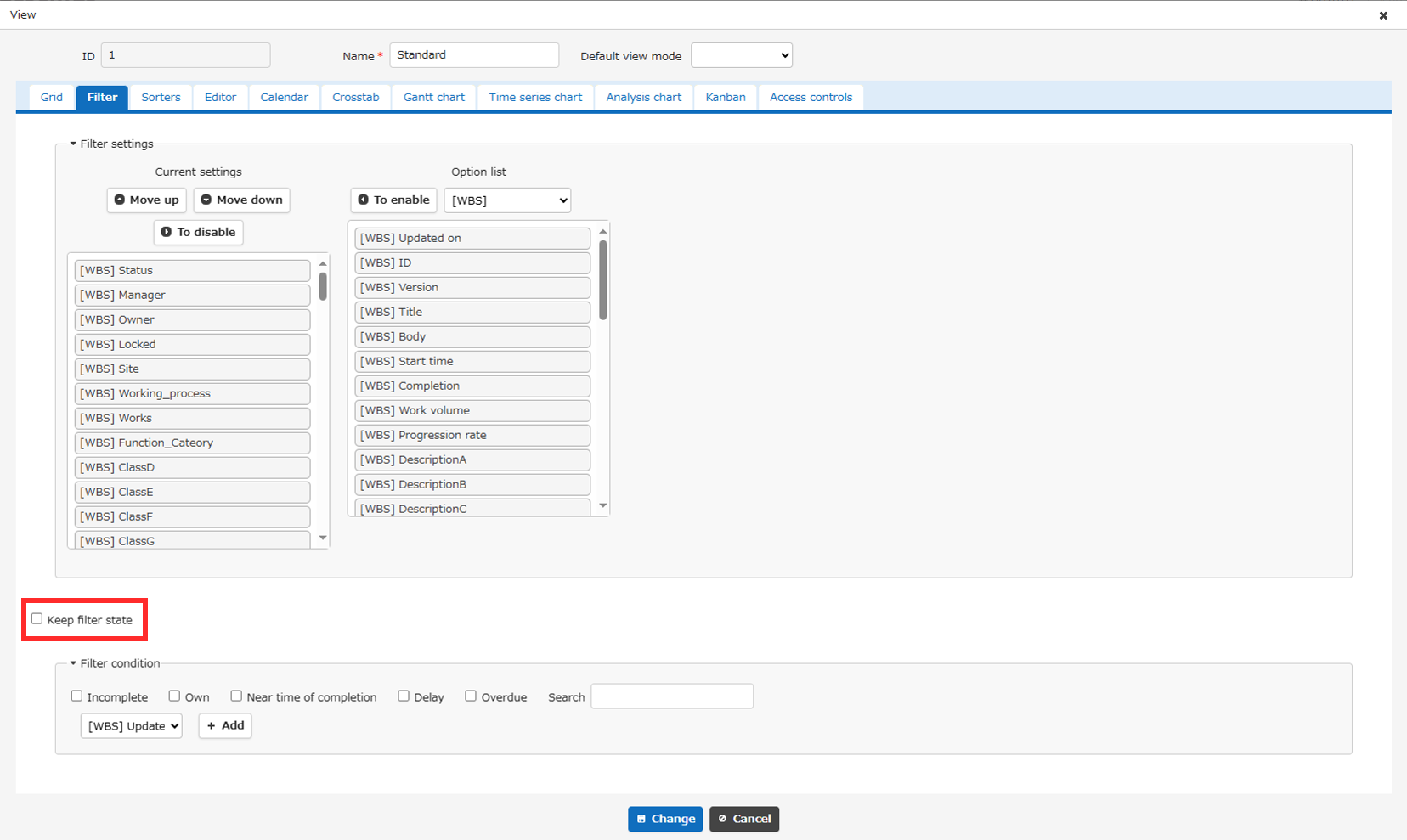
When switching between "View", the state (value) set for each filter column will be retained.
Prerequisites
- To set this, you need "Site Administration Permission".
Operation Procedure
- Open the target "Table".
- Click "Manage Table" from the Manage menu.
- Open the View tab.
- Select any view and click the "Advanced Settings" button.
- Click the Filter tab.
- Check (uncheck) the "Keep Filter State" checkbox.
- Click the "Change" button.
- Click the "Update" button at the bottom of the screen.
Usage Examples
When "Keep Filter State" is enabled, a filter set in advance on the list screen is carried over to the view.
The following describes how the screen behaves when "Keep Filter State" is enabled.
Here, the view is configured to change the columns displayed on the list screen.
- Before the filter is set.
- After the filter is set, with "Incomplete" checked.
- When the view is selected.
No filter is set on the view, but the filter set in advance on the list screen is carried over to it.