Advanced Settings: Sorter Tab: Keep Sort State
Overview
When switching between "Views", the sort state is maintained.
Prerequisites
- You need "Site Administration Permissions" to configure this.
Operation Procedure
- Open the target "Table".
- Click "Manage Table" from the Manage menu.
- Open the View tab.
- Select any view and click the "Advanced Settings" button.
- Click the Sorter tab.
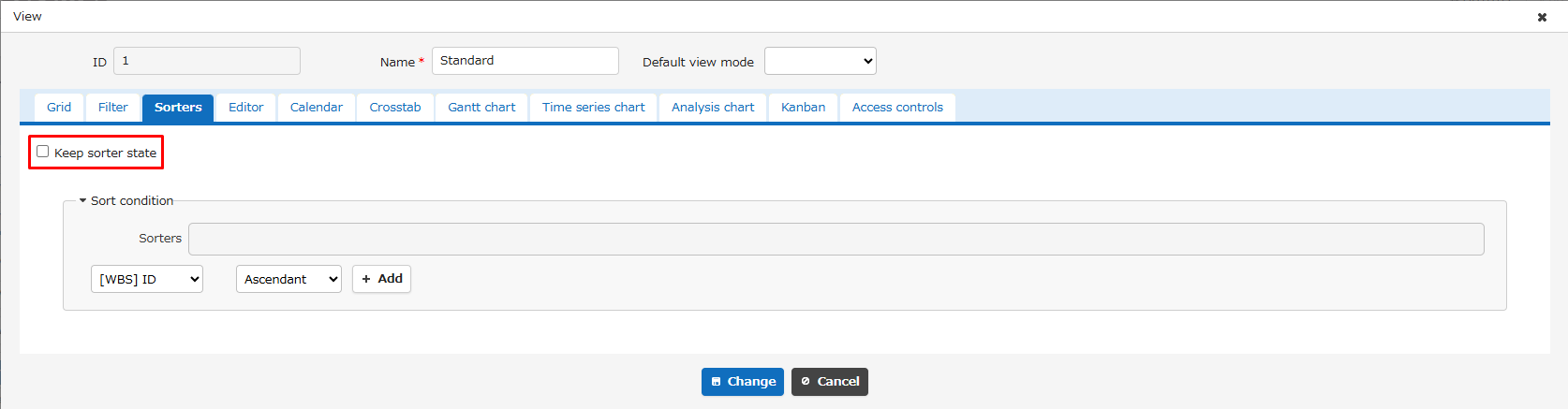
- Check (uncheck) the "Keep Sorter State" checkbox.
- Click the "Change" button.
- Click the "Update" button at the bottom of the screen.