Advanced Settings: Access Control Tab
Overview
Set the access rights for "View". Only user/group/department with the set permissions will be able to use the target view.
Operation Procedure
- Open the target "Table".
- Click "Manage Table" from the Manage menu.
- Open the View tab.
- Click the "Create New" button to create a new view, or the "Advanced Settings" button to change an existing view.
- Click the "Access Controls" tab.
Select the target user/group/department from Option list and add permission settings with the "Add Permission" button. You can also delete the permissions you set with the "Delete Permission" button.
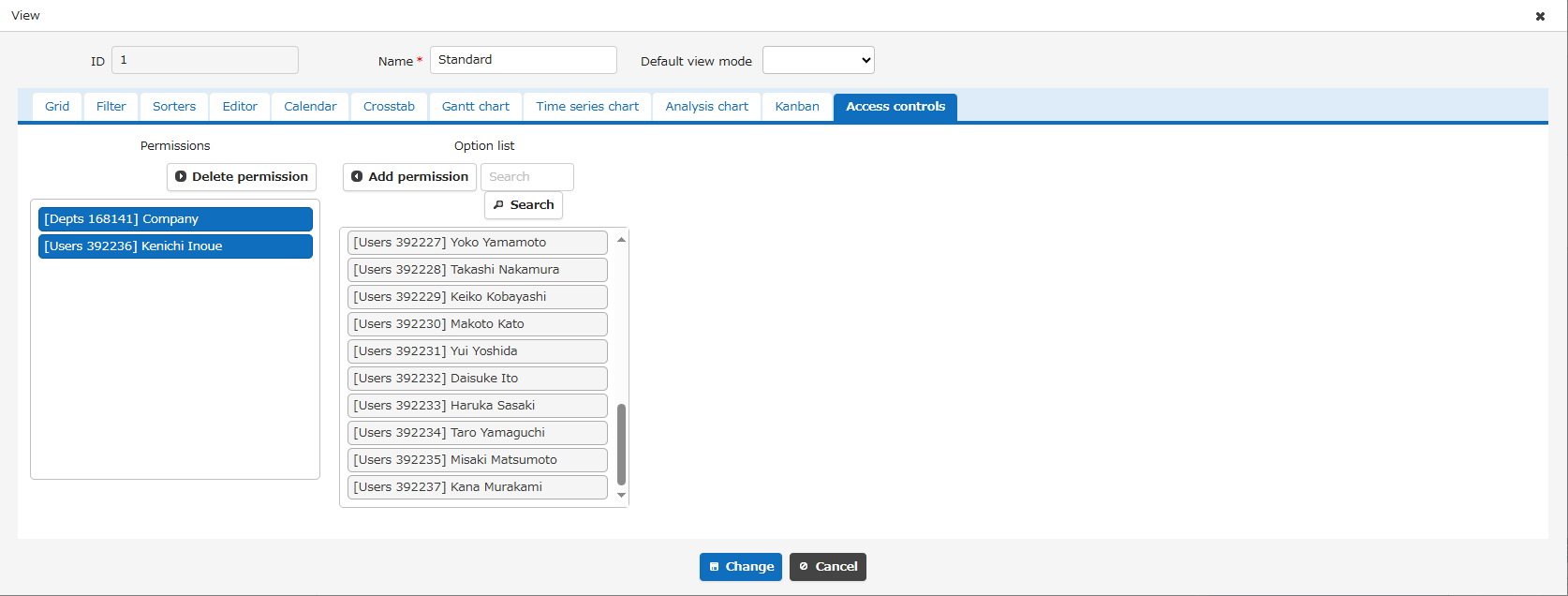
- After setting the necessary permissions, click the "Change" button at the bottom of the screen.