Tenant Management Function: Logo, Title, Logo Image
Overview
This function changes the display content of the "Tenant Name" in the upper left of the screen.
Limitations
- This function does not allow you to change the display content of the login screen. If you want to change the display content of the login screen, please refer to the following FAQ.
FAQ: I want to change the logo image or title | Pleasanter
Prerequisites
- "Tenant Manager" privileges are required to configure settings.
Logotype
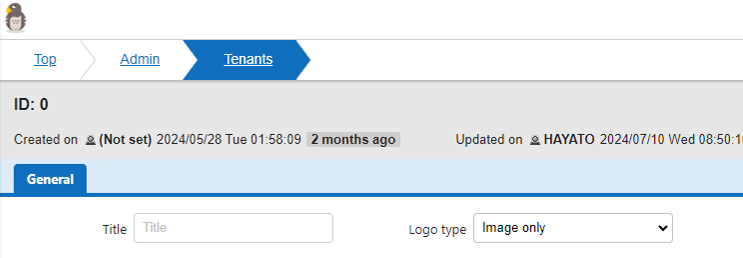
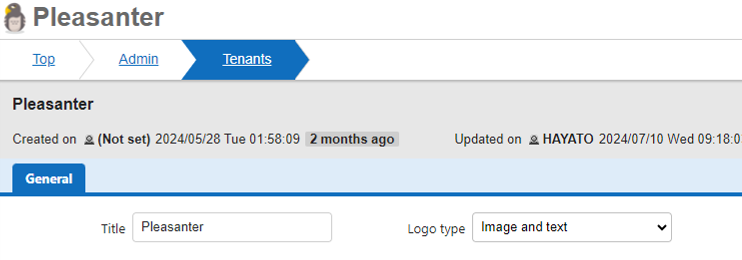
In the logotype setting, switch the display between "image only" and "image and text".
Setting Type
| Setting | Description |
|---|---|
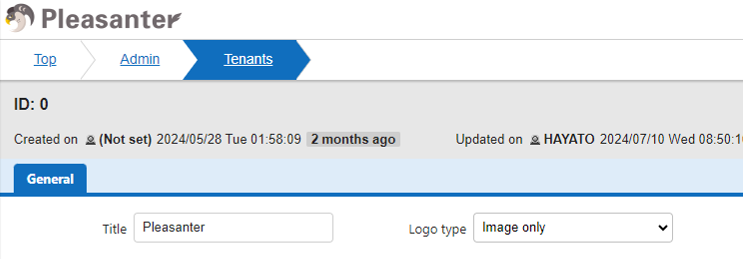
| Image only | Display only the image. The default setting is the HAYATO icon and the "Pleasanter" logo image. |
| Image and text | Display the image and the text entered in "Title". The image displayed in the default setting is the HAYATO icon. |
Setting Image
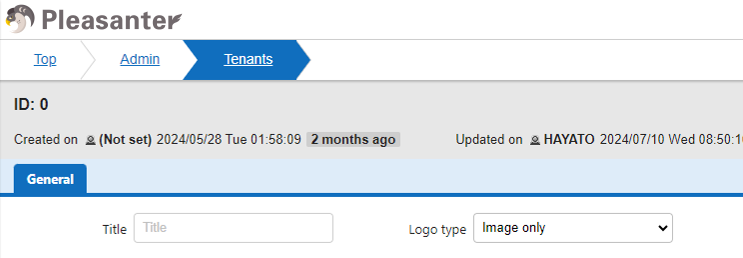
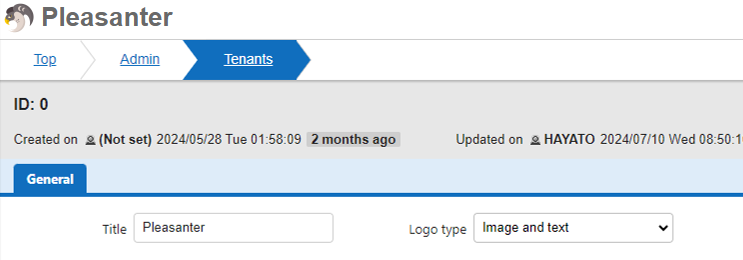
Title
If you select "Image and text" for the logotype, enter the text to be displayed with the image. If you select "Image only" for the logotype, the text will not be displayed even if it is entered in the title.
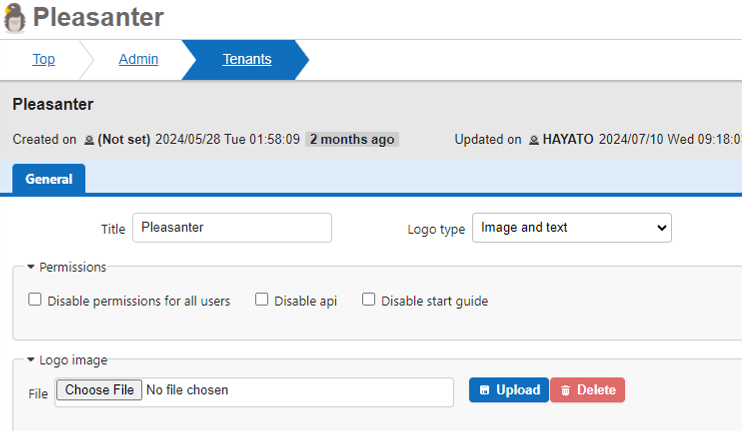
Logo Image
Change the default image to the uploaded image. If you upload an image, the uploaded image will be displayed regardless of the logotype setting.
Image to Upload

Setting Image
When you upload an image, a Delete button will appear to the right of the Upload button. If you want to cancel the uploaded image, click the Delete button.