Install .NET8.0
Support for .NET 8 ends on November 10, 2026
Microsoft support for .NET 8, on which Pleasanter 1.4 runs, ends on November 10, 2026 (.NET and .NET Core official support policy). Pleasanter 1.5 runs on .NET 10. For the steps to migrate from Pleasanter 1.4 to 1.5, see the following pages.
- Migration Procedure from Pleasanter 1.4 Installed on Windows/Windows Server to Pleasanter 1.5
- Procedure for Migrating Pleasanter 1.4 Installed on Ubuntu to Pleasanter 1.5
You can also leave the migration work to the developer's engineers. See Pleasanter Version Upgrade and Environment Migration (Japanese) on the product site.
Install .NET8.0
Warning
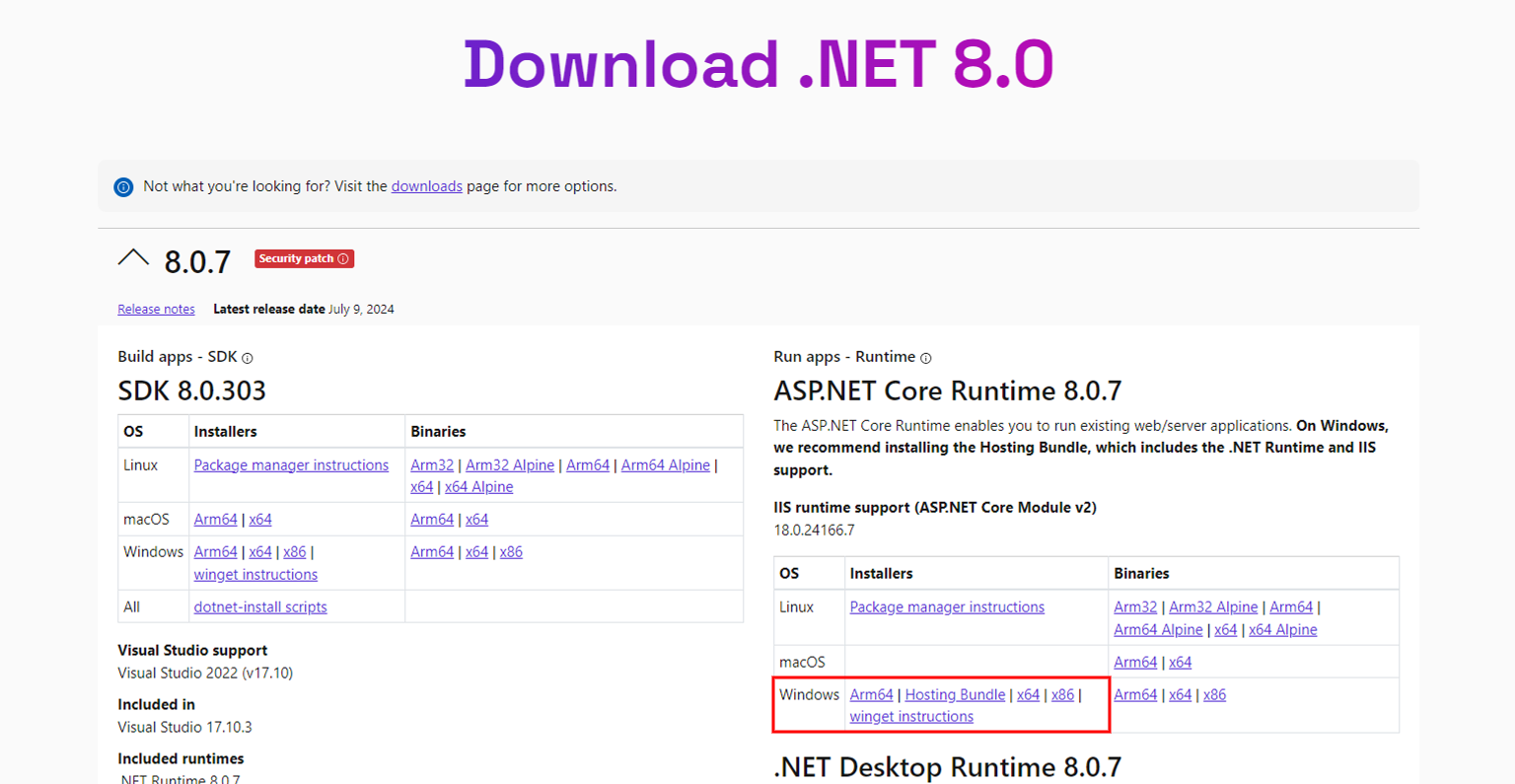
Please install both the "SDK 8.0.x" of .NET8.0 and "Hosting Bundle".
Procedure
The installation procedure for .NET is as follows:
1. Install the SDK
1. Install the Hosting Bundle
Install the SDK
-
Launch your browser and access the following URL.
https://dotnet.microsoft.com/download/dotnet/8.0 -
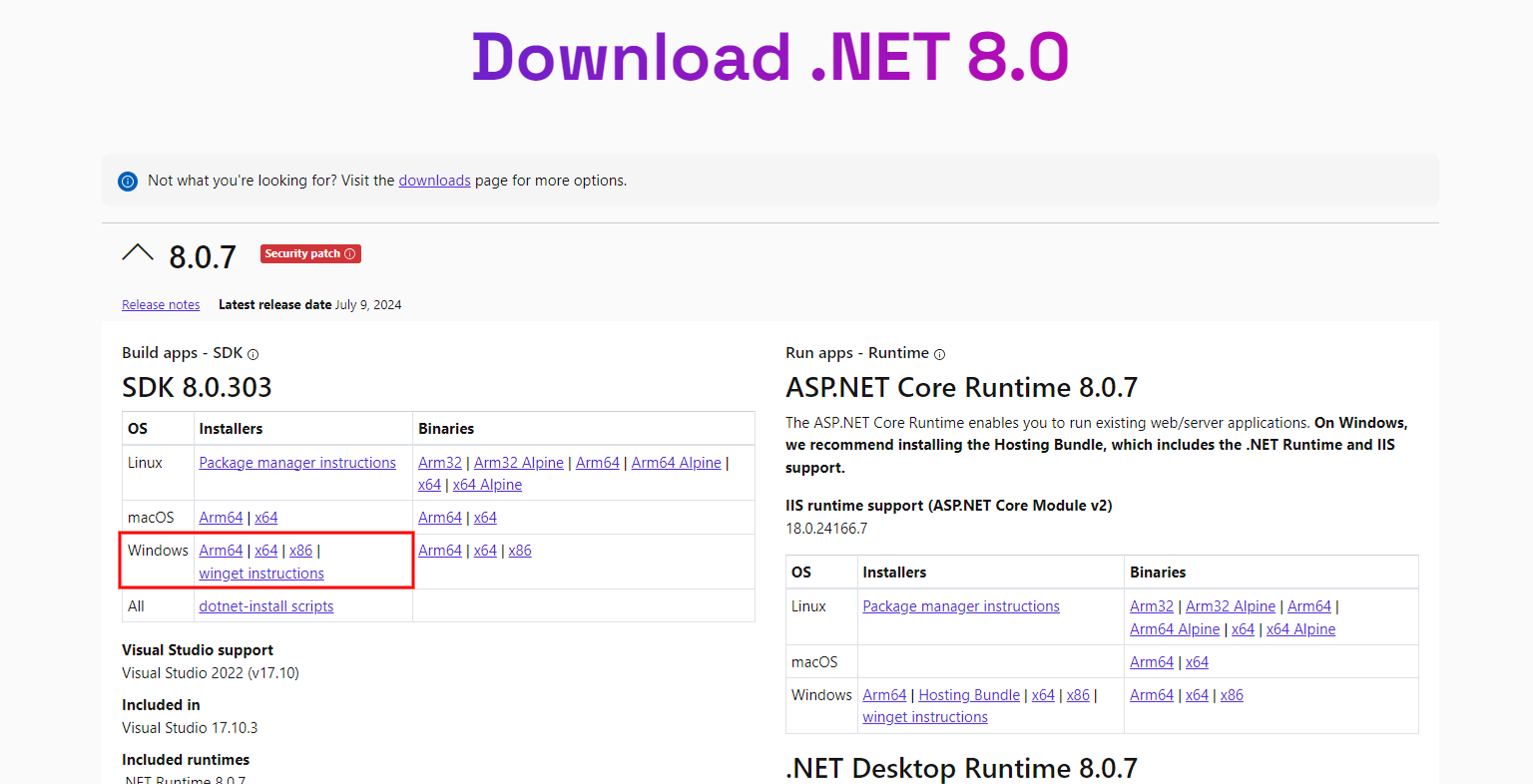
Download and install "SDK 8.0.x".
-
Launch the Command Prompt or PowerShell and execute the following command to confirm that "8.0.x" is displayed.
Install the Hosting Bundle
- Download and install the "Hosting Bundle".