Common Function: Login screen
Overview
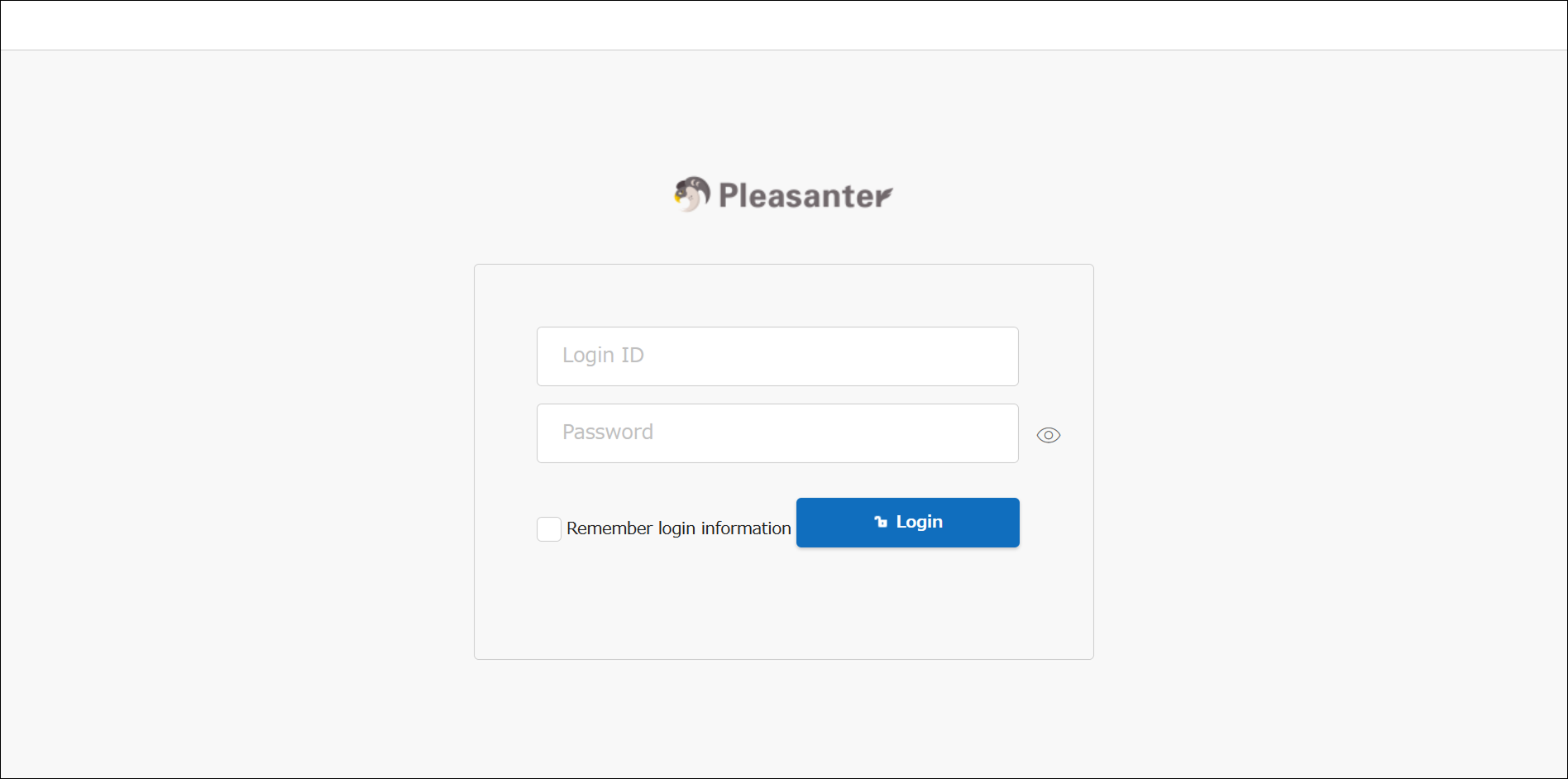
The login screen is displayed when you access Pleasanter. By sending the "Login ID" and "Password" to Pleasanter, it proves that the access is from a registered user. "Remember login information" is not a function that remembers login ID, password, or two-factor authentication verification codes.
Remember Login Information
When "Remember login information" is enabled, cookie information that manages login sessions is retained, and even if you close the browser, the login will continue when you start the browser again.
The retention period for cookie information can be set with RetentionPeriod in "Session.json".
Operation Procedure
Perform login using local authentication.
- Enter your "Login ID" and "Password".
- Enable "Remember login information" as needed.
- Click the "Login" button.
For authentication methods other than local authentication, please see Applied Section: Authentication.