Common Function: Markdown
Overview
You can use Markdown syntax to decorate and format text.
Markdown syntax can be used in the following locations:
- Content Items
- Description Items
- Comment Items
- Guide on each screen
- Wiki
Limitations
- HTML tags cannot be used within Markdown.
Operation Procedure
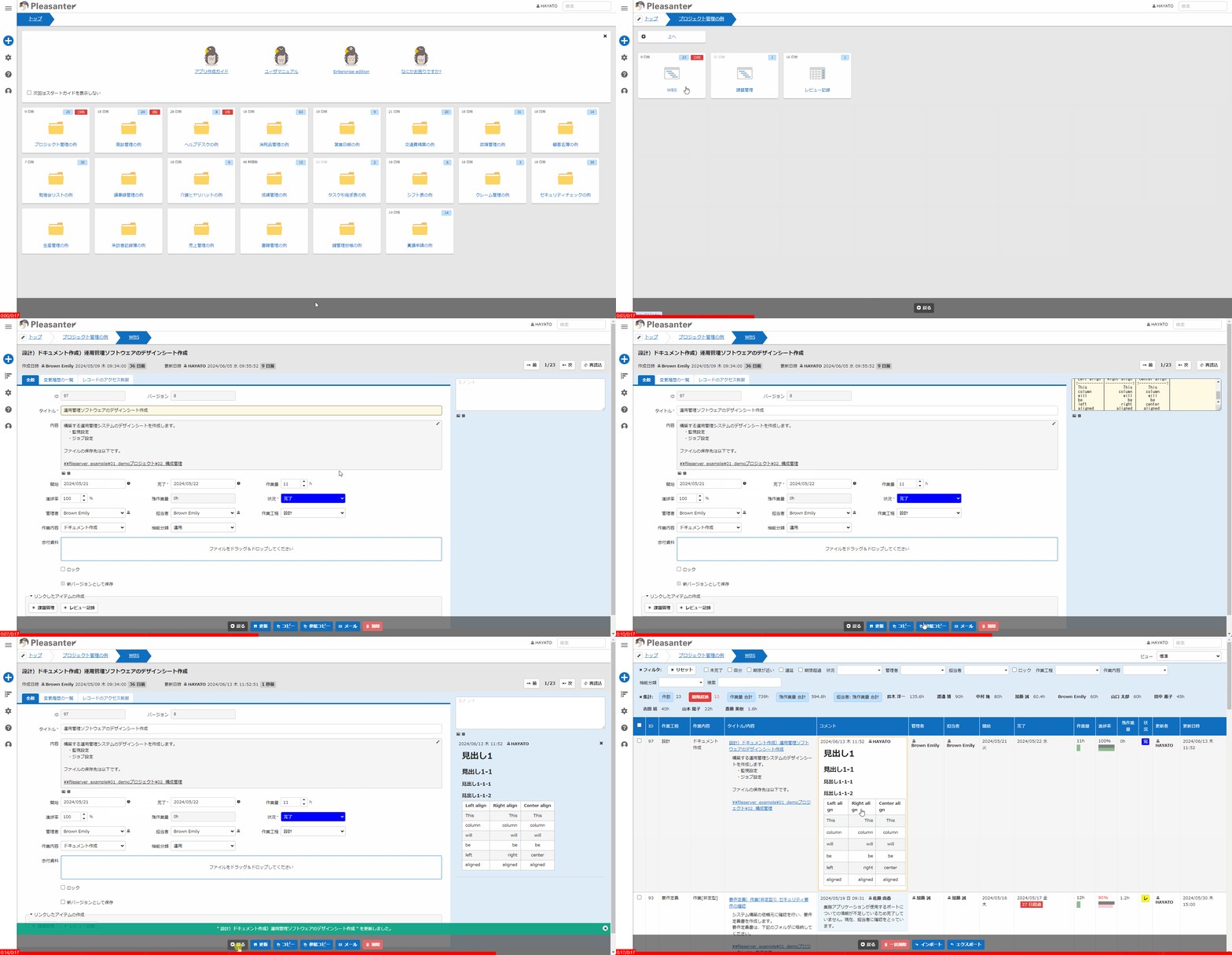
- In the Advanced settings for Content items, Description items, and Comment Items, select "Markdown" from the "Style" option.
- Enter the following content on the first line of each item's input field:
If not entered, it will be displayed as plain text. - You can view the rendered result on the record "Edit" screen or "Grid" screen.
Supported Markdown Syntax
For the Markdown syntax supported in Pleasanter, please refer to the following FAQ:
FAQ: How do I write using Markdown syntax?
Plugin Usage
This feature uses the plugin "marked.js".