Common Function: Password
Overview
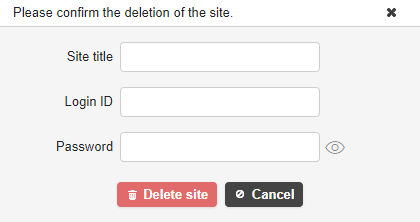
This is the password input field. The input string will be displayed masked. You can display the input string by clicking the password display icon on the right. Clicking it again will return to the masked display.
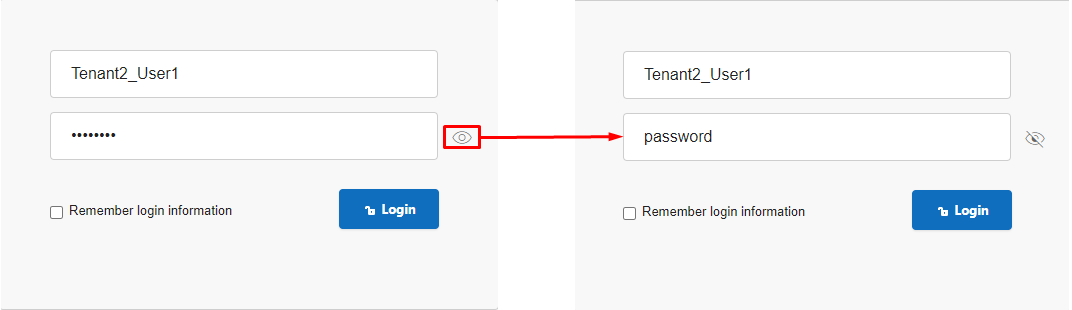
The password display icon is available on the login screen as well as in the following password input column:
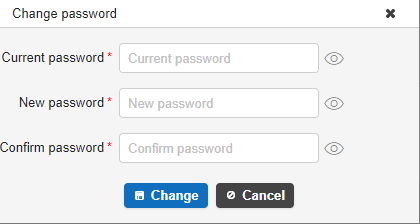
* Change Password
-
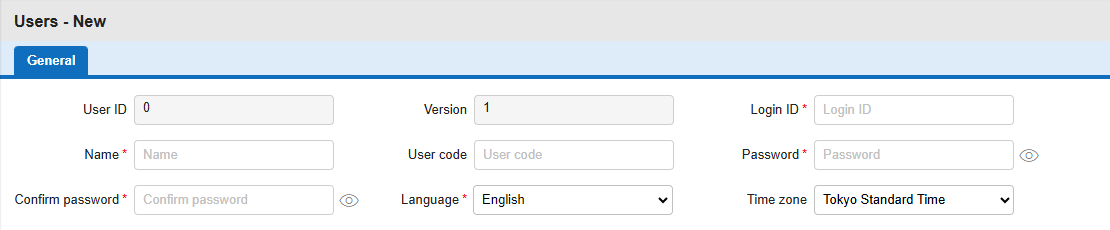
New User Registration
-
Reset Password
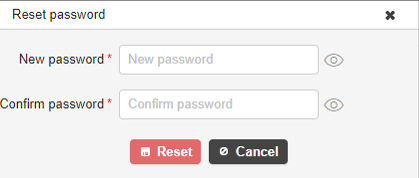
-
Delete Site