Common Function: Copy URL with Filter
Overview
This function copies the URL including the "Search for Record (Filter)" settings.
Operation
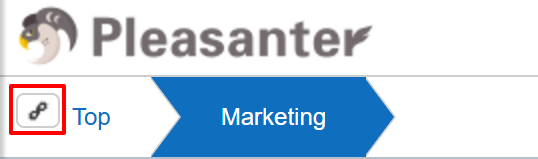
Clicking the button to the left of the "Breadcrumbs" will copy the URL including the view selected in "Switch Record Views" and the search conditions specified in "Search for Record (Filter)" to the clipboard.
When you specify this URL, the filter will be enabled for the corresponding table.
The value of "View" contained in this URL can be specified as is for the "View" when operating records with the API or Server Script. For details, see "View".
If the copied link cannot be opened correctly, please refer to FAQ: In cases of complex views with many filter conditions selected, there may be instances where URLs copied using the URL copy button cannot be opened.