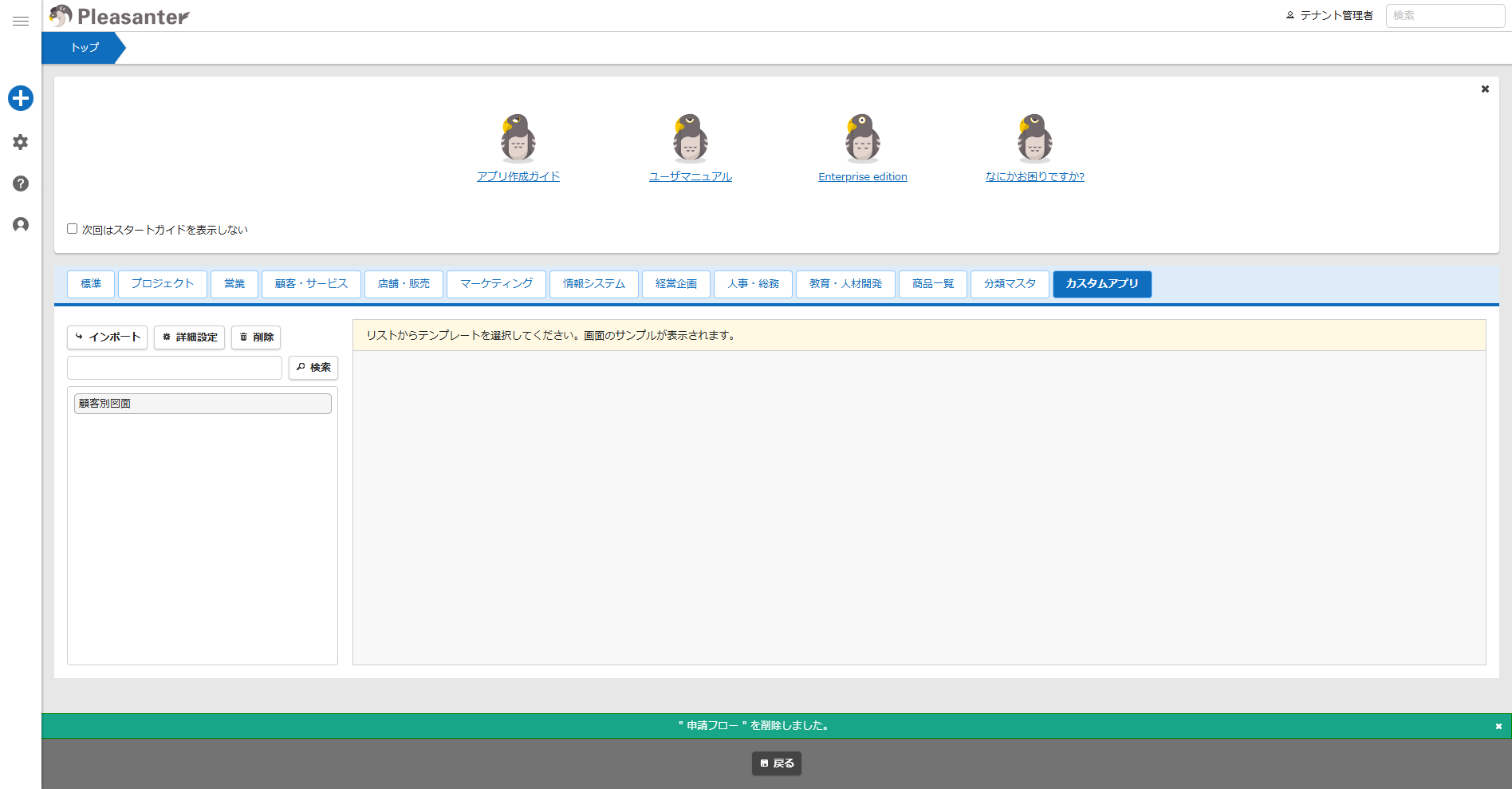
Custom App Function: Delete Custom App
Overview
By registering the site package (JSON file) exported from the site package export feature, you can easily use the site package when creating a new site. Here, we explain the procedure for deleting custom apps.
Prerequisites
- "Tenant Management Permissions" is required.
- Configuration is required to enable custom apps. Please refer to the manual and configure it in advance.
Parameter Configuration: CustomApps.json
Operation Procedure
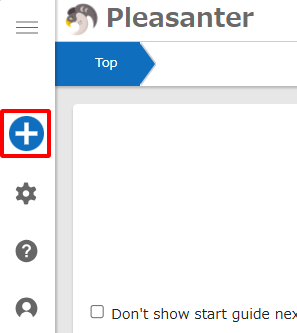
- Move to the top or any folder, then click "Create New" from the navigation menu.
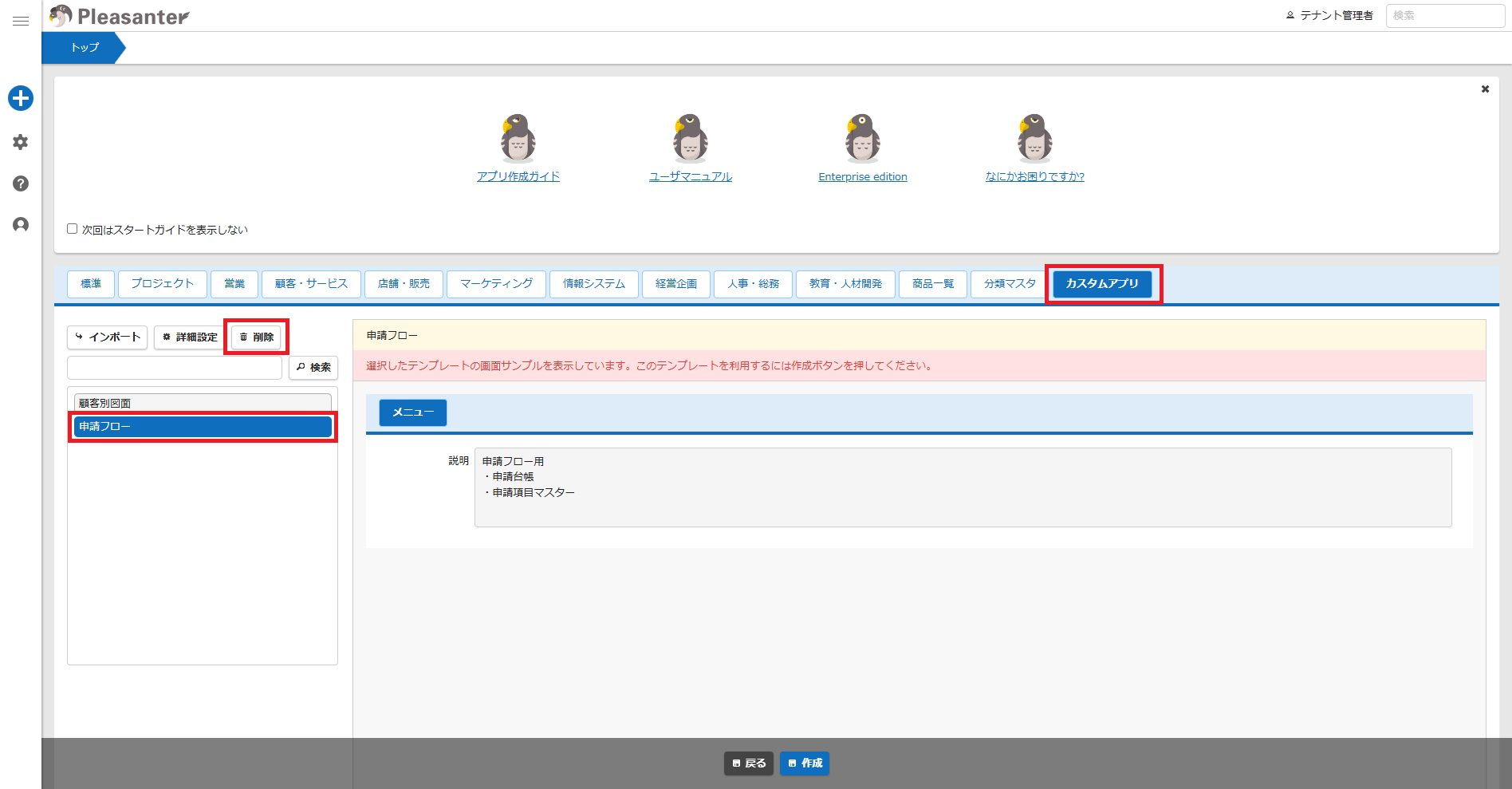
- Select the "Custom App" tab.
- Select the custom app to be deleted.
- Click the "Delete" button.
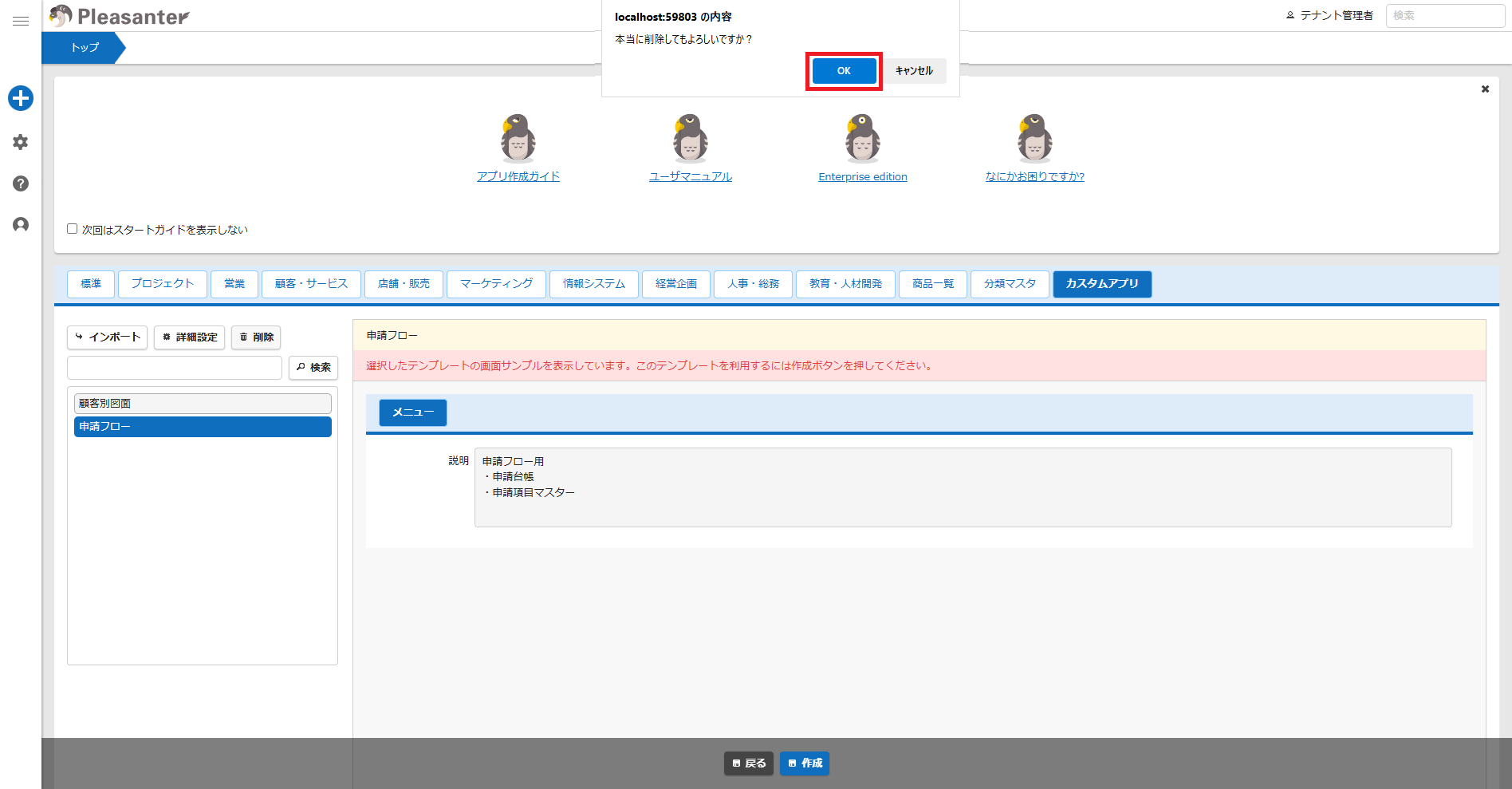
- A dialog will appear.
- Click the "OK" button.
- When the message "X was deleted" appears at the bottom of the screen, the process is complete.