Advanced Operation: Periodic Execution
Overview
In Pleasanter, you can execute "Reminder" and "LDAP Synchronization" as well as "Delete System Logs", "Delete Temporary Files", and "Delete Records in The Recycle Bin" at regular intervals.
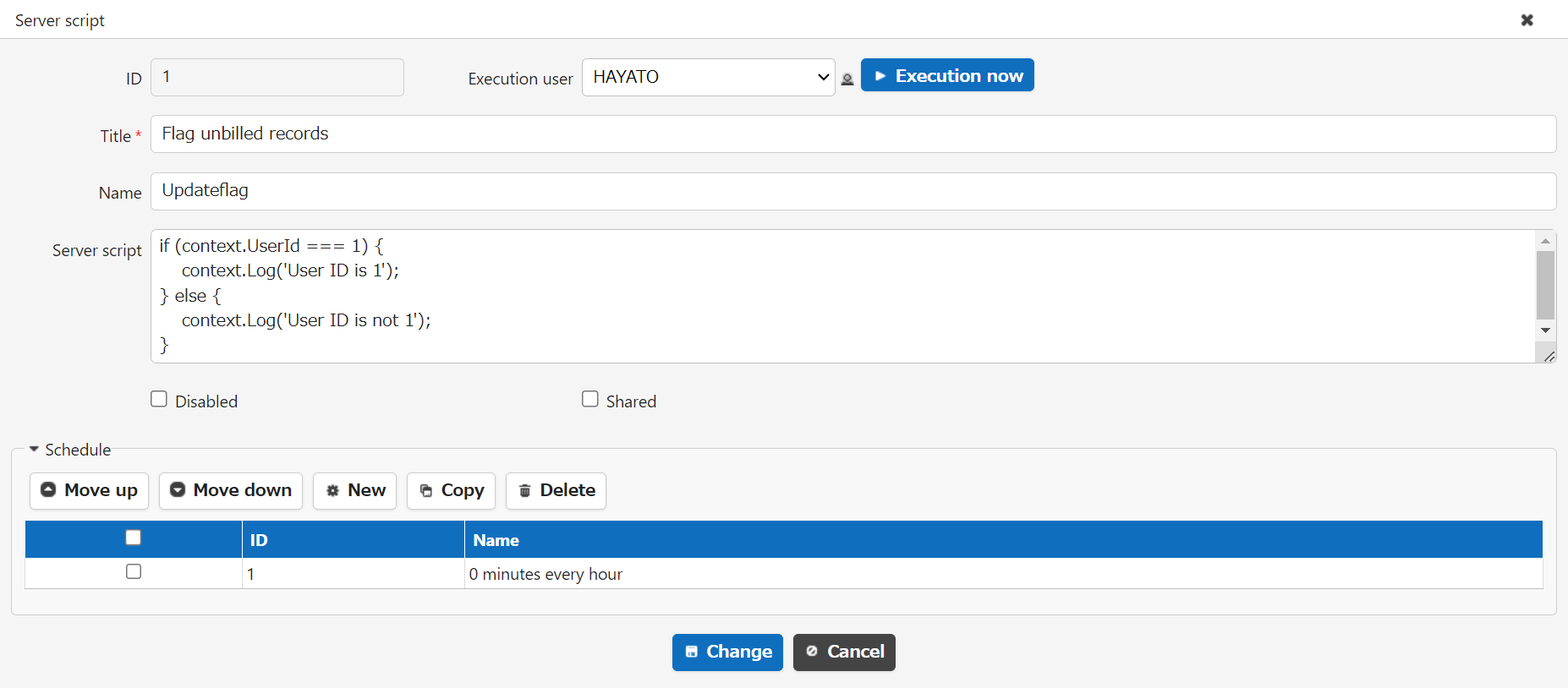
There is also a "Background Server Script" function that periodically executes "Server Script" created to meet various business requirements.
1. Reminder
"Reminder" is a function that notifies you at a specified time and frequency for records that have passed their due date or are approaching their due date within a specified range.
For more information, please refer to here.
Advanced Operation: Notification, Reminder
2.LDAP synchronization
This function synchronizes you information from the LDAP server to Pleasanter at a fixed time every day using the "LDAP Authentication" setting (authenticates on an LDAP server such as Active Directory using a login ID and password). Depending on the settings in the parameter file, you can specify search conditions when importing user information on the LDAP server, and automatically disable/enable you on the Pleasanter side depending on the import results.
3.System log deletion
This function deletes system logs that have exceeded a pre-specified retention period at a fixed time every day. The retention period is specified by "RetentionPeriod" in "SysLog.json".
4.Delete temporary files
This function deletes temporary files (files under App_Data\Temp and App_Data\Histories) that have exceeded the specified retention period at a fixed time every day. The retention period is specified by "DeleteTempOldThan" and "DeleteHistoriesOldThan" in "General.json".
5.Delete record from the Recycle Bin
This function deletes records in the "Recycle Bin" that have exceeded the specified retention period at a fixed time every day. The retention period is specified by "DeleteTrashBoxRetentionPeriod" in "BackgroundService.json".
6.Background server script
This function executes any server script at a specified interval. It is possible to realize batch processing that is executed at various times such as hourly, daily, weekly, and monthly using only Pleasanter.
For more information, please refer to here.
Tenant Management Function: Background Server Script