Create a folder
<< Return to Operation Guide Index
Create a folder
Let's create a new folder.
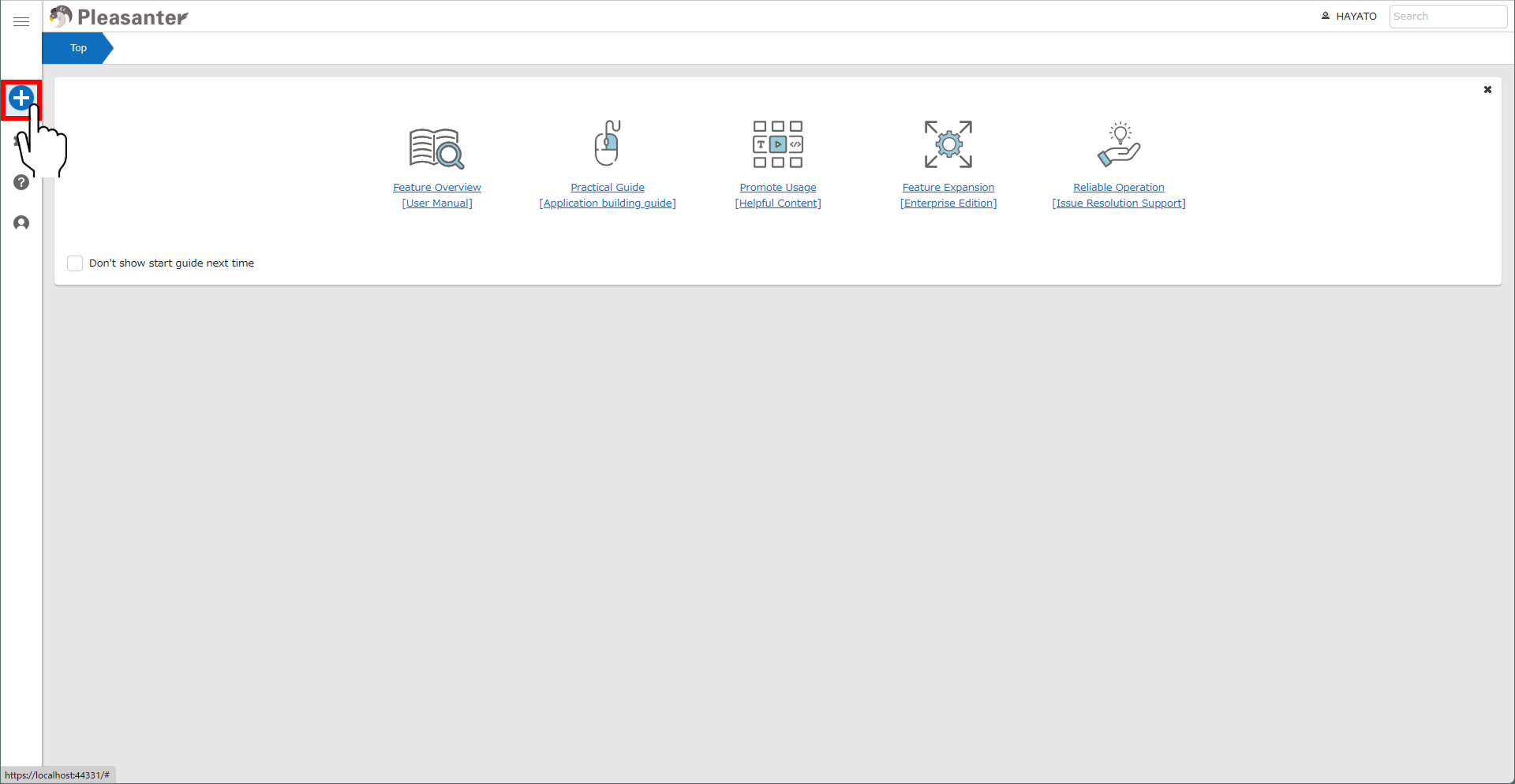
- Click the "New" button in the "Navigation menu."
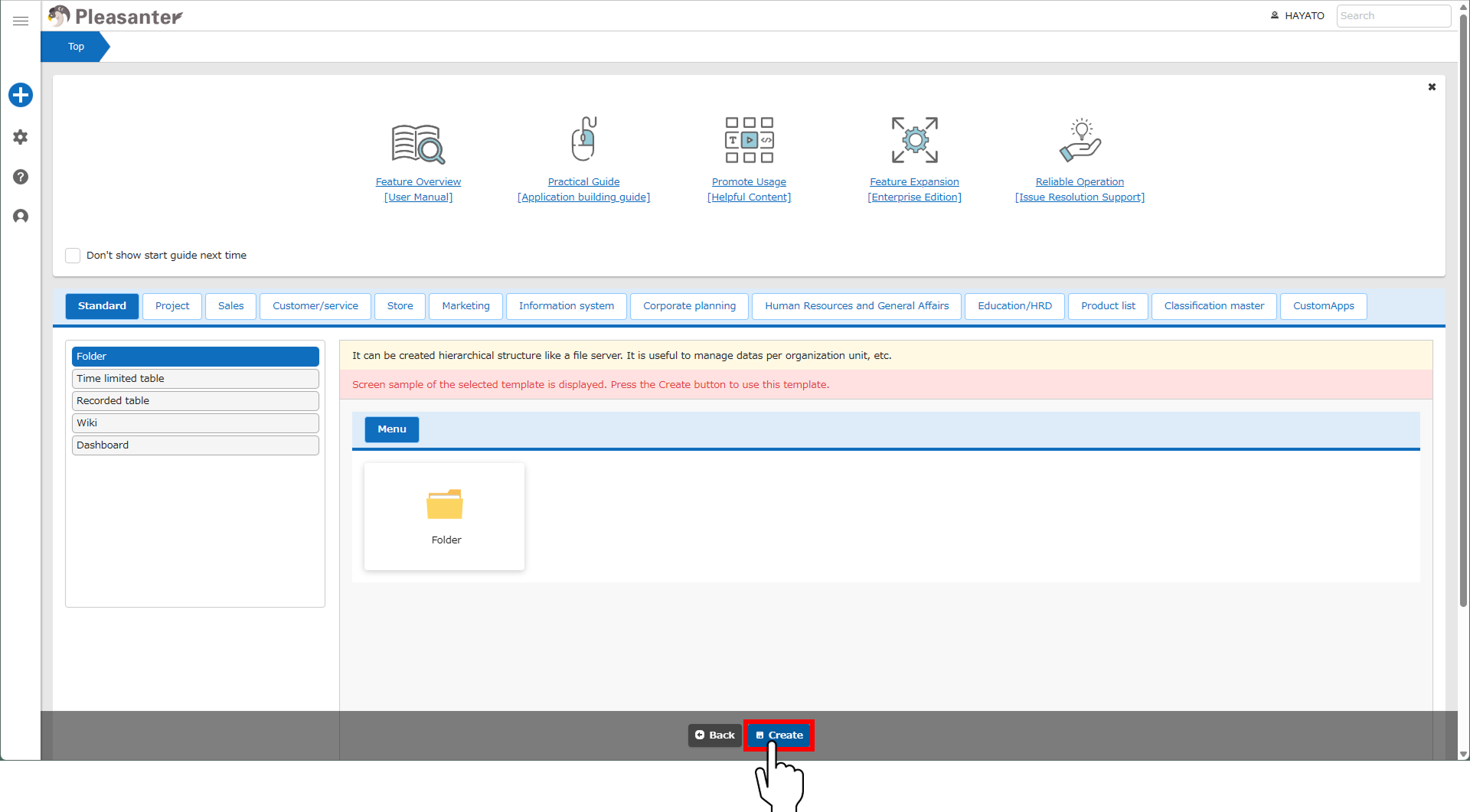
- Select "Folder" in the "Standard" tab.

- Click the "Create" button at the "Command button area."
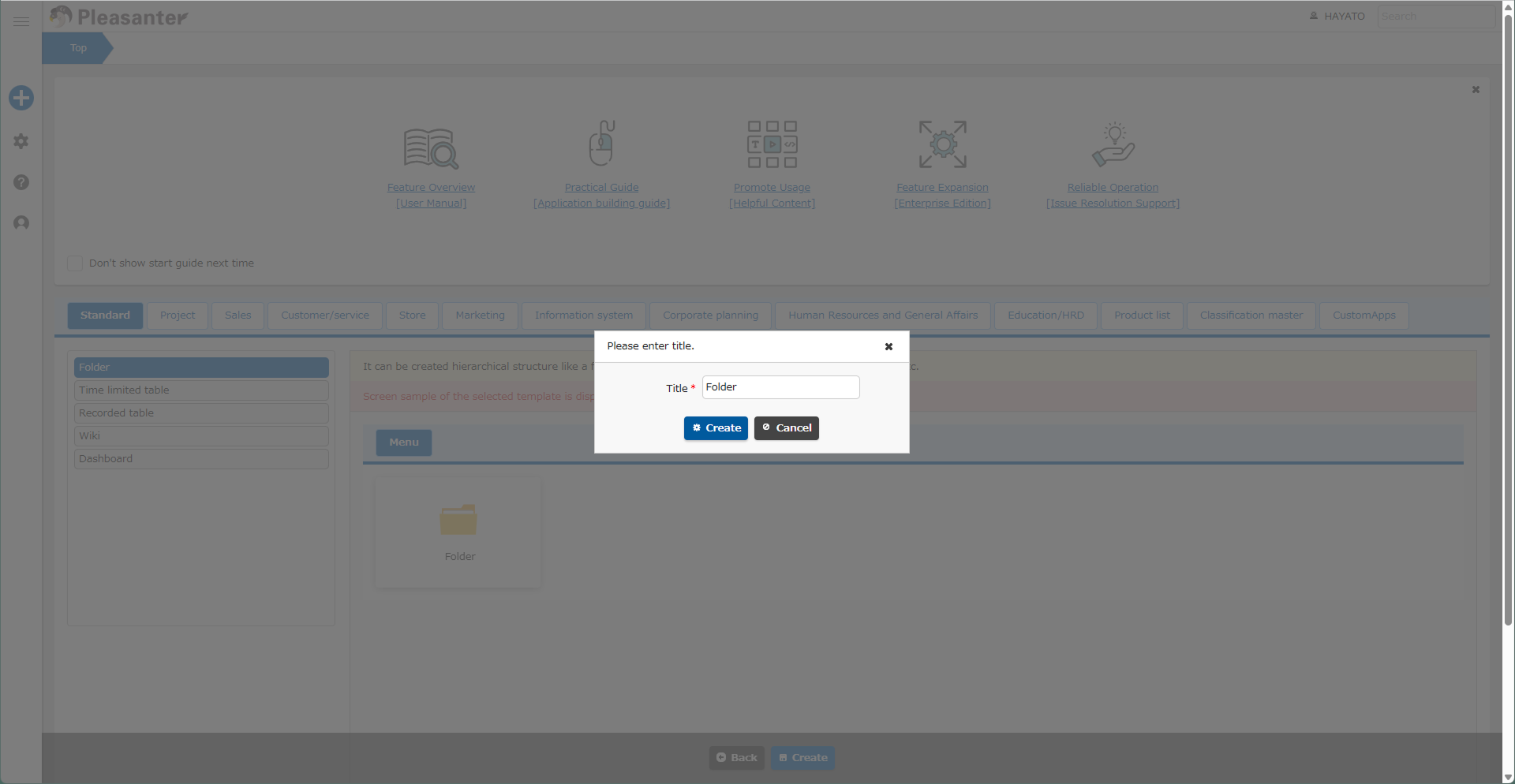
- Enter a "Title" in the dialog and click the "Create" button.
- Now, you created a folder named "Folder."
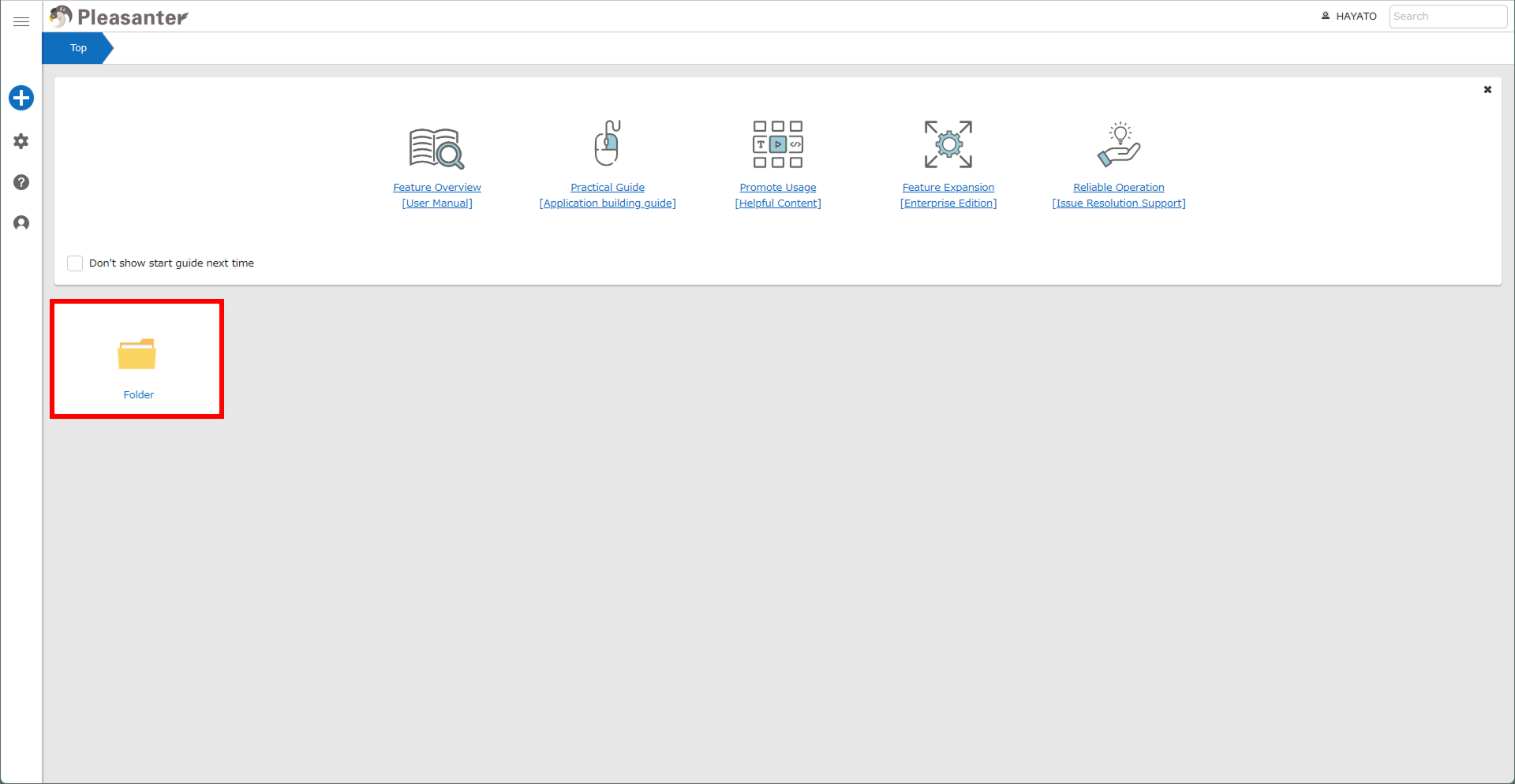
You can set icons, display guides, and sort the folder you created.
See below for details.
- Folder function
- Site Functions: Breadcrumb list
- Site Function: Creating New Business Applications (Custom App)
- Site Function: Delete Site
- Site Function: Site Copy
- Site Function: Delete Site from Recycle Bin
- Site Function: Restore Site From Recycle Bin
- Site Function: View And Change Site Settings
- Site Function: Guide Settings
- Site function: Simple Mode
- Site Function: Set and Delete Site Images
- Site Function: Toggle Display of Site Information
- Site Function: Export Site Package