Add Child Group
<< Back to the Operation Guide Table of Contents
Add Group Members
Add a child group to a group.
Preparations
To add a child group to a group, you need a group.
If you haven't created one yet, please refer to Create Group to create one.
Manual
- Click "Manage Groups" from the navigation menu.
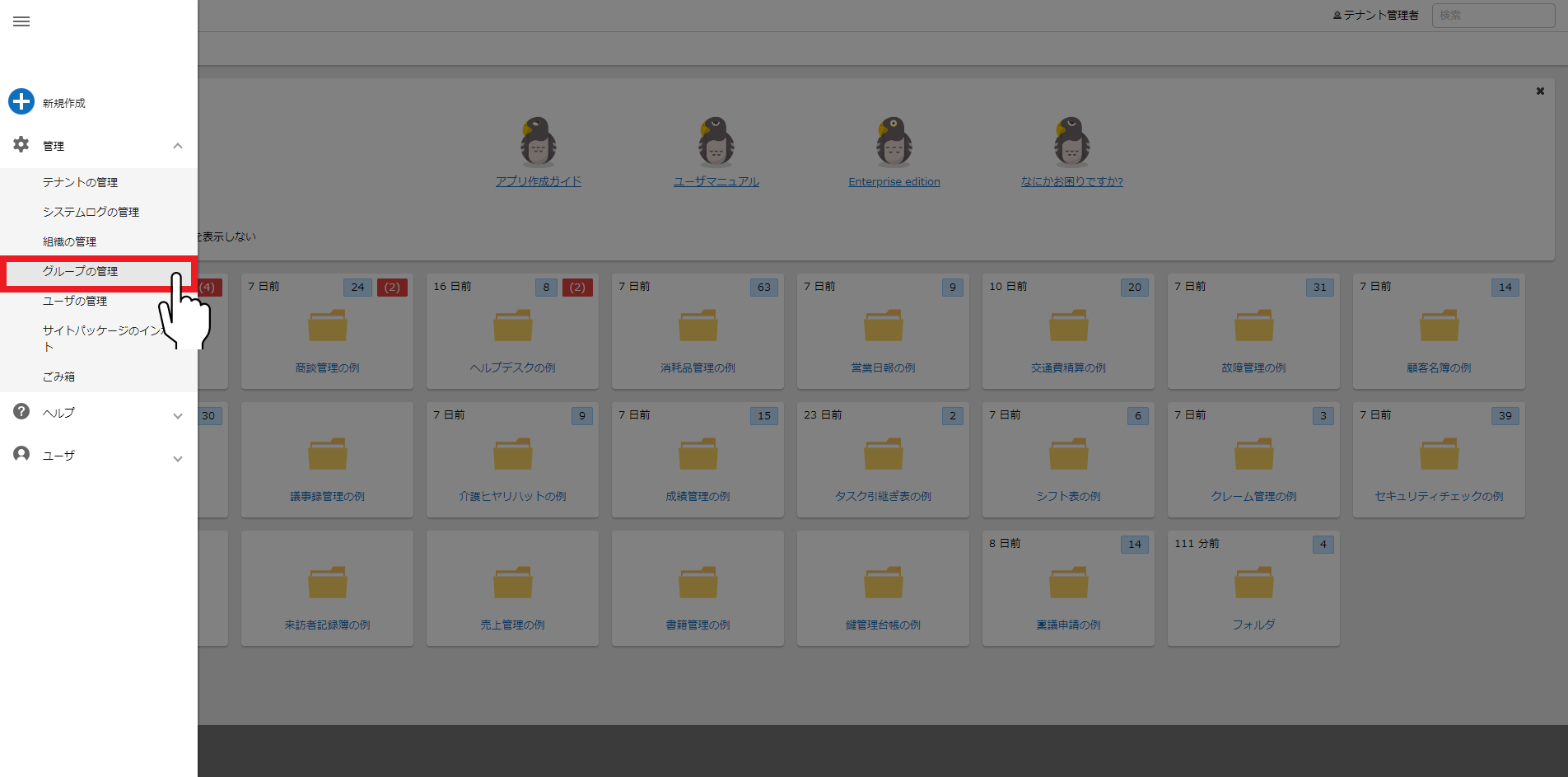
- Click the group to which you want to add a child group.

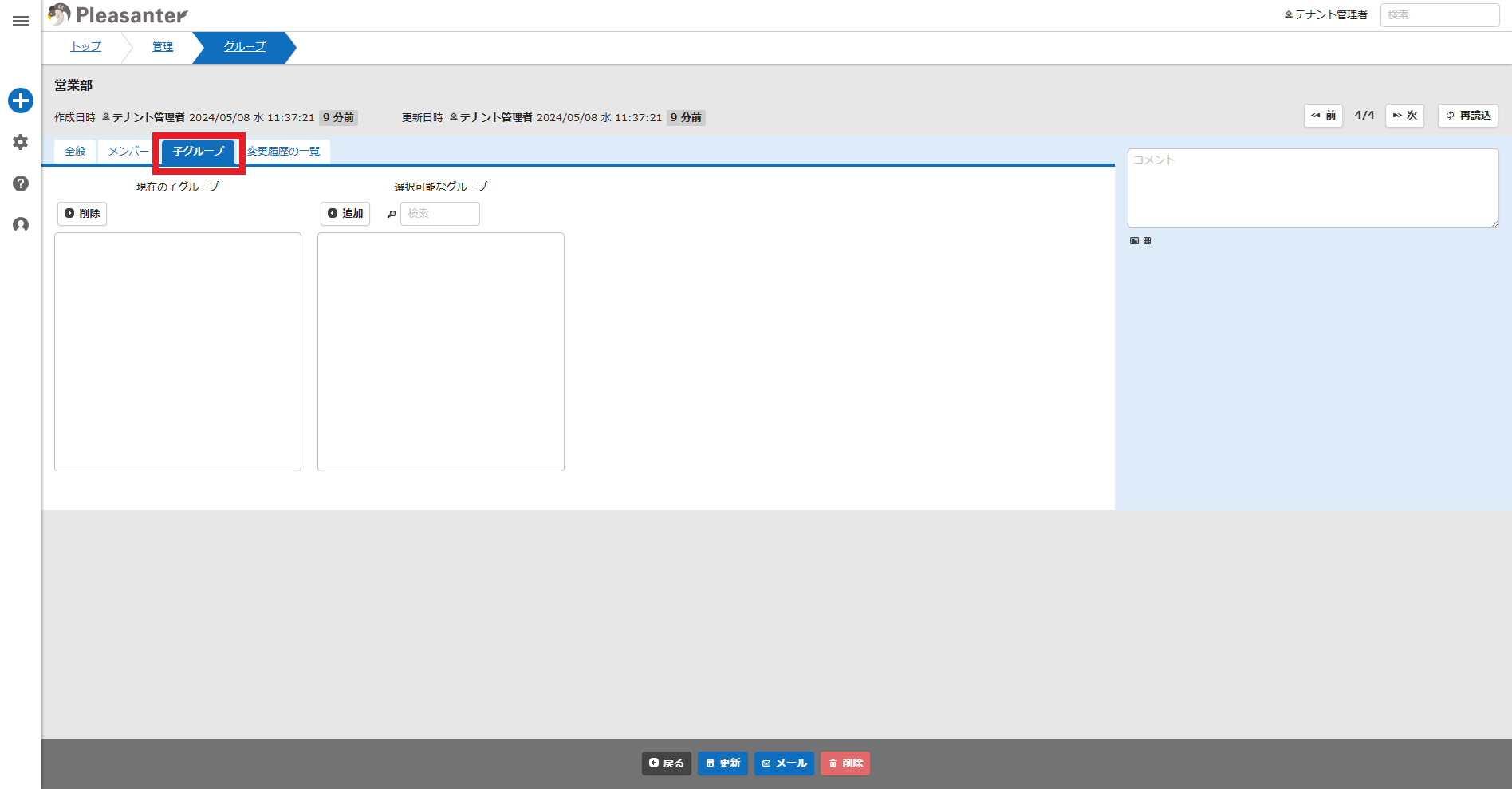
- Click the "Child Groups" tab.
- Enter the name of the group you want to add in the "Available Groups" search field and press Enter. The groups will be displayed below. (*Entering "%" will display all groups.)
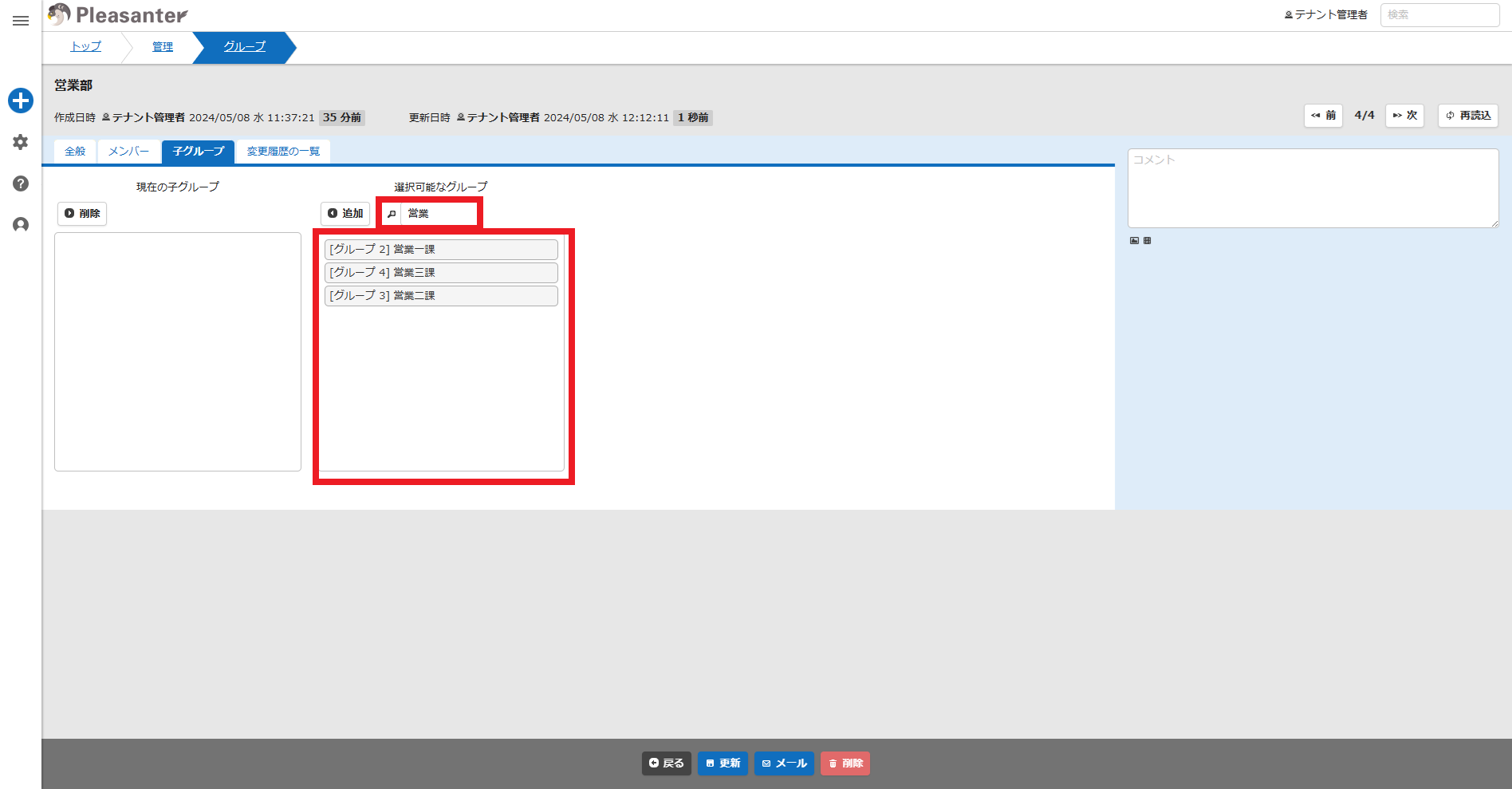
- Select the child group you want to add and click the "Add" button.

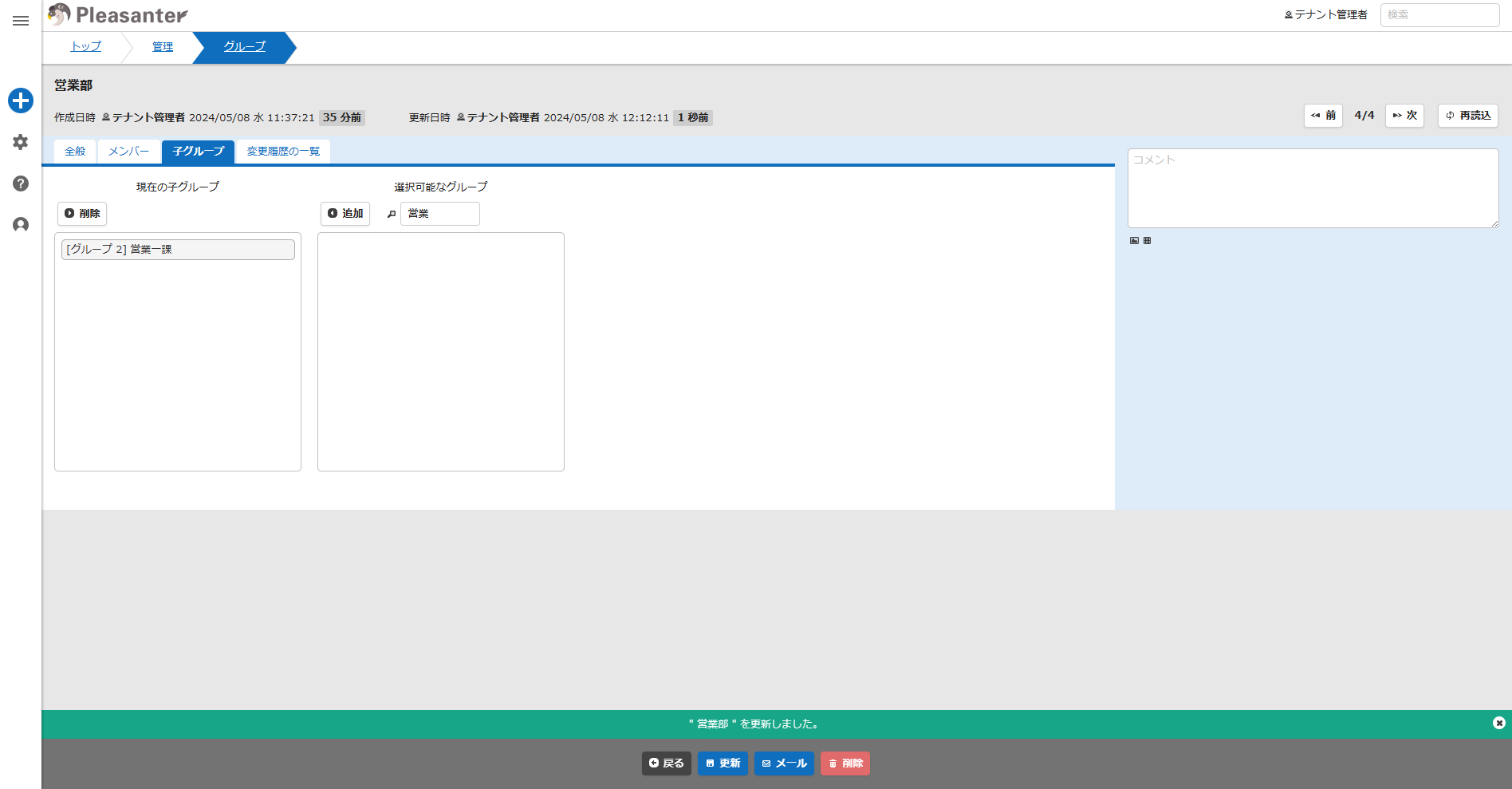
- Make sure there is a child group you want to add in "Current Child Groups" and click the "Update" button at the bottom of the screen.

- This completes the process of adding a child group to a group.