Create a Department
<< Return to Operation Guide Index
Create a Department
Create a Department to manage users collectively.
Manual
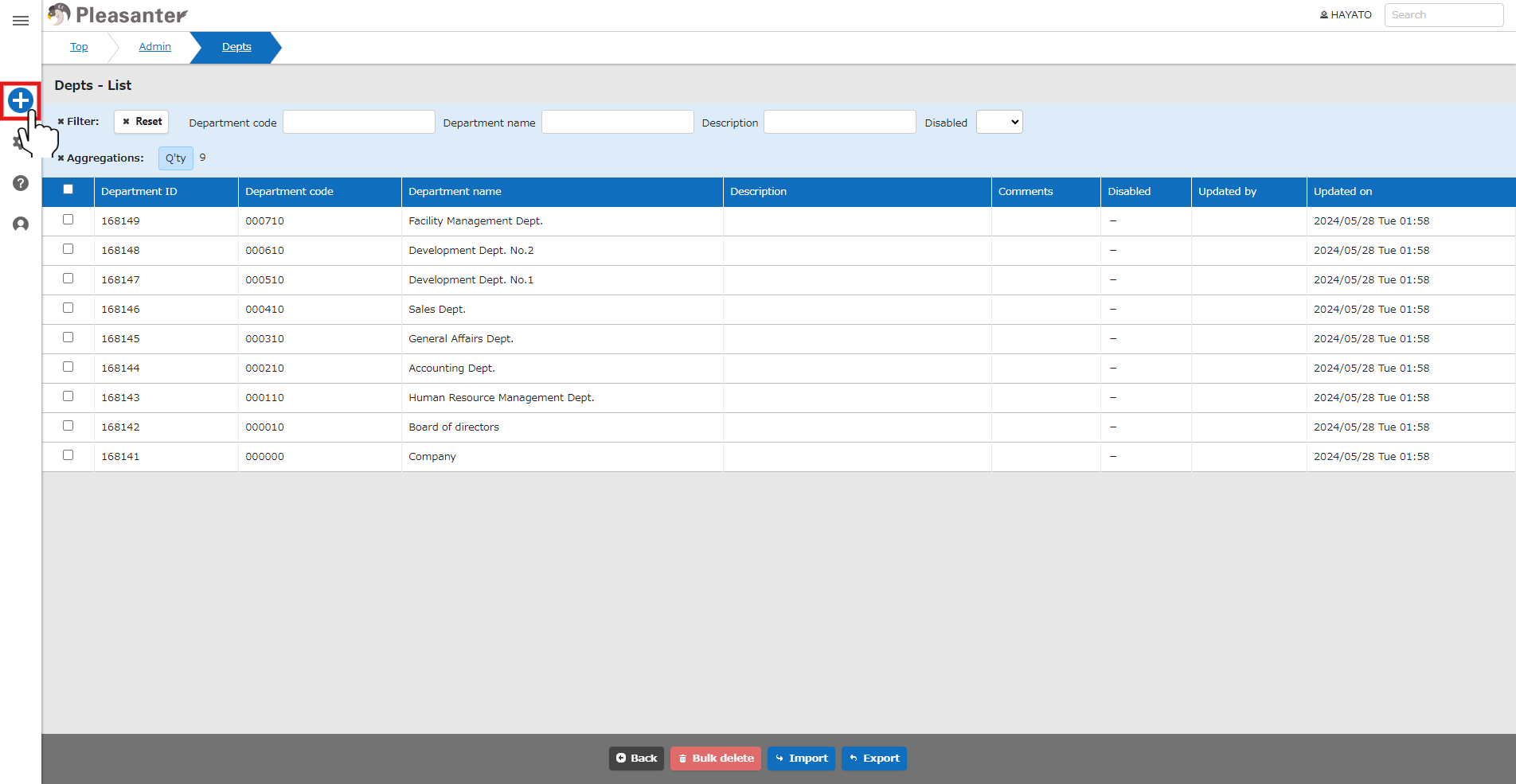
- Click "Department Management" from the navigation menu.

- Click the "Create New" button in the navigation menu.
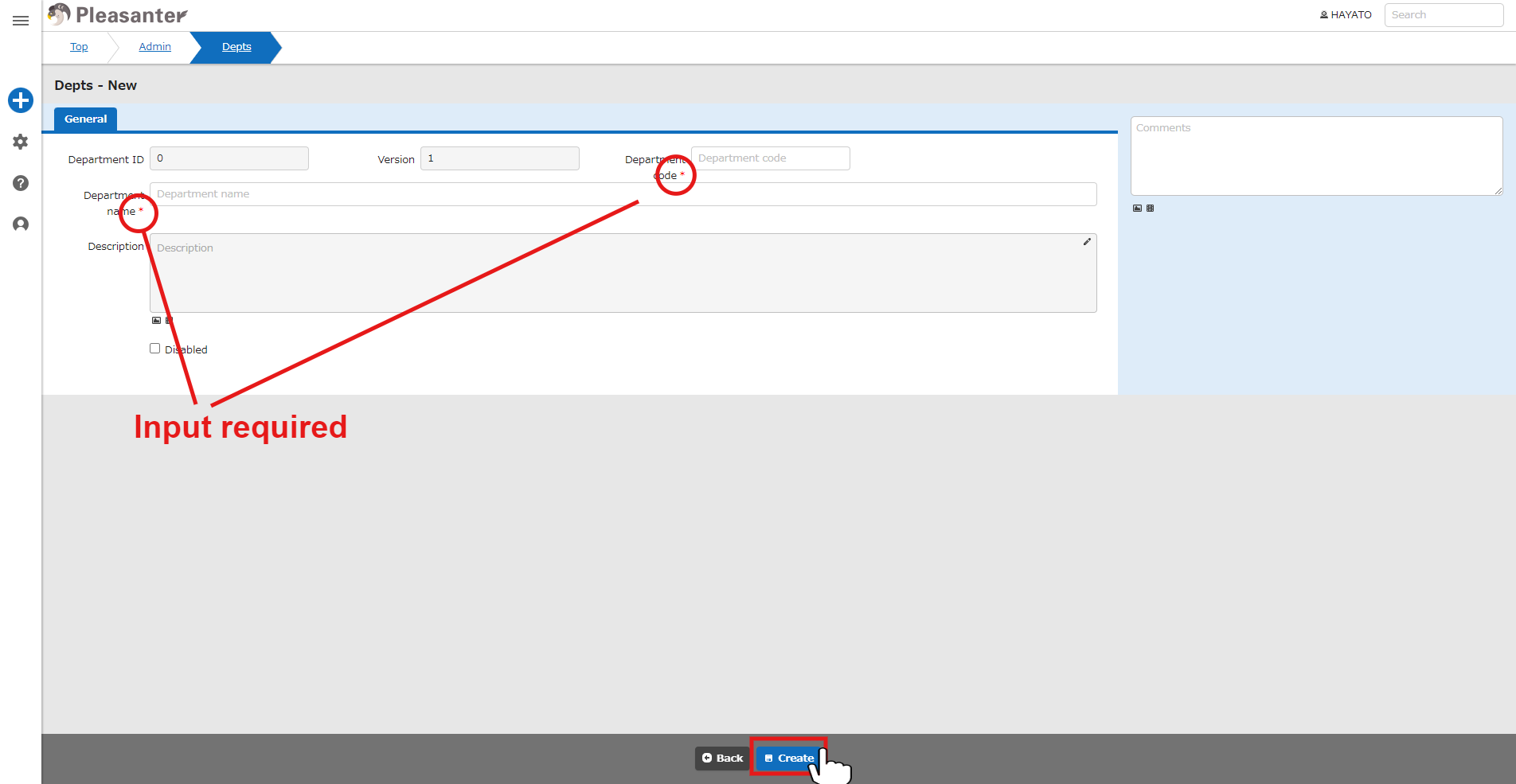
- Enter each column (columns marked with "*" are required) and click the "Create" button at the bottom of the screen.
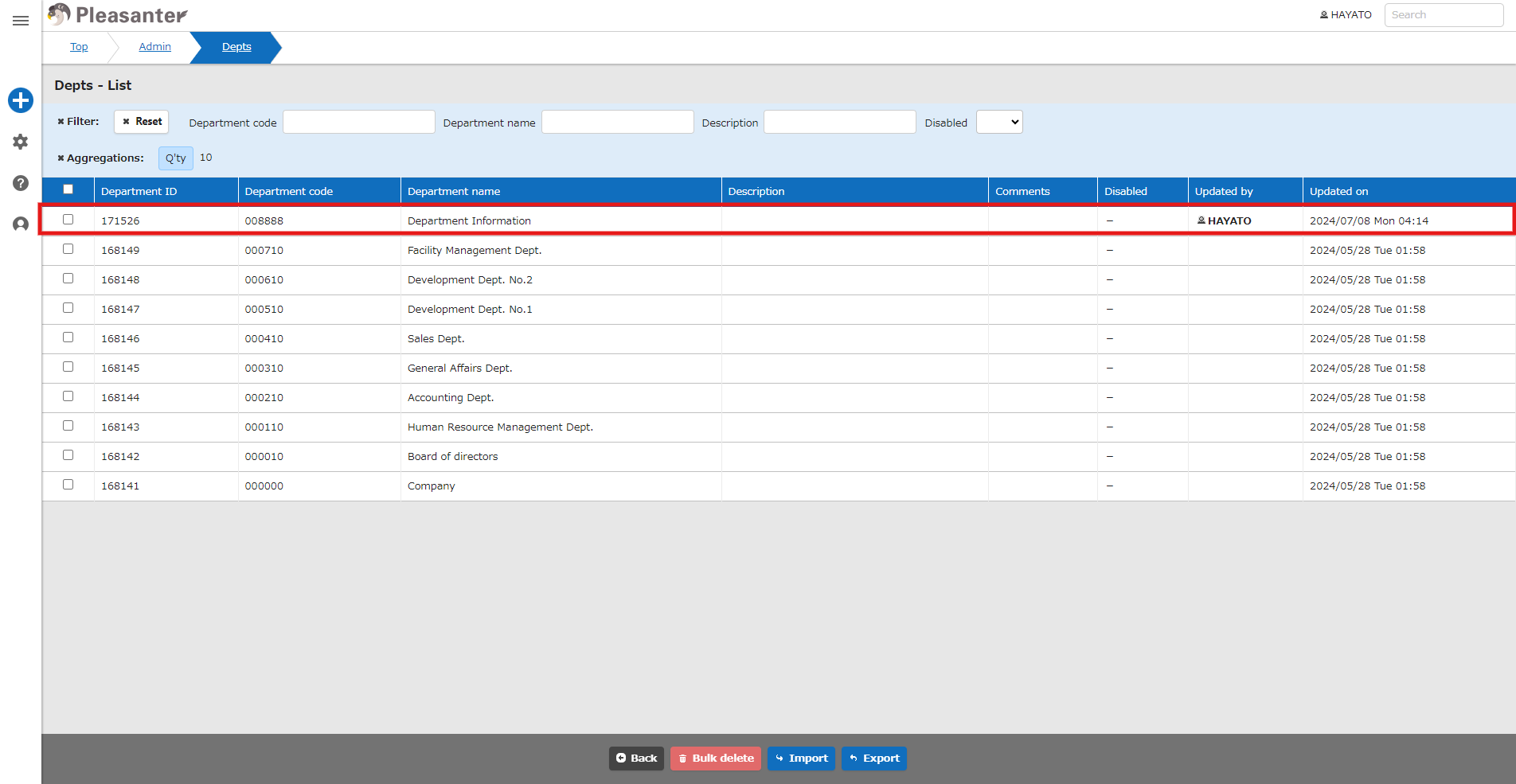
- Check the message and click the "Back" button at the bottom of the screen.

- This completes the department's creation.
For details on maintaining the created department, please refer to the following.
- Department Management Function: Delete
- Department Management Function: Disable and Enable
- Department Management Function: Creation and Update
- Department Management Function
- Department Management Function: Export
- Department Management Function: Import
- Department Management Function: Bulk Deletion
- Department Management Function: Restore from Recycle Bin
- Department Management Function: Delete from Recycle Bin