Site Function: Creating New Business Applications (Custom App)
Overview
Create business applications (a group of sites composed of multiple folders and tables) from the registered "Custom App".
Prerequisites
- The "Manage Site” permission is required.
- Installation is required to enable the custom app. Please refer to the manual and perform the installation in advance.
CustomApps.json - The conditions "Include data", "Include site access control", "Include record access control", "Include column access control", "Include notifications", and "Include reminders" all apply the condition of "Include". If you do not want to import, please specify it as a condition when exporting.
Operation Procedure
- Navigate to the Top or any folder.
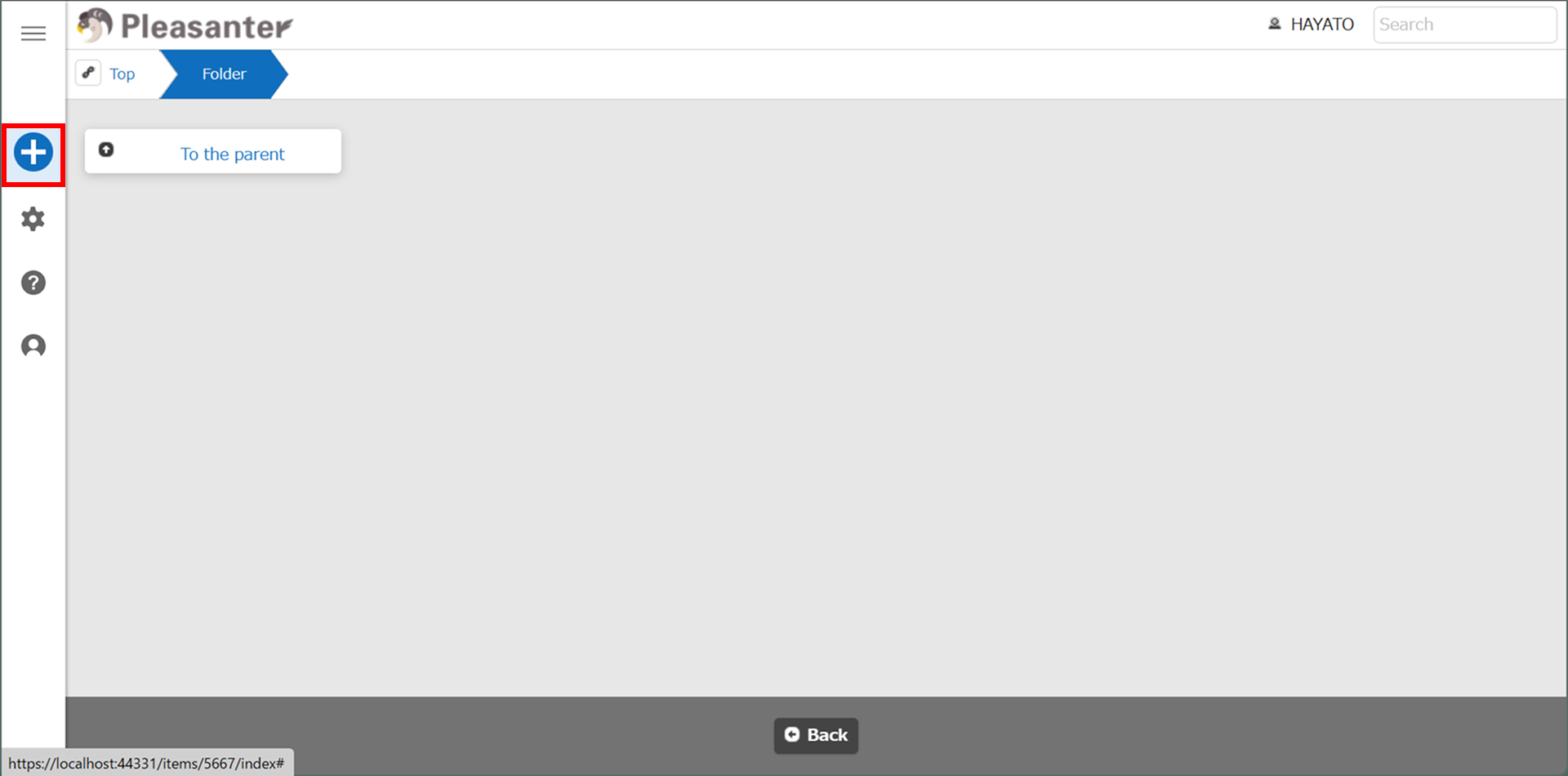
- Click "New" button from the "Navigation menu".
- The template selection screen will appear, please select the "CustomApps" tab.
- Select the template for Custom App you want to create and click the "Create" button.

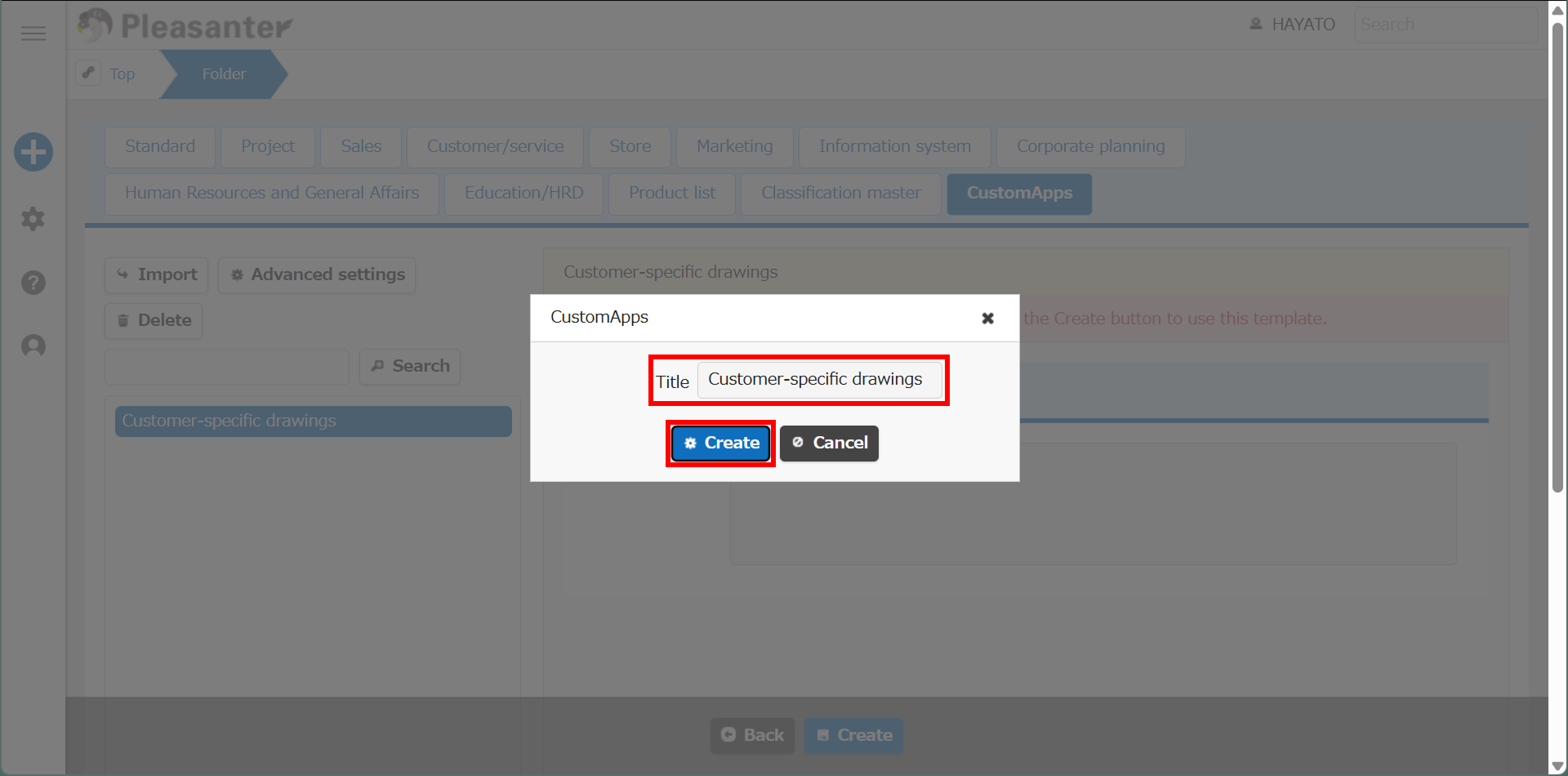
- Check the contents of the dialog and click the "Create" button.
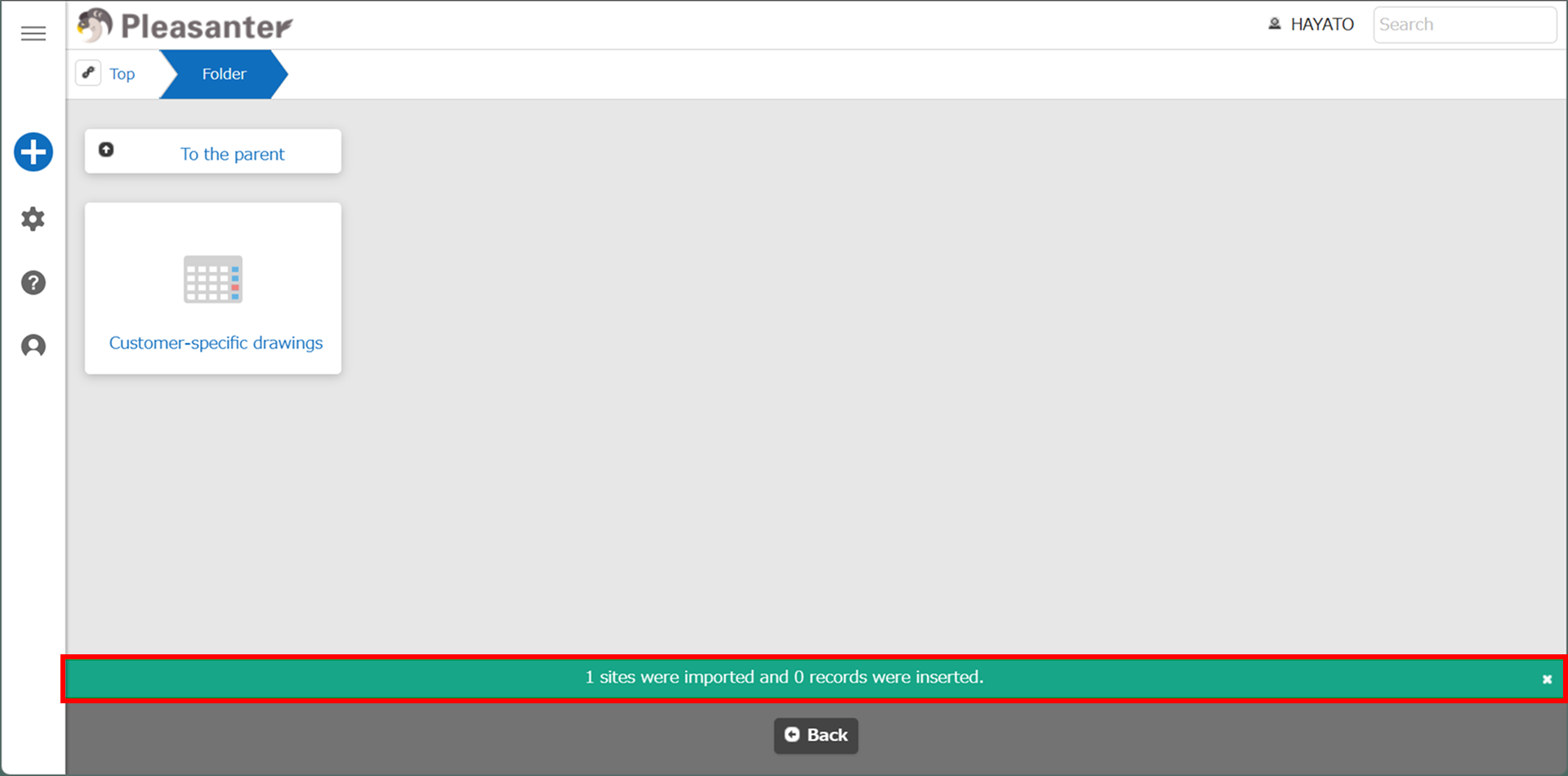
- When the message "x sites were imported and x records were inserted" appears over the "Command button area," the process is complete.