Table Function: Calendar Display of Records
Overview
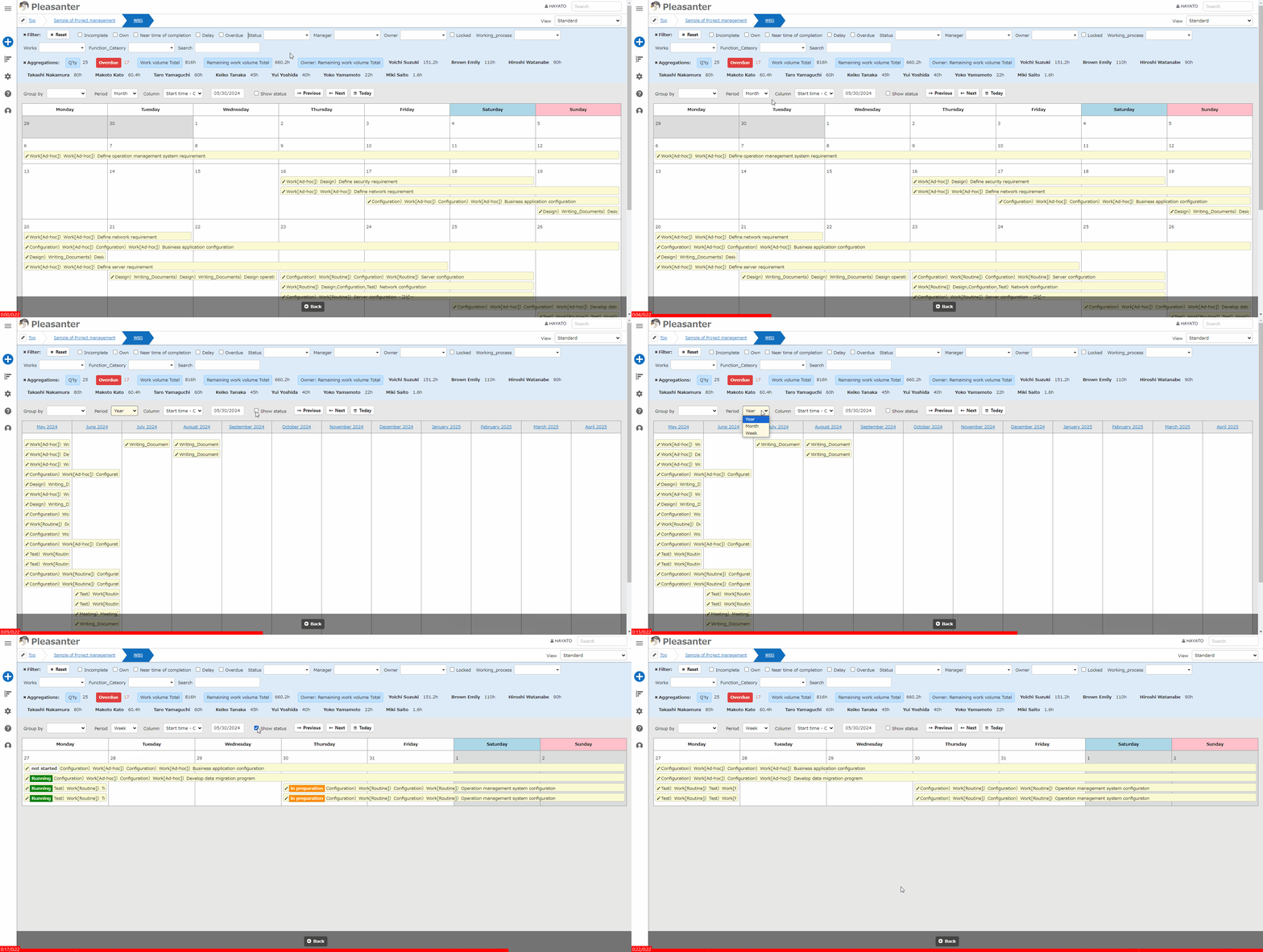
Displays the "Records" stored in the "Table" in "Calendar" format.
Prerequisites
Read Permission is required.
Operation Procedure
- Open the table list screen.
- Open the "Display" menu and click "Calendar".
Display Switching Columns
Calendar Type: Standard

| Column name | Description | Setting method |
|---|---|---|
| Classification | Display a calendar for each class column. | Specify the class column for which the option list is set. |
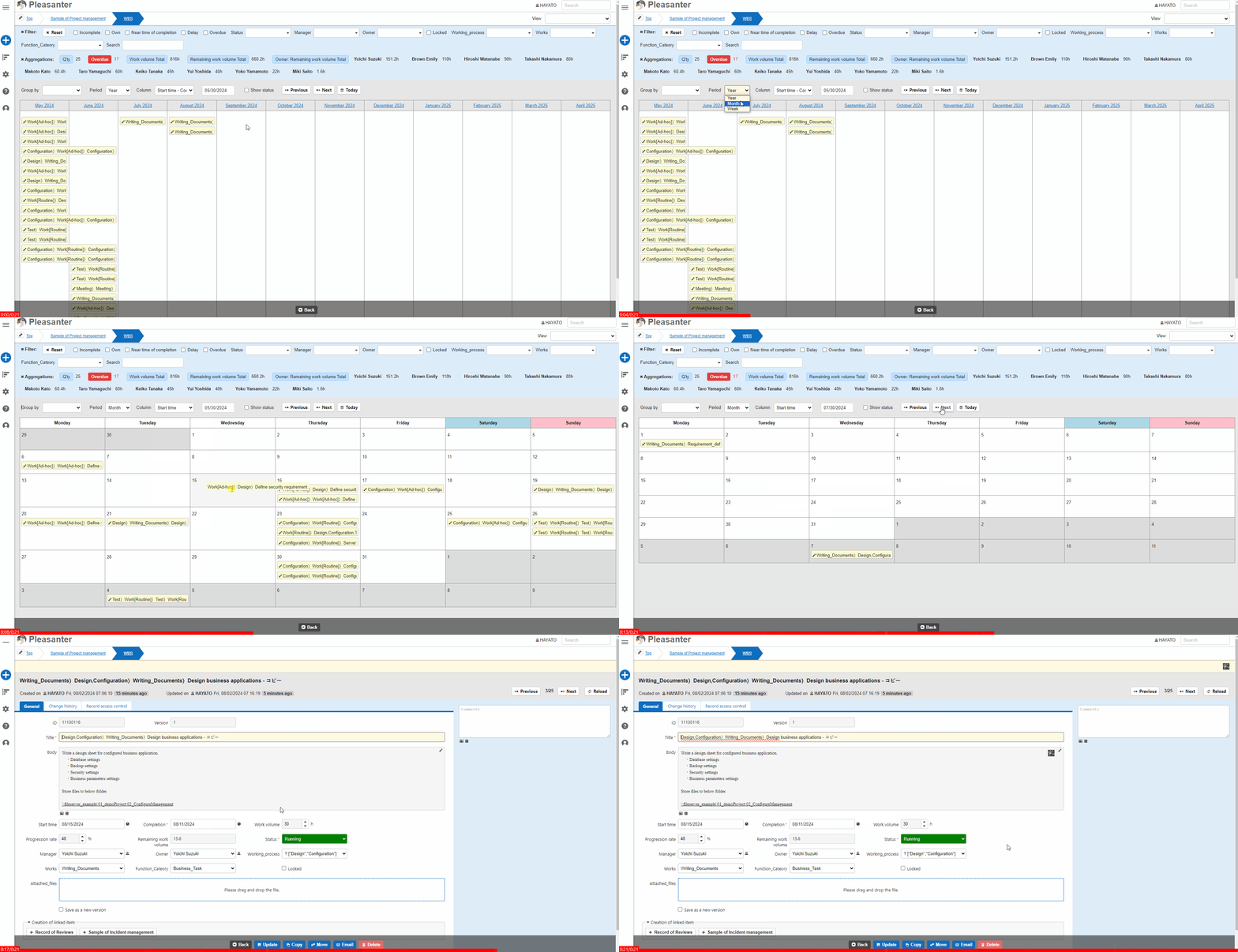
| Period | Switch the calendar display by year or by month. In year view, you cannot move the date by drag-and-drop. | Specify the year, month, or week. |
| Column | Set which date item is used as the basis for displaying records on the calendar. In a time-limited table, records can be displayed in a combined start-to-finish state. | Specify any date column. |
| Date | Switch the display to the month that includes the specified date in the currently displayed calendar unit. | Specify any date. |
| Date navigation buttons | Use the previous and next buttons to switch the display to the next month or week. Use the Today button to switch to a display including the current day in the currently displayed calendar unit. |
Calendar Type: FullCalendar

| Column name | Description | Setting method |
|---|---|---|
| Column | Set which date column is used as the basis for displaying records on the calendar. In a time-limited table, records can be displayed in a combined start-to-finish state. | Specify any date column. |
| Month button | Switch to a monthly display. | |
| Week button | Switch to a weekly display. | |
| Day button | Switch to a daily hourly unit display. | |
| List button | Switch to a list format display by month. | |
| Date move button | Use the < Button, > button to switch the currently displayed calendar to the next month, week, or day. Use the Today button to switch to a display including the current day in the currently displayed calendar unit. |
Record Operation
Display the Editor Screen
Click the pencil mark or double-click the record to display the editor screen.
Change the Record Date
Dates can be changed by dragging and dropping records. Calendar type: Drag and drop is not available if the period is set to years by default. If the FullCalendar is displayed in the list display, Calendar type: Drag and drop is not available.

## Settings for Displaying Status
If you want to display the status on the calendar, check the "Show Status" checkbox.