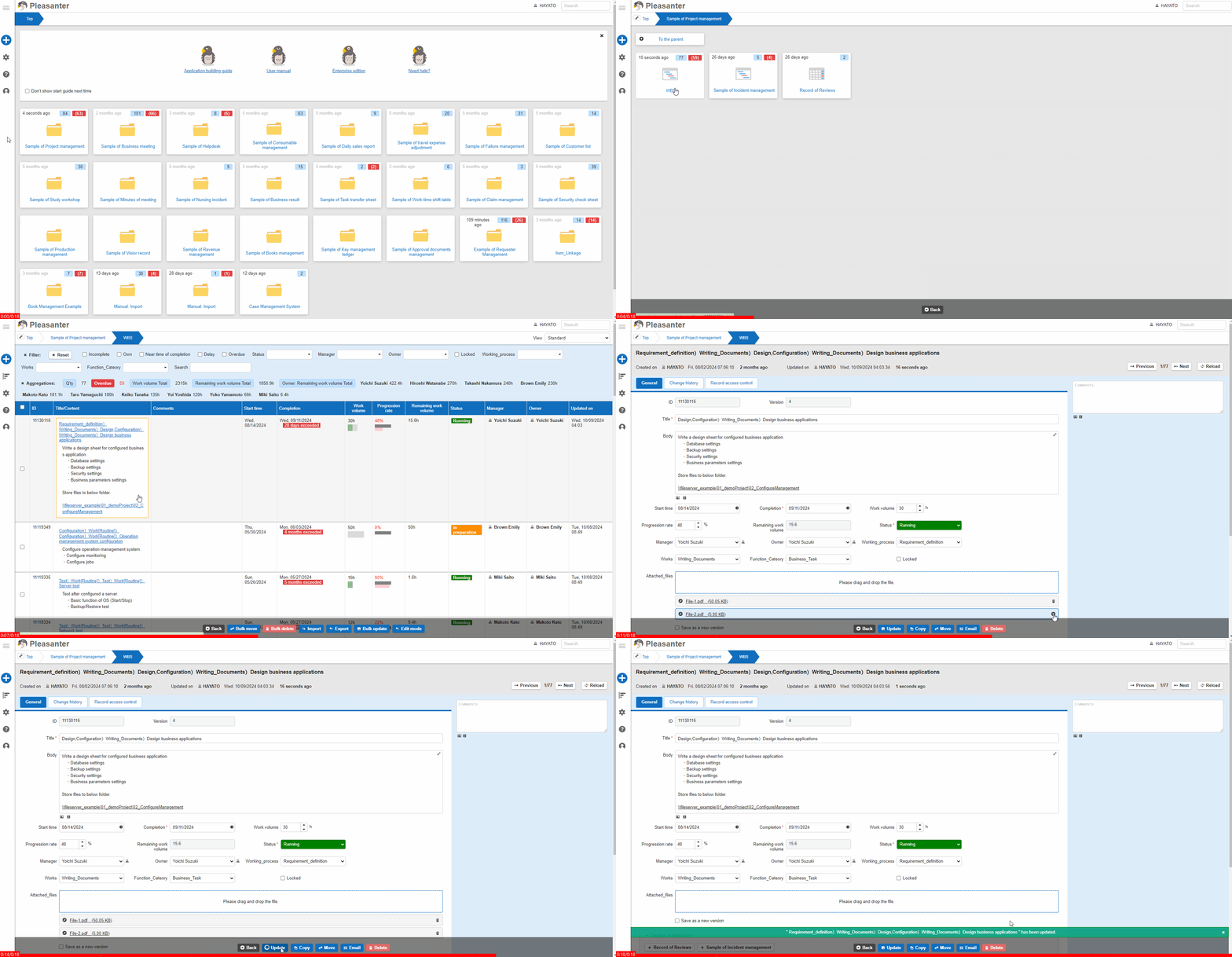
Table Function: Delete Record Attachment
Overview
You can delete the "Attachment" attached to the "Record" in the "Table".
Prerequisites
- You need "Read Permission" and "Update Permission" for the "Site" or "Record".
- You need "Update Permission" for the "Attachment" item.
Operation Procedure
- Move to the target table.
- Search for the target record from the "Screen Index".
- Click on the target record.
- Click the × button next to the attached file to be deleted.
- Click the "Update" button.
- The process is complete when the message ""xxxx" has been created." is displayed. The title of the record will appear in place of xxxx.