Wiki Function: Use as Master Data for Option List
Overview
By using Wiki as the master, you can standardize the index when setting common options for multiple situations and class column.
Operation Procedure
- Create a Wiki in an optional folder.
- Enter the Option list to be listed in the classification, line-separated in the Wiki.
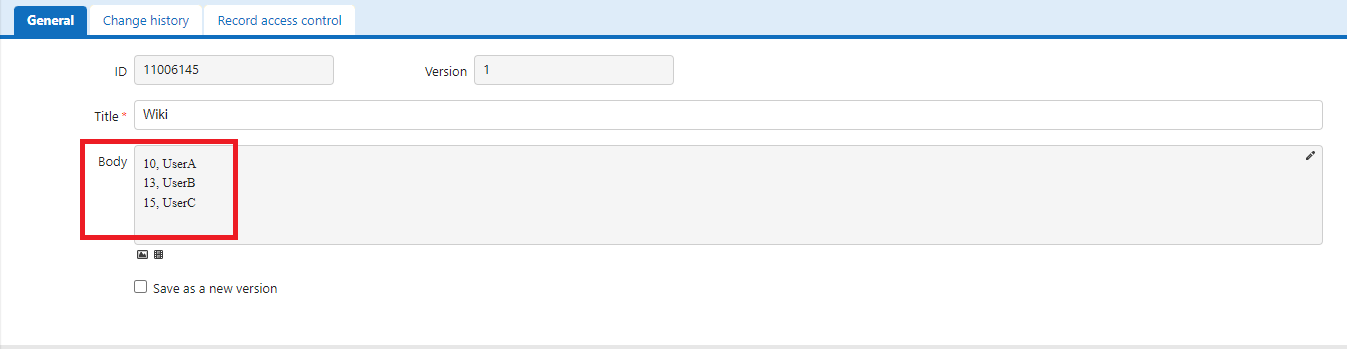
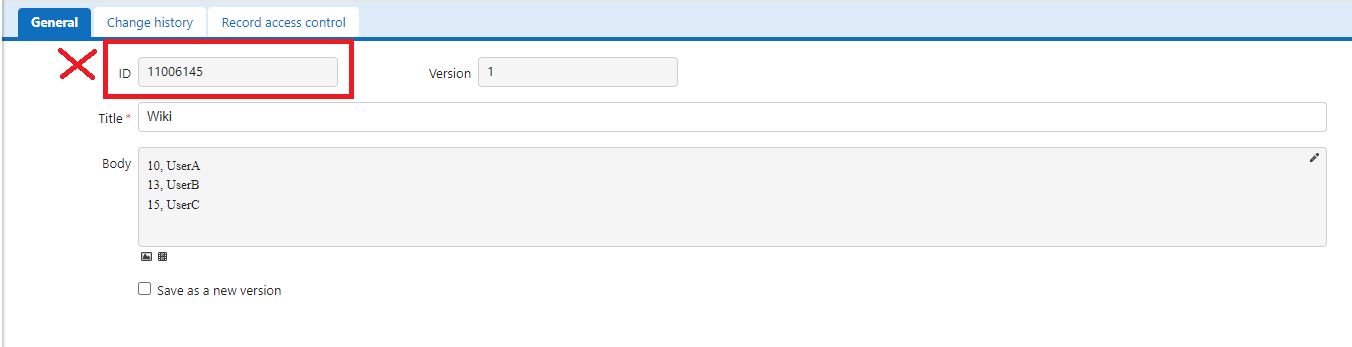
- Note the Wiki site ID. The Wiki site ID is the number displayed in the red frame in the image below when opening Manage → Wiki Management on the Wiki screen.

*This is different from the ID displayed on the screen below when describing the content. Please note the site ID displayed in Wiki Management above.
- Open Manage Table for the table you want to create a class column.
- Open the Editor tab and open the advanced settings for the class column.
- Enter [[11006145]] in Option list. Enter the site ID of the Wiki Management screen in the 11006145part.
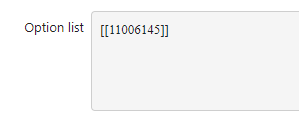
- Press the Update button. Set [[11006145]] in the same way for other tables.
- With the above settings, the Option list in the Wiki can be shared and used across multiple tables. If you update the Wiki, the options for all tables will change.